What happens when you describe an app
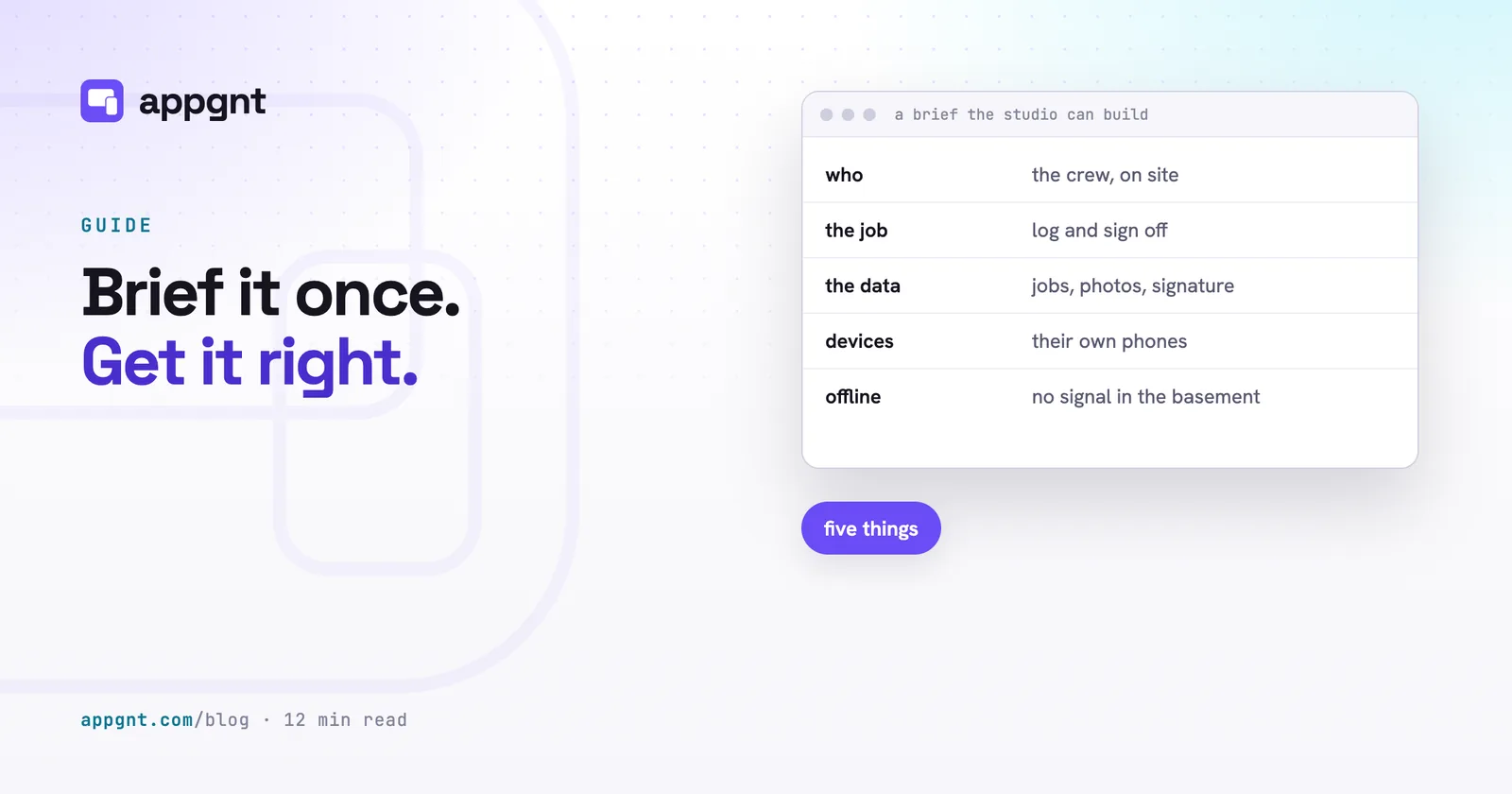
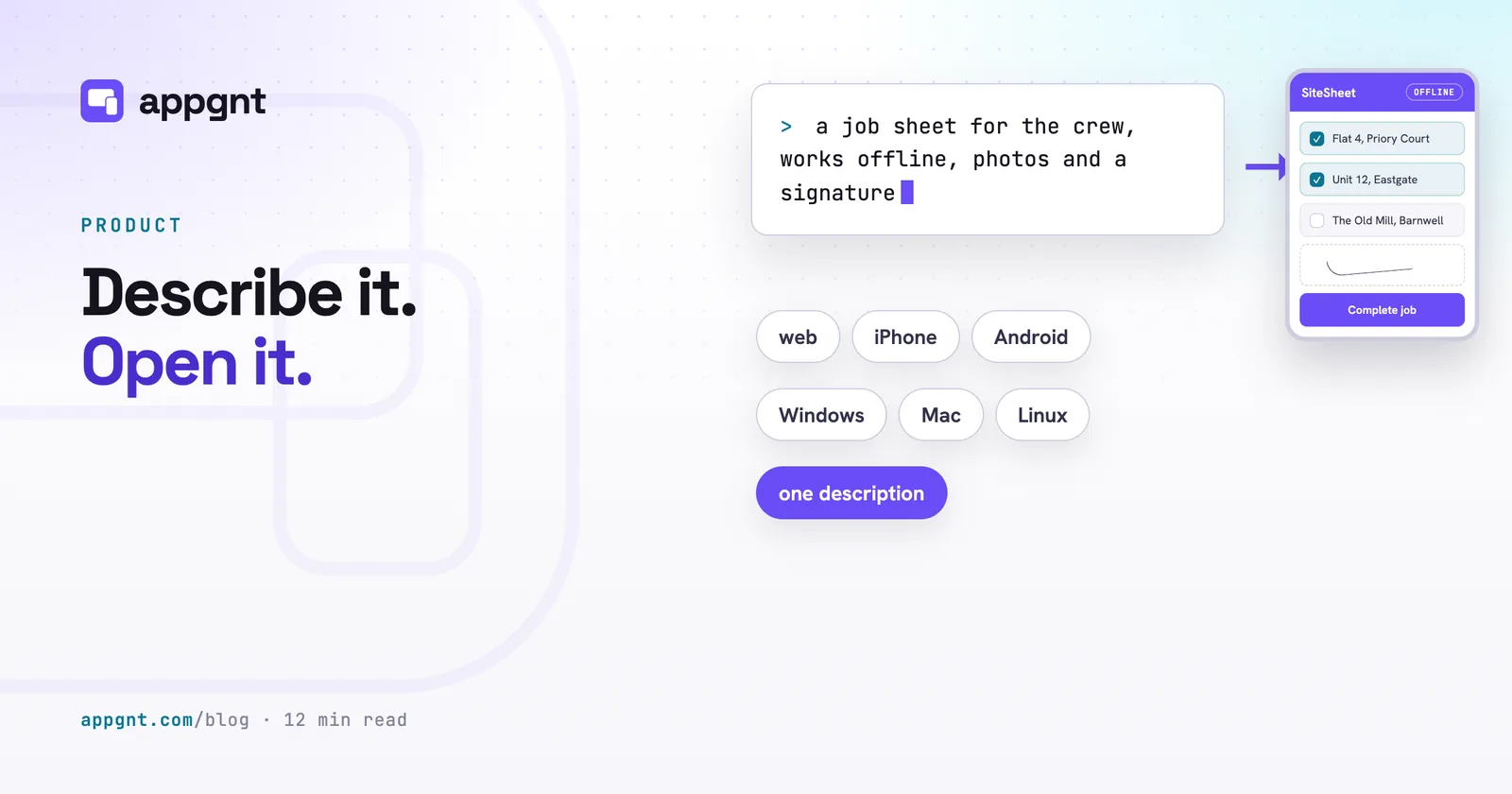
appgnt builds a working software application directly from a plain description of the job you need done. You do not write a technical specification or draw screen wireframes. You explain who will use the software, what task it handles, what data it needs to store, and which screens it runs on. A brief can be three sentences about logging pallet numbers in a warehouse, or a paragraph detailing how field engineers collect customer signatures. If you are not sure how to frame that brief, our guide on /blog/how-to-brief-an-app/ explains the details that matter most.
Once you send that message, the studio gets to work. appgnt is a professional cloud app development workstation, with design, development, QA and marketing pipelines working on the same project. It writes the code and completes a production build. Every change is tested at phone, tablet and desktop sizes before you see it, on touch and pointer screens alike, and errors and broken layouts are fixed first. The first draft usually lands in minutes, live at its own web address, ready for you to test in your browser.
Mobile, desktop, and web builds from one codebase
Every application built in the studio runs across phones, tablets, and desktop computers from a single codebase. You do not maintain separate projects for different operating systems or hire specialist teams for each storefront. The web build functions immediately as an installable progressive web app. Staff or clients can open the link in Chrome or Safari, tap add to home screen, and use it as an icon on their device.
When you need genuine native packages, you open the Publish pane in the studio. Dedicated background tasks compile the project into native binary formats for the major platforms. When you want phone apps, you press Build native phone apps and the agent ports the screens, design, data and device features to a native Kotlin app for Android and a native SwiftUI app for iOS. Later presses carry over only what changed.
| Platform | Format produced | Build environment |
|---|---|---|
| Android | APK and signed AAB (native Kotlin once ported) | Built automatically in the cloud |
| Windows | Installer executable (.exe) | Built automatically in the cloud |
| Linux | AppImage and .deb package | Built automatically in the cloud |
| iOS | Xcode project zip (native SwiftUI once ported) | Downloaded to build on a Mac |
| macOS | Xcode project zip | Downloaded to build on a Mac |
Android, Windows, and Linux files build directly in the cloud. Android is compiled in the cloud, falling back to the wrapped build if the native build fails so you always get an installable package. The Android packages are signed using an upload key generated for your application, which you can export or replace at any point. Because Apple requires Xcode and macOS to generate signed iOS and Mac binaries, the studio packages those targets into a zip archive with a clear instruction file. The iOS zip is a SwiftUI Xcode project you build on a Mac. You do not write Swift yourself, but the agent writes it without compiling it, so the first Xcode build may need a fix you paste back into the chat.
Where your data lives
Your app keeps its data directly on the user's phone or computer unless you specifically ask for shared accounts. Simple workplace tools such as site inspection forms, equipment logs, and offline timers work best when they save records locally in the browser's own storage. Operating this way means the app opens instantly, functions without an internet connection, and never asks a worker to remember a password.
When your workflow requires multiple team members to share information, the studio adds a backend: accounts, stored data, server functions and queues, isolated for each app and created only when the app needs them. Your app gets its own user accounts, its own data store, and its own server functions.
Isolation is enforced by the platform itself, not by a filter on a shared database table. Your customer records and business documents never sit inside a shared pool alongside other companies. Requests from your app can only interact with that specific app's cloud resources through strict permissions. If your server functions require third-party API keys, you store them securely in the studio settings. Those credentials remain in the cloud and never ship inside the downloadable mobile or desktop packages.
You own the source code
Every project you build in the studio belongs entirely to you, packaged as standard web and native source code. Many businesses hesitate to build internal tools because proprietary no-code platforms trap their processes inside expensive monthly subscriptions. When a business outgrows a no-code system, migrating away usually means throwing everything out and starting from scratch. We examine these trade-offs in detail in /blog/how-much-does-a-small-business-app-cost/.
With appgnt, you can open the Files pane at any point and download the complete project as a standard zip archive. The files inside are an ordinary, standard project covering web, phone and desktop, plus Kotlin and SwiftUI for the native phone apps once they are ported. There are no proprietary runtimes or hidden dependencies holding the code together. Any competent web developer can unpack the archive, run standard installation commands, and continue development on their own machine. Hosting for the web address and backend services remains with appgnt while you want it, but the software itself belongs to your business.
Launching your app publicly
Publishing an app requires assets, store descriptions, and legal policies that usually take days to assemble. To remove this administrative work, the studio includes a Marketing kit tool inside the Publish pane. When you trigger it, a background process captures screenshots of your live application at the exact dimensions demanded by Google Play and the Apple App Store. It generates app icons, formats palette graphics, and drafts store descriptions that fit within strict platform character limits.
Every project also receives a public landing page hosted at appgnt.com/p/
Store distribution remains under your control. Google charges a one-off registration fee of US$25 for a developer account, while Apple charges US$99 a year. You submit the generated packages and screenshots through your own accounts, keeping full ownership of your customer reviews and store listings.
What the studio is not designed to do
The studio is built for focused tools that solve a clear operational problem, not sprawling enterprise resource planning suites. If you ask for an application that handles complex warehouse logistics, payroll accounting, and fleet tracking all in one prompt, the result will be shallow. Small, specific applications deliver far better results. A dedicated tool for your delivery drivers or a custom booking intake for your clinic works reliably because the scope remains defined. Many of these specific workflows are discussed in /blog/internal-tools-nobody-builds/.
You should also treat the initial output as a working draft rather than a finished commercial product. While the agent tests for layout errors and missing functions, refining user interfaces and custom business rules takes a short follow-up conversation. You tell the agent what feels wrong, ask for adjustments to buttons or workflows, and watch the preview update.
Native device integrations also have practical boundaries. The agent can configure camera access, file pickers, local notifications, and device sharing behind standard platform checks. However, background services will not run continuously inside an inactive browser tab, and push notifications require you to link your own Apple or Firebase developer credentials. The studio builds the interface and wires the native hooks, but you supply the third-party accounts.
Access to appgnt is currently invite-only while we scale cloud capacity. You can join the waitlist on appgnt.com to get an invitation. There is no public price list yet, so if you need a clear estimate for an upcoming business project, send an email to hello@appgnt.com.
Frequently asked questions
What kinds of apps work best in appgnt?
Focused tools with a clear operational job work best. Examples include on-site inspection checklists, customer booking portals, warehouse count trackers, and simple team approval boards. Sprawling software suites that try to handle all business operations at once produce poor results.
Do I own the code created by the studio?
Yes, you own the entire codebase. The studio generates an ordinary, standard project for web, phone and desktop, along with the native Kotlin and SwiftUI sources once you port the phone apps. You can download the whole project as a zip archive at any time, and any developer can inspect the code and continue development without relying on appgnt.
Can my staff use the app without an internet connection?
Yes, applications store their records directly on the local device by default. This design allows checklists, timers, and data logging tools to load instantly and operate in basements, warehouses, or rural job sites with zero mobile signal.
Do I need a Mac computer to release an iPhone app?
Yes, generating signed iOS and macOS binaries requires Xcode, which only runs on Apple hardware. The studio builds your Android, Windows, and Linux packages automatically in the cloud, but exports your Apple projects as source archives ready to compile in Xcode.
How much does it cost to publish to the app stores?
Store accounts are managed directly with Google and Apple. Google Play requires a one-off registration fee of US$25, while the Apple Developer Program costs US$99 per year. The studio prepares all the icons, screenshots, and text fields required for your submission.