What this is
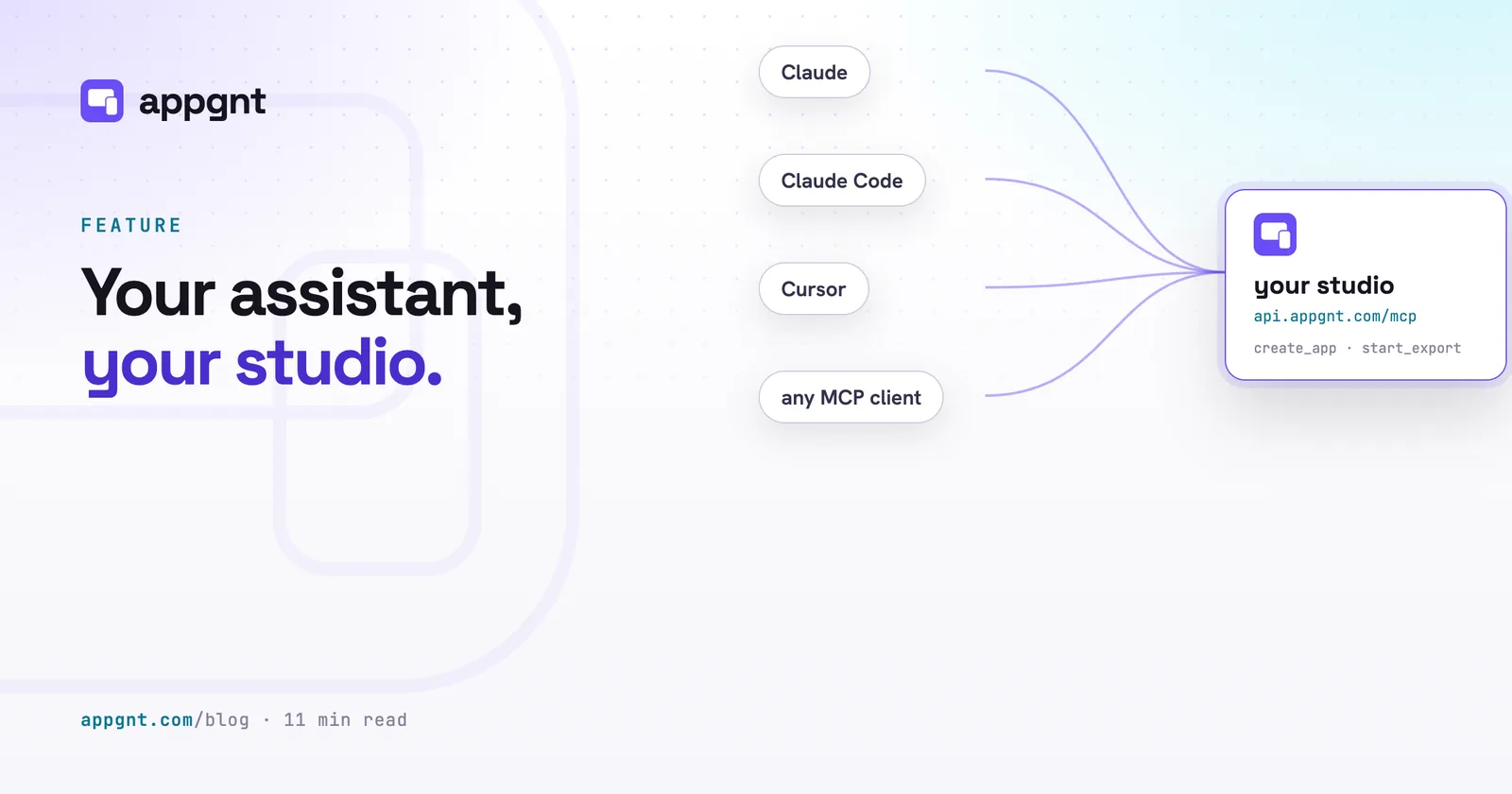
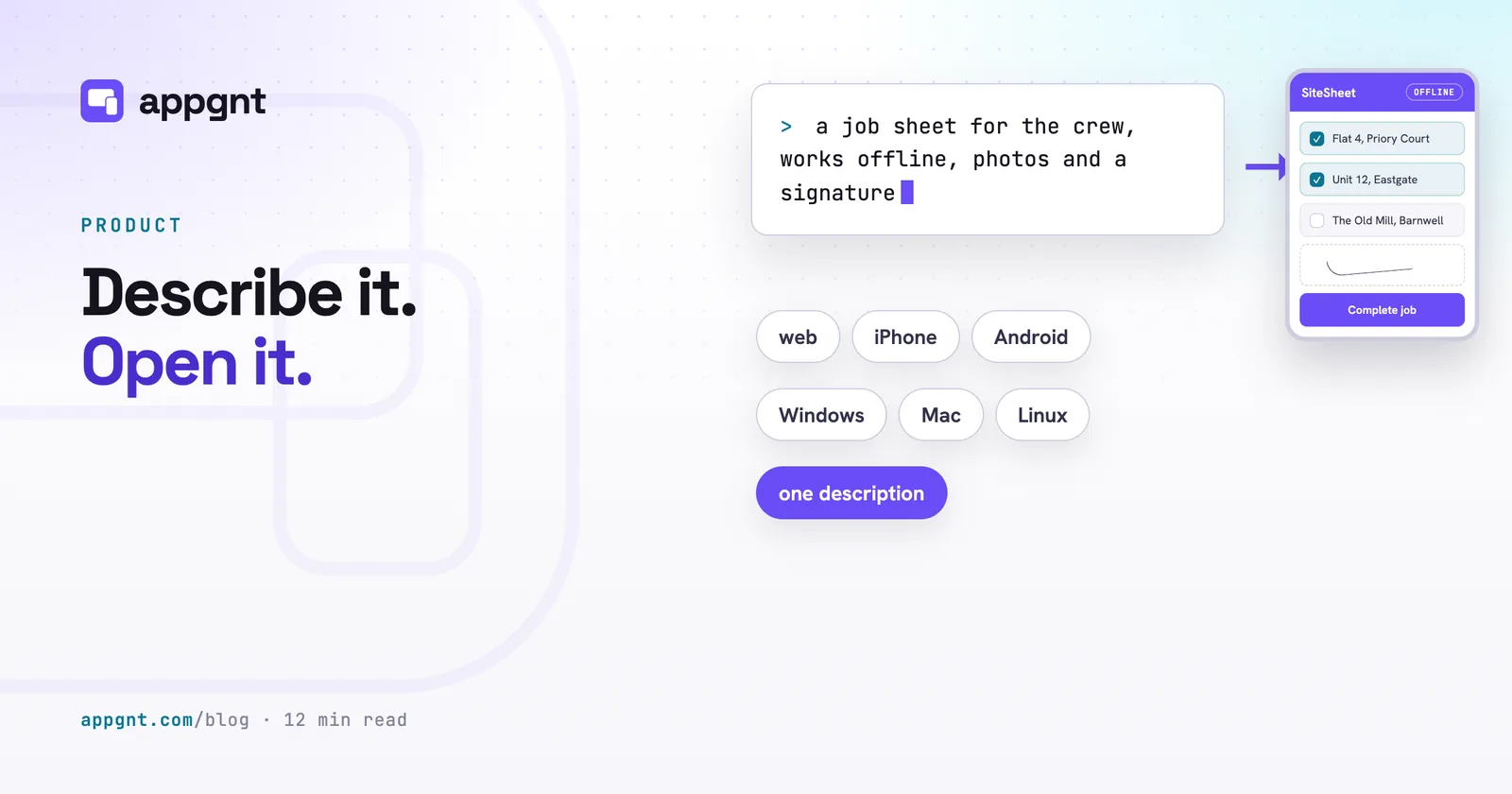
The studio is a professional cloud app development workstation that builds cross-platform apps from plain descriptions, with design, development, QA and marketing pipelines working on the same project. The MCP server gives your assistant tools to run that studio directly. Everything runs on your account and your own keys, exactly as if you had typed the request into the studio yourself.
Your assistant already knows how your business works, your tone and what your team needs. It brings that context to the brief. The studio brings the pipelines, a standard project, testing at phone, tablet and desktop sizes on every change, and the installable builds.
Before you start
- An appgnt account. The server cannot create accounts, and appgnt is invite-only while capacity is limited.
- A build credential. Set your AI provider token, API key or ChatGPT sign-in once in the studio setup screen, as an assistant cannot add it for you.
- An optional image key. Add a fal.ai key in the studio setup screen if you want the studio to generate custom icons for your apps.
Set it up
The server address is the same for every assistant. When you connect, your client opens an appgnt page where you sign in and press Allow. There is no API key to copy, and that sign-in screen is the only door.
Claude.ai and the Claude desktop app
Settings, Connectors, Add custom connector. Name it "appgnt", paste the address, and press Add. Then Connect: the sign-in page opens, and the connector turns on for every chat.
https://api.appgnt.com/mcpClaude Code
One command, then /mcp inside a session to sign in the first time. Add --scope user to make it available in every project.
claude mcp add --transport http appgnt https://api.appgnt.com/mcpCodex CLI
Register the server, then log in. Codex keeps the tokens in its own store and refreshes them.
codex mcp add appgnt --url https://api.appgnt.com/mcp
codex mcp login appgnt
Cursor
Add to .cursor/mcp.json in a project or ~/.cursor/mcp.json for everywhere, then open Settings, MCP and press Login next to appgnt.
{ "mcpServers": {
    "appgnt": { "url": "https://api.appgnt.com/mcp" } } }
VS Code (Copilot agent mode)
Run MCP: Add Server from the command palette and pick HTTP, or write .vscode/mcp.json. VS Code asks to sign in the first time the server is started.
{ "servers": {
    "appgnt": { "type": "http", "url": "https://api.appgnt.com/mcp" } } }
Gemini CLI
Add to ~/.gemini/settings.json, then run /mcp auth appgnt in a session.
{ "mcpServers": {
    "appgnt": { "httpUrl": "https://api.appgnt.com/mcp" } } }
OpenCode
Add to opencode.json. OpenCode runs the sign-in the first time a tool is called.
{ "mcp": {
    "appgnt": { "type": "remote", "url": "https://api.appgnt.com/mcp" } } }
ChatGPT
Custom connectors live behind Developer mode: Settings, Apps and Connectors, Advanced, turn it on, then Create with the address and OAuth as the authentication. The menu names move around between releases; the address does not.
https://api.appgnt.com/mcpAnything else
Any client that implements the MCP authorization flow (discovery, dynamic registration, PKCE) works unchanged. Point it at the address; the server advertises everything else.
https://api.appgnt.com/mcpWhat happens when you connect
When you connect, your browser opens app.appgnt.com and asks you to sign in if you are not already logged in. One screen shows which assistant is asking, which account it will act as, and the permissions it wants. Pressing Allow sends the assistant back with an access token that lasts an hour and refreshes while you stay connected, while Deny sends it back with nothing. You can disconnect on your assistant's side whenever you want.
Example phrases
Talk to your assistant the way you would talk to someone in the studio. Each line below is a complete request you can paste or adapt.
A first app
- Build a site visit checklist for our boiler engineers that works without signal Calls create_app to set up the project and get_app_activity to check progress
- Make a customer intake form for our clinic with contact details and notes Calls create_app and prompt_app to build the form layout and on-device storage
- Set up a stock count app for the warehouse where staff tap plus or minus Calls create_app to set up the project and get_app_activity for logs
- Start a new app called Fleet Log and leave it empty for now Calls create_app to create a draft app record ready for later prompts
Changing an app
- Make the buttons and tap targets on the checklist larger for gloves Calls prompt_app to update the styles and rebuild the interface
- Lock signed entries so managers cannot edit them after submission Calls prompt_app to adjust validation rules and rebuild the app
- Add sign-in so our two shift supervisors share the same stock list Calls prompt_app to request a backend with user accounts and storage
- Stop the current build on the fleet app, I want to change the brief Calls stop_app to halt the build and keep working source
Following along
- Is the boiler checklist done yet and what is it doing right now? Calls get_app_activity to return current build status and build logs
- Show me all my apps and tell me which ones are still drafts Calls list_apps to pull your full app list with their deployment states
- Download the full source code for the intake form as a zip Calls download_app_source to fetch the complete project
Exports and publishing
- Export the site checklist for Android and give me the install link Calls start_export for an Android APK and get_export for the link
- Build the Windows installer for the front office PC Calls start_export for a Windows installer and monitors completion
- Prepare the store marketing kit for Google Play and the App Store Calls generate_marketing_kit and get_marketing_kit for copy and art
- Publish the public web page for the app with the Android download Calls publish_app_page to deploy the landing page and privacy policy
Bigger jobs
- Create three separate apps from this list of sites and leave them unpublished Calls create_app in sequence to create three draft projects
- Every Monday start a fresh Android export and check if it completed Calls start_export and polls get_export to retrieve the new build link
Writing a brief the studio can build
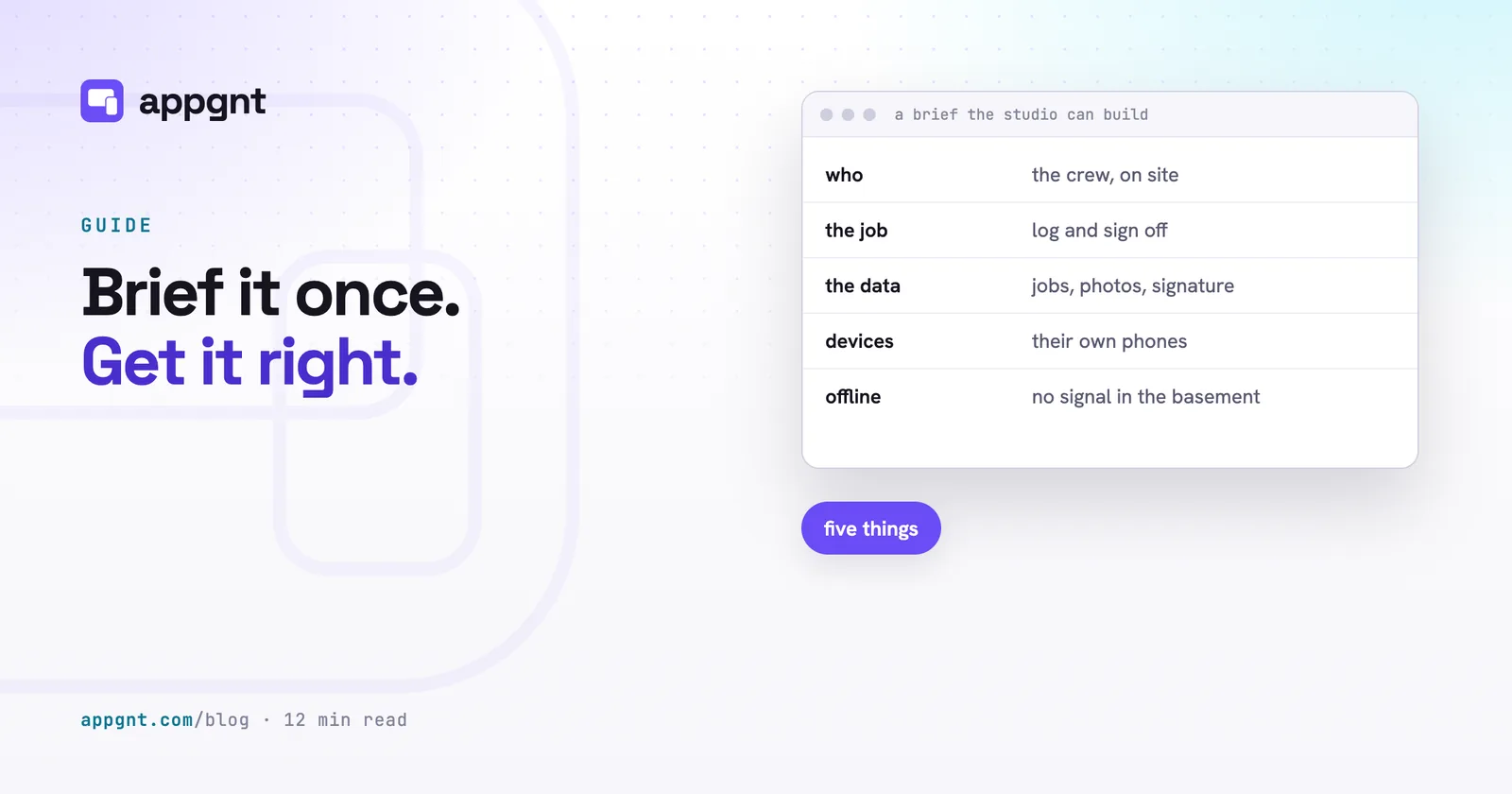
Your assistant passes your words straight to the studio, so the rules for a good brief do not change. Tell it who uses the app, the single job it must do, what data it saves, which devices they hold, and whether they have signal. Keep your first version focused on that one job rather than a whole department's workflow. Read How to brief an app before you start your first project.
Permissions
An assistant asks for some or all of three permissions, which the sign-in page lists clearly. A connection only receives tools from the groups you choose to grant.
| Scope | What it unlocks |
|---|---|
apps | Create an app, send changes, follow and stop builds, rename and describe, reorder, browse, read and edit the project files, download the source, rebuild, and delete with an explicit confirm. |
exports | Android, Linux and Windows builds and the iOS and macOS projects; marketing kits; publishing and unpublishing the app's own page. |
account | Who is signed in, which models the account can build with, and which keys are set (never their values). |
The connection acts on your personal appgnt account only. It cannot set or read your AI provider, ChatGPT or fal.ai credentials, which remain inside the studio setup screen. Deleting an app requires your assistant to confirm the action explicitly before any source code is removed.
Tools reference
| Tool | Does |
|---|---|
whoami | Account email, model access, which keys are set, this connection's scopes |
list_models | Models the account can build with |
list_apps, get_app | Your apps with status, slug and the live app URL |
create_app | Name and brief; starts the first build in the background |
prompt_app | The next build instruction for an app |
get_app_activity | Running turns with progress, queued prompts, new replies, transcript tail |
stop_app | Cancel the running turn and drop queued prompts |
update_app | Name (mints a new slug; old URLs keep working) and description |
reorder_apps, delete_app | Display order; permanent deletion, which needs an explicit confirm |
rebuild_app | Republish the web build from the current sources, with no agent turn |
list_app_files, read_app_file, write_app_file | Browse, read and edit the project |
get_app_file_url, download_app_source | One file, or the whole project as a zip |
build_native_mobile | Port the app to native Kotlin (Android) and SwiftUI (iOS) phone apps, or carry over what changed since the last port |
list_exports, start_export, get_export | Android, Linux, Windows builds and the iOS and macOS projects |
cancel_export, delete_export | Stop a job, or remove a finished one and its files |
generate_marketing_kit, get_marketing_kit, list_marketing_kits | Store screenshots, artwork and listing copy, made from the deployed app |
download_marketing_kit, cancel_marketing_kit, delete_marketing_kit | Zip a kit; stop a running one; remove one and its files |
publish_app_page, unpublish_app_page | The app's own page at appgnt.com/p/<slug>, with its privacy policy and support form |
Troubleshooting
Why does my assistant say not authorised or return a 401 error?
Your session has expired. Sign in again from your client: the Connect button in your AI chat app's connector settings, the sign-in step for your coding agent listed in its setup section above, or the Login button in Cursor.
Why does a tool say the connection was not granted a required scope?
You did not approve that permission group during sign-in. Disconnect the server, start the connection again, and tick the missing group on the consent screen.
What should I do if a build seems stuck?
Builds take several minutes because every change is built and tested at phone, tablet and desktop sizes before it is done. Ask your assistant for recent activity logs, or tell it to stop the build, which preserves whatever code was written.
Why was an export request refused?
The studio runs only one export per app at a time, and it will not start an export while a build is in progress. Wait for the app to finish building, then try again.
Why is my assistant asking me for an appgnt API key?
appgnt does not use API keys for MCP connections. Never paste tokens into chat; set your AI provider credentials in the studio setup screen instead.
How do I disconnect an assistant?
Remove the connector in your AI chat app's settings, run your coding agent's remove command (for example codex mcp remove appgnt), or edit your client config file. Any active access token expires within the hour.
Frequently asked questions
Which assistants can connect to appgnt?
Any client that implements the standard MCP authorisation flow can connect. That includes AI chat apps with custom connectors, coding agents such as Codex CLI, Cursor, VS Code Copilot agent mode, Gemini CLI, OpenCode and ChatGPT developer mode. The address is always https://api.appgnt.com/mcp. There is no API key mode.
What is a connected assistant allowed to do?
It can only use tools within the three scopes you grant. The apps scope lets it create, prompt, inspect and delete apps. The exports scope covers native installers, marketing kits and public app pages. The account scope lets it view your account identity and available models.
Can an assistant add or read my AI provider keys?
No. Model provider keys and ChatGPT sign-ins can only be configured directly by you inside the studio setup screen. Connected assistants cannot view or modify them.
How do I disconnect my assistant from appgnt?
Delete the appgnt configuration or connector inside your assistant software. Once removed on your side, the existing access token stops refreshing and expires within sixty minutes.