Cross-platform app studio

Build the app you have been meaning to make.

Describe what you want in plain words and get a real, working app back in minutes, ready to install on your phone or computer. By this evening you could be opening:

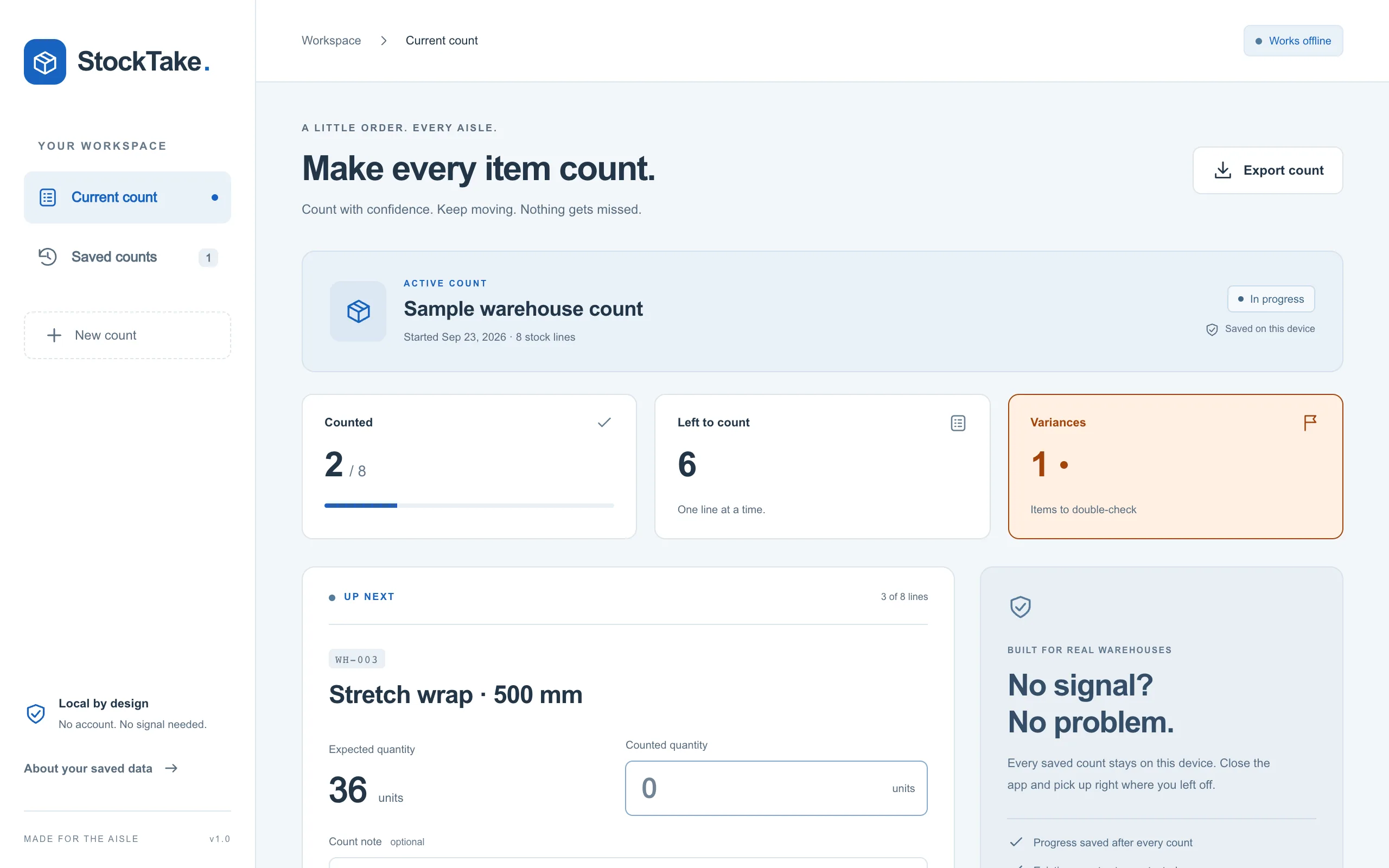
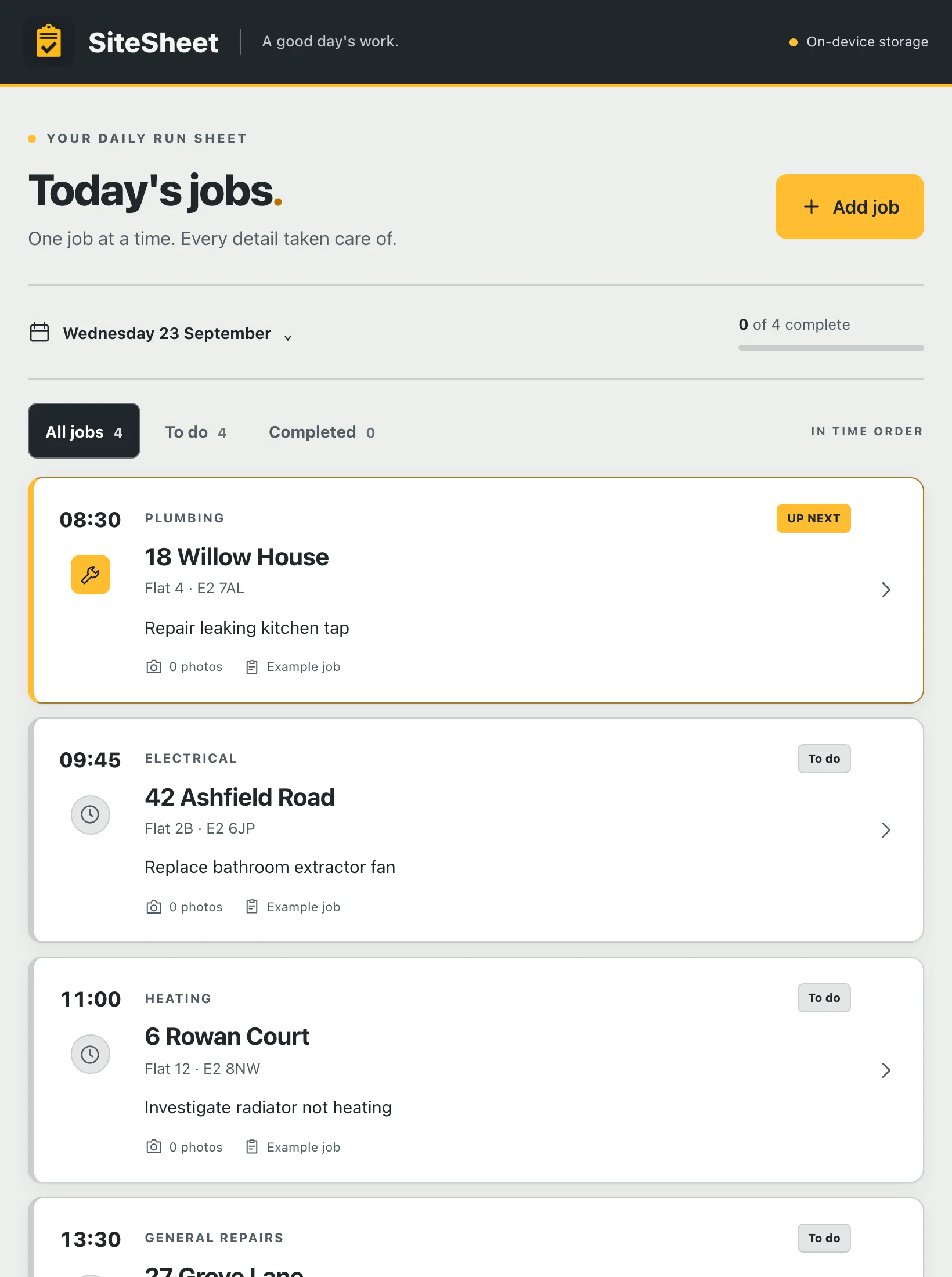
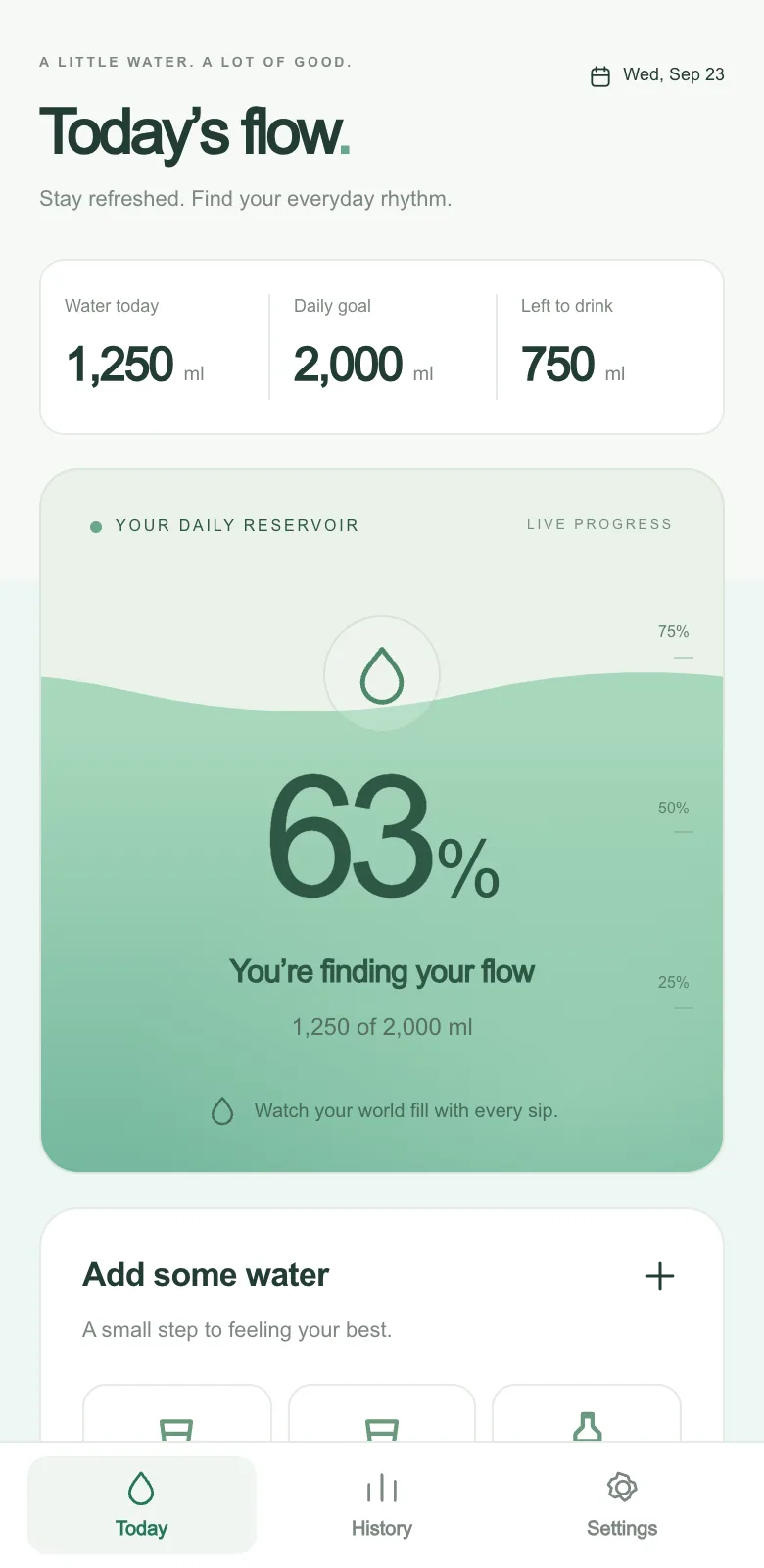
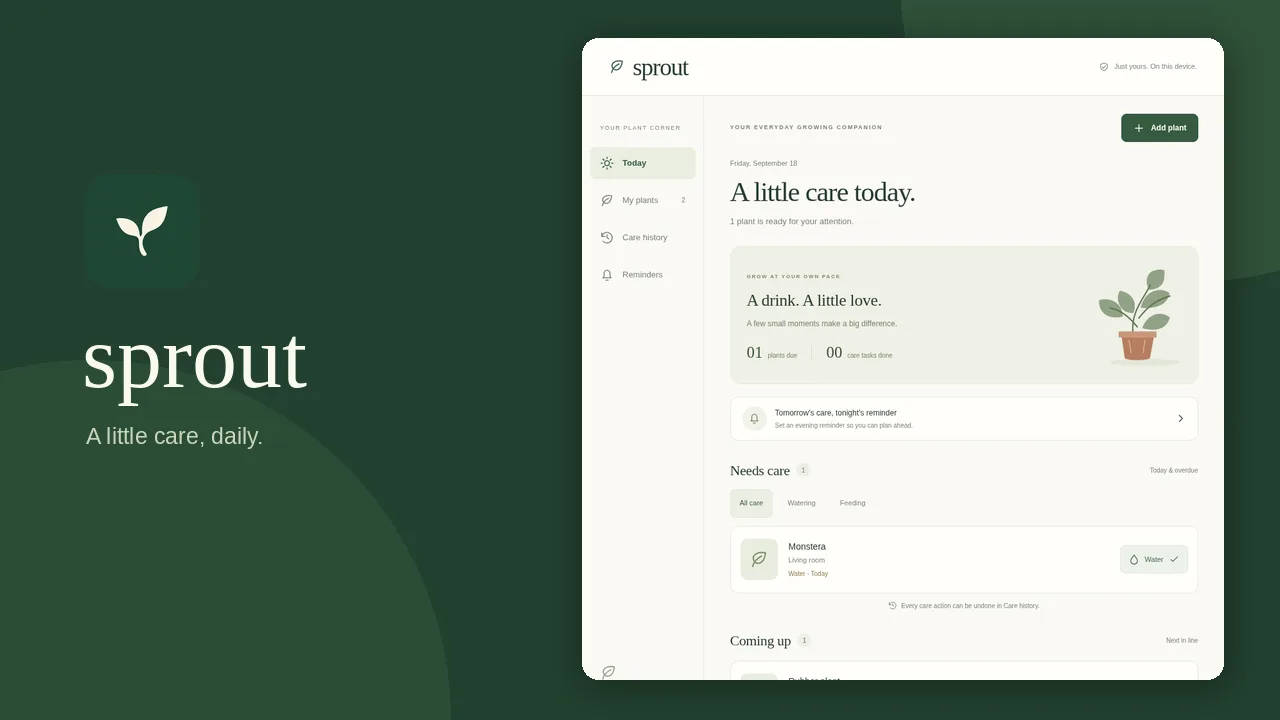
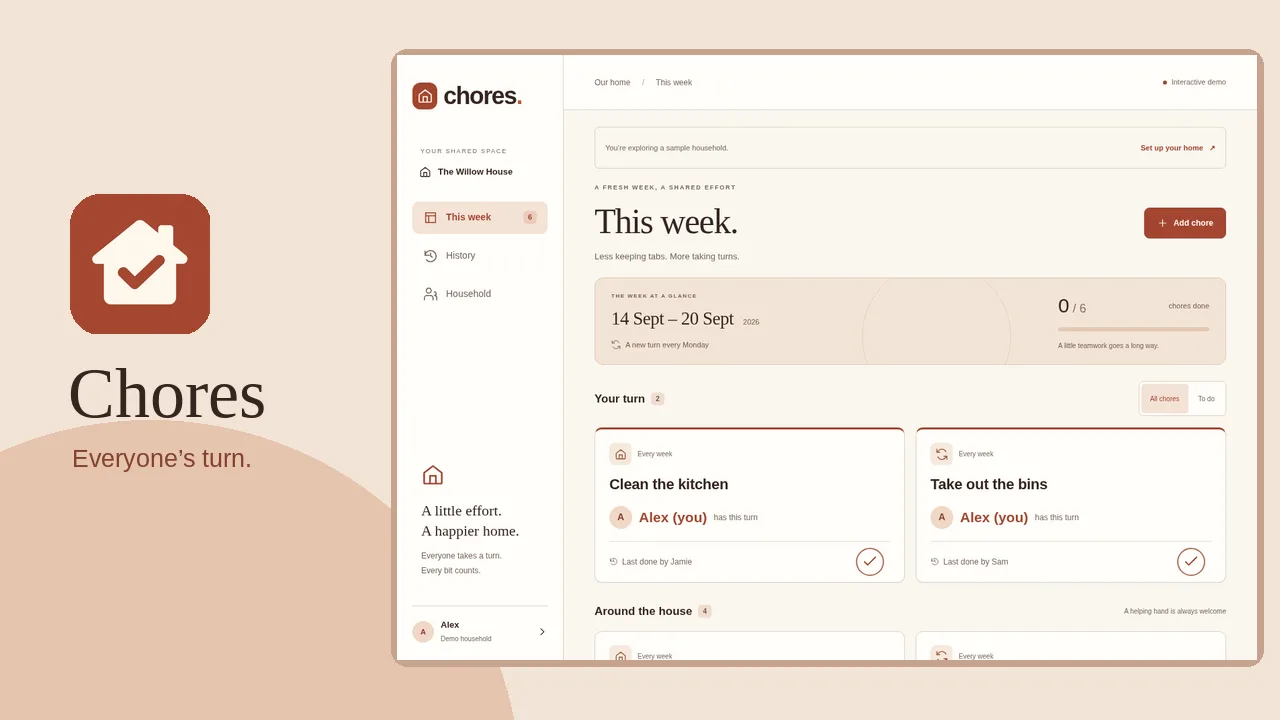
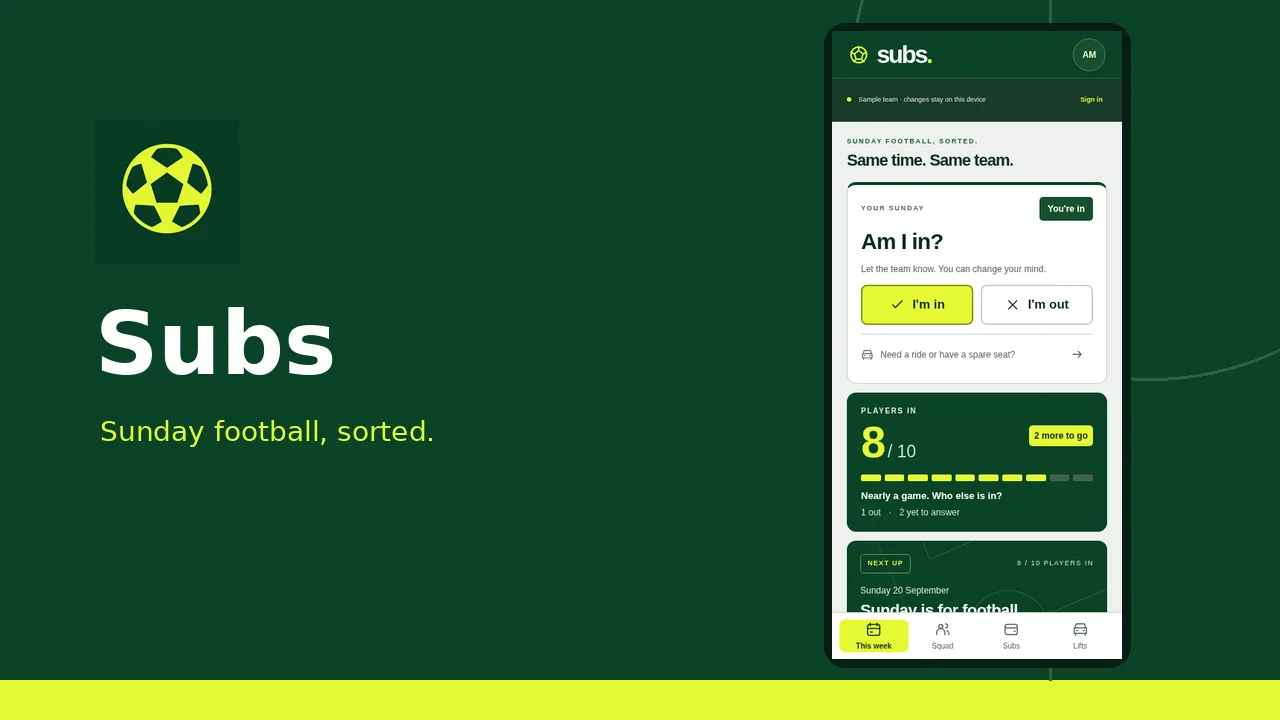
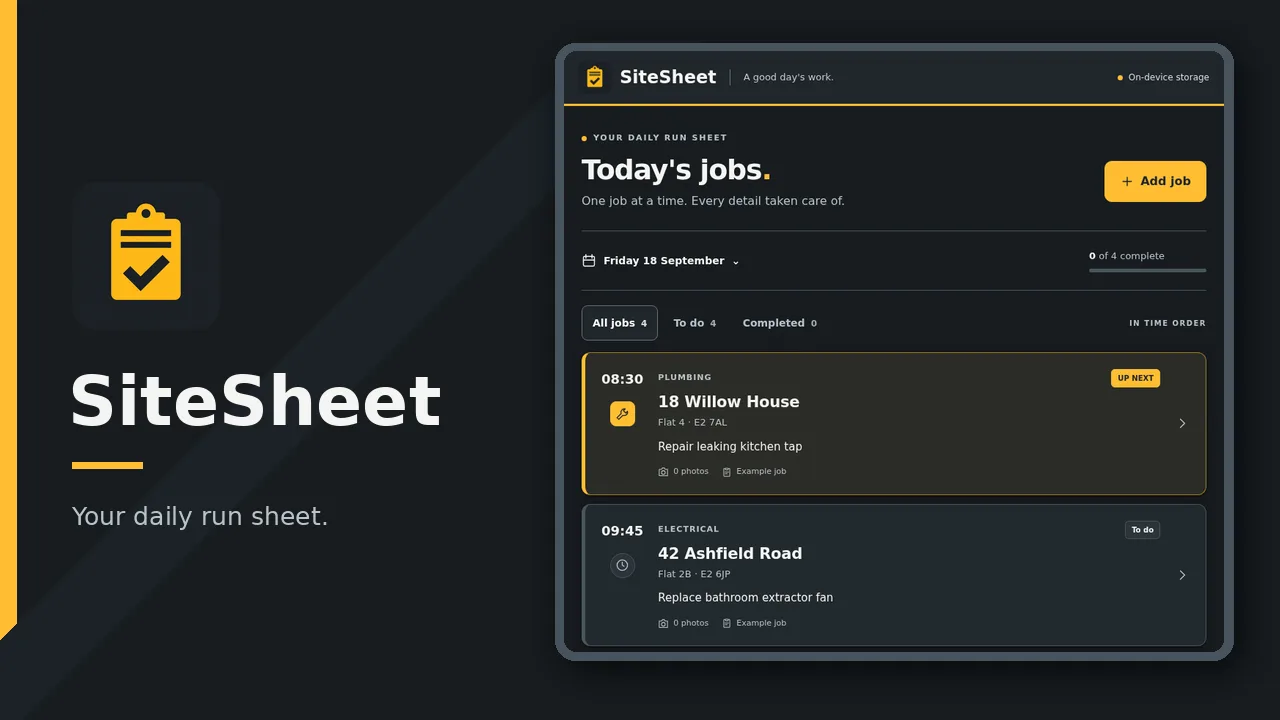
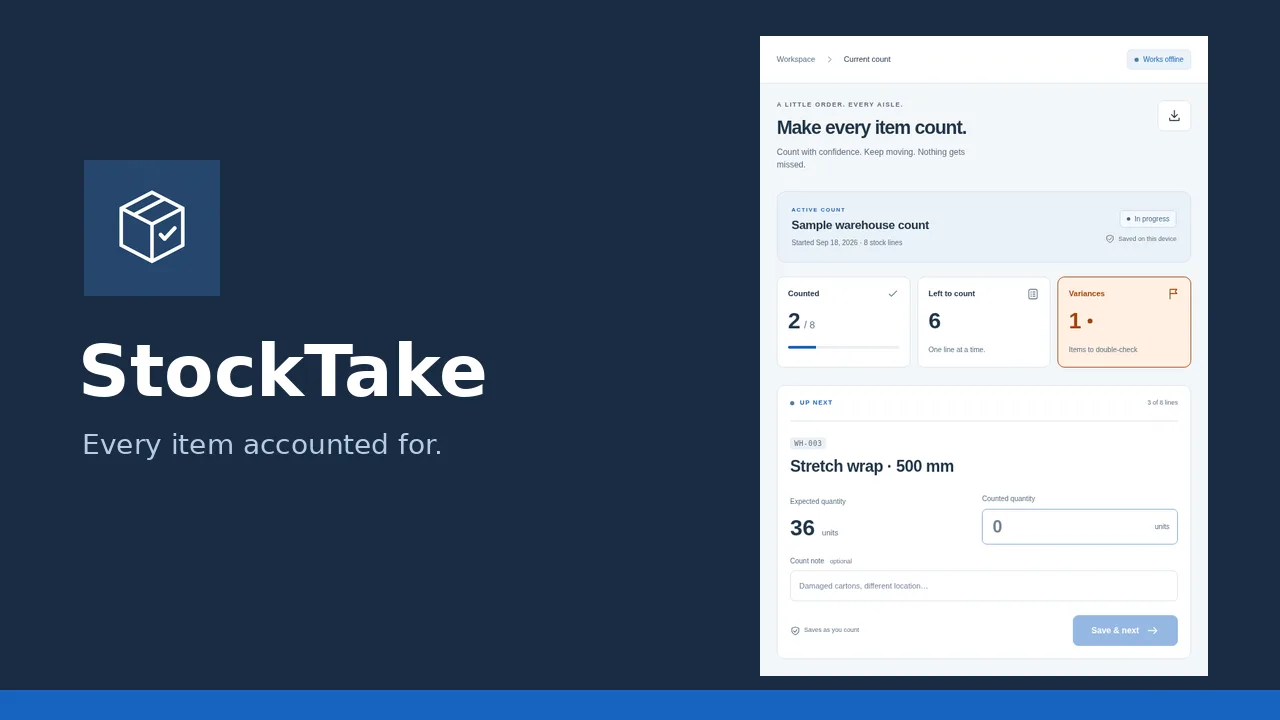
a watering log for houseplants. a chore rota and pocket money ledger. a match fee and team sheet tracker. a job sheet and snag list for crews. a warehouse stock count and parcel logger. a shift swap board and overtime tracker. an equipment hire marketplace with deposits.

Invite-only while it is built. You get one email when it is your turn.

Plain words
one description is the whole brief
Minutes away
a working web app in your browser
Browser install
installs directly with nothing to submit
Full ownership
you own the source code and the builds
How it works

A dedicated agent builds, tests and publishes your app.

Instead of handing you code to paste, appgnt builds your app on a cloud workstation that designs, develops, tests and publishes it. You get a working app you can open straight away.

You describe it

Say who the app is for, what job it does, and what information it needs to keep. You can list the screens you want or simply upload a photo of the notebook or paper list you use today. It works from whatever you have.

The agent builds

The studio creates a real, standard app project. It lays out the screens, wires local storage on the device, and hooks into device hardware for phones and desktop behind platform checks, with fallbacks for the web.

It tests everything

Before you see the result, every change is tested at phone, tablet and desktop sizes. Errors and broken layouts are caught and fixed first, and the design is checked on every screen.

It goes live

Your app publishes to appgnt.com/a/your-app in minutes. You can install it straight from the browser tab without an app store. When you want store builds or desktop installers, export Android, iOS, Windows, Mac and Linux packages from the Publish pane.

One message in, one working app out. The build log is what the studio shows you while it works.
What you get

A finished app you can hand to yourself, your family or staff.

It runs on every device

You get a single app that works on phones, tablets and computers. The screens and data stay identical across every platform.

  • Web app and installable home screen PWA
  • Native Android and iPhone apps made on request
  • Desktop installers for Windows, macOS and Linux
  • Shared screens and data across every screen size

It is a real project

You get standard source code, not a locked system. You can inspect the files, edit code directly, or export the whole project at any time.

  • Standard project built on common web technology
  • Browse and edit code directly in the Files pane
  • Download the full project as a standard zip file
  • Any web developer can pick it up and maintain it

Data stays on the device

Apps keep their records on the local machine by default. That means instant loading, full offline use, and no user accounts required.

  • Instant response with zero loading spinners
  • Works offline without an active network connection
  • No sign-in required and no remote database to breach
  • Add an isolated cloud backend only when needed

Every app gets a page

Each app receives its own public page at appgnt.com/p/your-app. It gives whoever it is for an immediate way to open the app or download it.

  • One-click button to open the web app immediately
  • Direct downloads for Android, Windows and Linux packages
  • Built-in privacy policy and visitor support form
  • Ready for Google Play and App Store links
Built and live

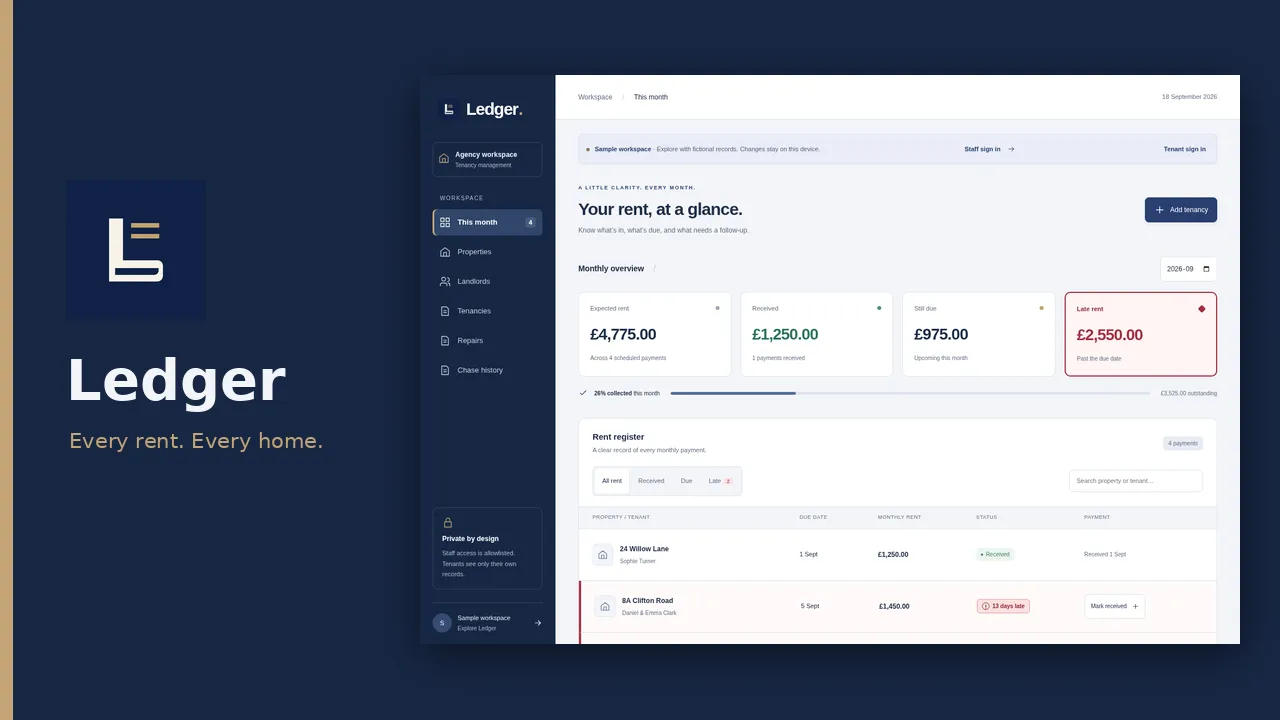
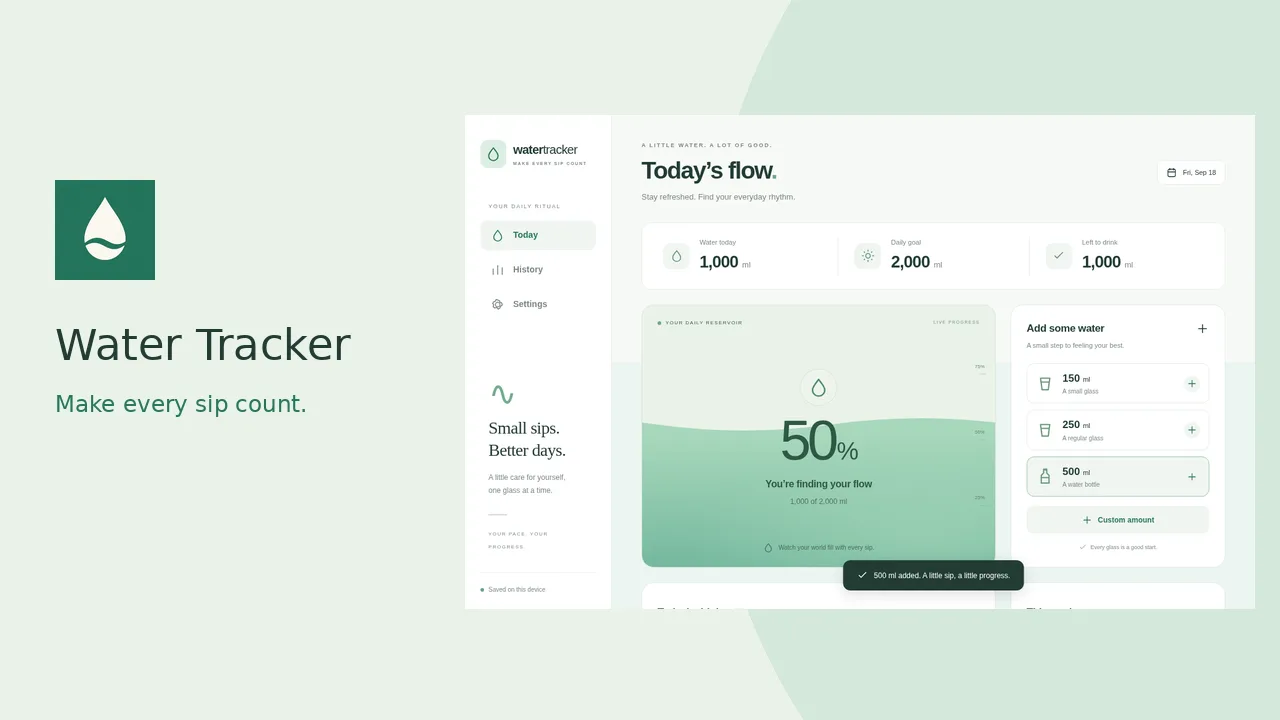
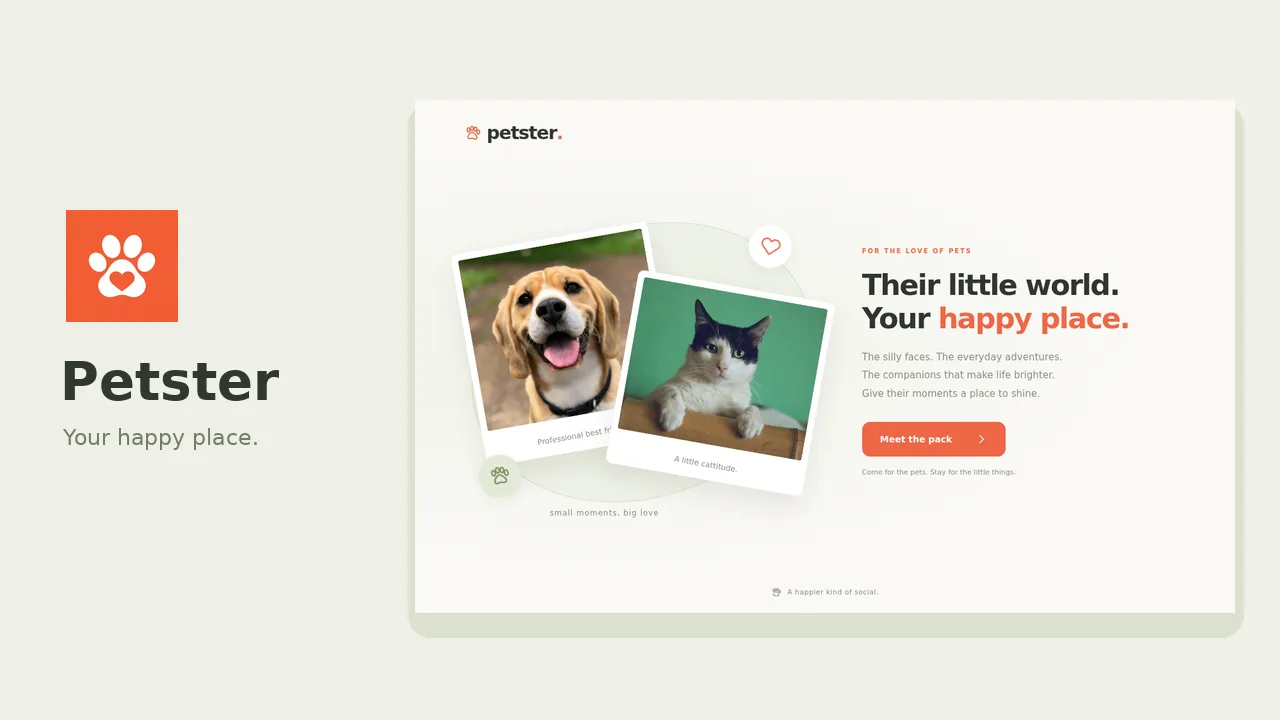
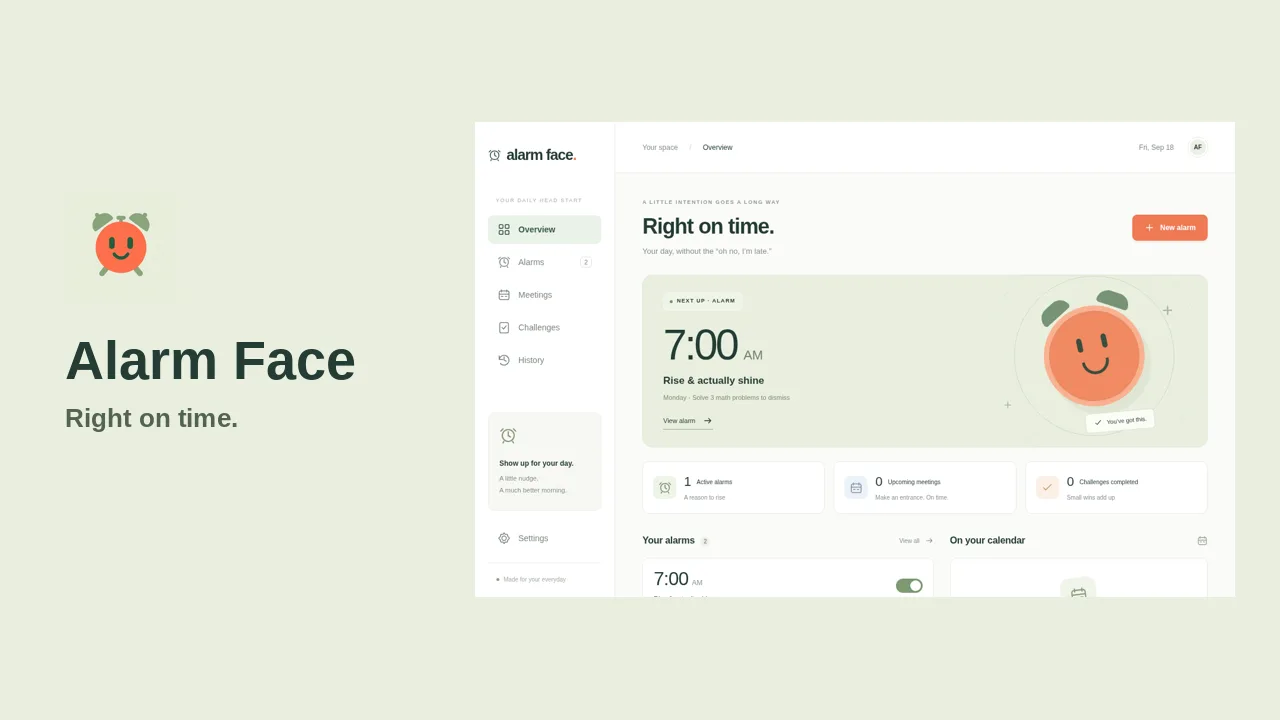
Ten real apps built in the studio, ready to open right now.

Each of these was built in the studio from one description and is ready to open right now. The set runs from a houseplant log with no account to a letting agency system with staff and tenant sign-in. The ones that needed accounts and a server got them, while the rest keep everything on the device.

To describe your own app so the studio builds what you meant, read our guide at /blog/how-to-brief-an-app/. It takes five minutes.

The studio

One conversation, with the whole project right underneath.

A chat runs on the left and the project sits on the right. Ask for a change and watch the build steps land in real time. Open the files to edit them yourself, or keep talking and let the studio do the typing.

Apps build in parallel, so nobody waits in a queue.
Every build step is visible, never hidden behind a spinner.
Browse and edit the source directly, or download the project zip.
Open and test the live web app without leaving the studio page.
Real exports

One source, built for every platform you use.

The web app is built and tested on every change. When you want phone apps, one press ports it to native Android (Kotlin) and iPhone (SwiftUI) apps. The Publish pane builds Android, Linux and Windows for you, and hands you the iOS and macOS projects with steps for a Mac.

PlatformWhat you getWhat you need
WebInstallable from the browser, updates on next openNothing
AndroidNative Kotlin debug and release APK plus an AAB, signed with a key kept for youA Google Play account, US$25 once
iPhone and iPadA native SwiftUI Xcode project with written stepsA Mac with Xcode and Apple Developer account, US$99 a year
WindowsAn installerNothing
macOSA desktop project with build steps, no Xcode neededA Mac
LinuxAppImage and .debNothing
Dedicated backend

Accounts and shared data, only when the app needs them.

Most apps keep data on the device, which is fast and works offline. When you need people to sign in, sync a shared list across phones, or keep API keys private, appgnt sets up a dedicated backend. That means accounts, stored data, and server functions built for that single app, and nothing created until it asks.

Its own sign-in system, so an account on one app is never an account on another.
Stored data per person or shared, with clear rules for who reads and writes.
Server code on schedules or queues, keeping your secret API keys off devices.
Every app runs in its own isolated stack, enforced by cloud permissions, not good intentions.
Nothing to run or patch, and nothing created for apps that work fine offline.

Request an invite → When an app earns a backend

Under the hood

From idea to launch on one cloud workstation.

appgnt is a professional cloud app development workstation. Design, development, QA and marketing each run as their own pipeline on the same project, so nothing gets lost between stages.

Workstation
A dedicated cloud workspace for every project. Nothing to install, nothing to configure, and it picks up where you left off on any machine.
Design
Screens, layout, colour and type shaped from your brief, in light and dark, for phone, tablet and desktop.
Development
A real, standard project you own, with native Android and iPhone apps built from it when you ask.
QA
Every change is tested at phone, tablet and desktop sizes before you see it. Errors and broken layouts get fixed first.
Backend
Accounts, stored data, server functions and queues, isolated for each app and created only when the app needs them.
Marketing
A store marketing kit for every app: real screenshots, icons and store art, and listing copy within each store's limits.
Release
Live at appgnt.com/a/your-app, plus Android, Windows and Linux builds and ready-to-build iOS and macOS projects.
Your assistant
Already live in an AI chat app? Connect it to your account to build and edit apps without leaving the conversation.
Your own domain

Your app should live at your own address, not ours.

Every app is live at appgnt.com/a/<slug>/ from its first build, and stays there. When you want your own address, point a bare domain or a subdomain across. The studio gives you every DNS record, provisions a free certificate that renews itself, and watches until it is live.

Use your bare domain or a subdomain, with a free auto-renewing AWS certificate.
The studio gives you all DNS records at once and monitors the setup until it goes live.
A bare domain includes www, which redirects so you have one canonical address.
Subdomains work on any DNS host. Bare domains need an ALIAS record, and the studio tells you.
Includes the app's page and a generated privacy policy at /privacy for store listings.
A support form routes visitor messages to your inbox without sharing email addresses.

Request an invite → Domains and app pages

Every app page renders from one template, with a privacy policy and a support form built in.
Built with your assistant

The assistant you already use can build directly on your account.

appgnt is an MCP server. Connect ChatGPT or any assistant that speaks the protocol, sign in once, and it can build apps on your account from the conversation you are already having. Because it already has the context, it writes a better brief than a cold start.

Create apps, send changes, follow builds and share the link from chat.
Run platform exports and publish the app page without opening the studio.
A proper sign-in and permission page, the kind brokerages use for connectors.
An assistant can never read or set your API keys.
Every tool acts on your account only and stays strictly inside your projects.

https://api.appgnt.com/mcp

Set up your assistant → Why we built it ↗

Honest limits

What the studio handles well, and where it stops.

The studio does the work of a small team, handling the code, the backend, and the native builds. Here is where it stops, and what stays in your hands.

One job per app works best

An app that logs plant watering, tallies choir subs, or tracks warehouse stock builds quickly and works right away. An app meant to run your entire company gets messy fast. Start with a single clear workflow, see it run, and build outward from there.

The first build is a working draft

You get a working app in minutes, but it will not be finished on the first try. You shape it to the exact behaviour you want through a short, normal conversation. Tell it what feels clumsy or report a bug in plain English, and it updates the project.

The app store accounts are yours

The Marketing kit prepares your store assets, listing copy, and privacy policy. You still hold your own Google and Apple accounts, pay their fees, and submit the builds. For iOS, you compile on a Mac with Xcode; the agent writes the Swift without compiling it, so paste any first-build errors back into chat.

You still decide how it works

The studio builds what you describe, but it cannot invent your policies. You have to decide who approves an overtime request, what happens when a stock count does not match, or whether a signed job can be reopened. Vague instructions lead to disappointing first builds.

How appgnt compares to Lovable →

FAQ

Questions people actually ask.

Can AI build an app from a description?

Yes. You write a paragraph explaining what you want, and an agent builds a real, working web app in minutes. It runs automated checks on simulated phone and desktop screens to verify the interface before it replies with a live link. This works just as well for a personal habit log or a choir subs tracker as it does for a warehouse stock count or a crew job sheet.

How long does it take to get a working app?

Most first versions are live at their own web address within five minutes. Because your workstation stays ready while you chat, follow-up tweaks and design changes usually take under a minute.

Do I need to know how to code?

No. You describe what you need in plain English, test the result in your browser, and tell the agent what to adjust. If you do know how to code, you can open the Files pane at any point to inspect the source or make direct edits yourself.

Which platforms does it support, and what needs a Mac?

Every app works straight away in the browser as an installable progressive web app. On request, the studio also ports your app to native Android (Kotlin) and iPhone (SwiftUI) versions. We build the installers for Android, Windows, and Linux for you. For iOS and macOS, you download the prepared project folder and build it on a Mac with Xcode, because Apple requires their own hardware for signing.

Does the app work offline?

Yes. By default, every app saves its data directly onto the phone or computer using local storage or IndexedDB. This means simple tools like note pads, shift logs, timers, and checklists open instantly and work without any internet connection.

What if several people need to sign in or share the same data?

If a household needs a shared shopping list or a team needs to track shared job sheets, the app provisions its own dedicated backend. It sets up user accounts and isolated cloud storage automatically. Nothing is created until your app explicitly needs shared data, so single-user apps stay light and local.

Who owns the code, and how do I leave?

You own the code entirely. The output is an ordinary project built on common web technology, not a proprietary format. You can download the complete source code as a zip file at any time and host it on your own servers with any web developer. Only the managed hosting and backend services stay with appgnt if you choose to leave.

Can I put it on Google Play and the App Store?

Yes. The studio creates signed Android application packages and iOS project files that pass store standards. It also generates a Marketing kit with store-sized screenshots, icons, promotional art, and listing text. You submit the app through your own developer accounts, which cost a one-off fee of US$25 for Google Play and US$99 per year for Apple.

Can ChatGPT or another AI assistant build it for me?

Yes. You can connect ChatGPT or any assistant that supports MCP through our MCP server at https://api.appgnt.com/mcp. This uses OAuth authorisation, so your model can create apps, update files, and trigger builds on your account. Your primary provider sign-ins and secrets are never sent over the wire.

Is my data safe?

Yes. When an app needs a backend, we provision a dedicated cloud stack isolated by strict cloud permissions, meaning one app cannot access another app's records. Apps that do not need shared data keep everything on your device. We do not place analytics trackers or marketing cookies on app pages.

How much does it cost?

We do not have a public price list yet while the studio is invite-only. You connect your own AI model account to run the studio during the preview. If you want specific pricing details for your project, email hello@appgnt.com for a direct answer.

Why is it invite-only?

Every session runs on a dedicated cloud workstation that builds and tests every change. To keep build machines fast and help early users directly, we open access in batches. Leave your email address and a brief note about what you plan to build to join the queue.