What owning the code actually means
It means your app is built with the same open files and tools that professional software engineers use every day.
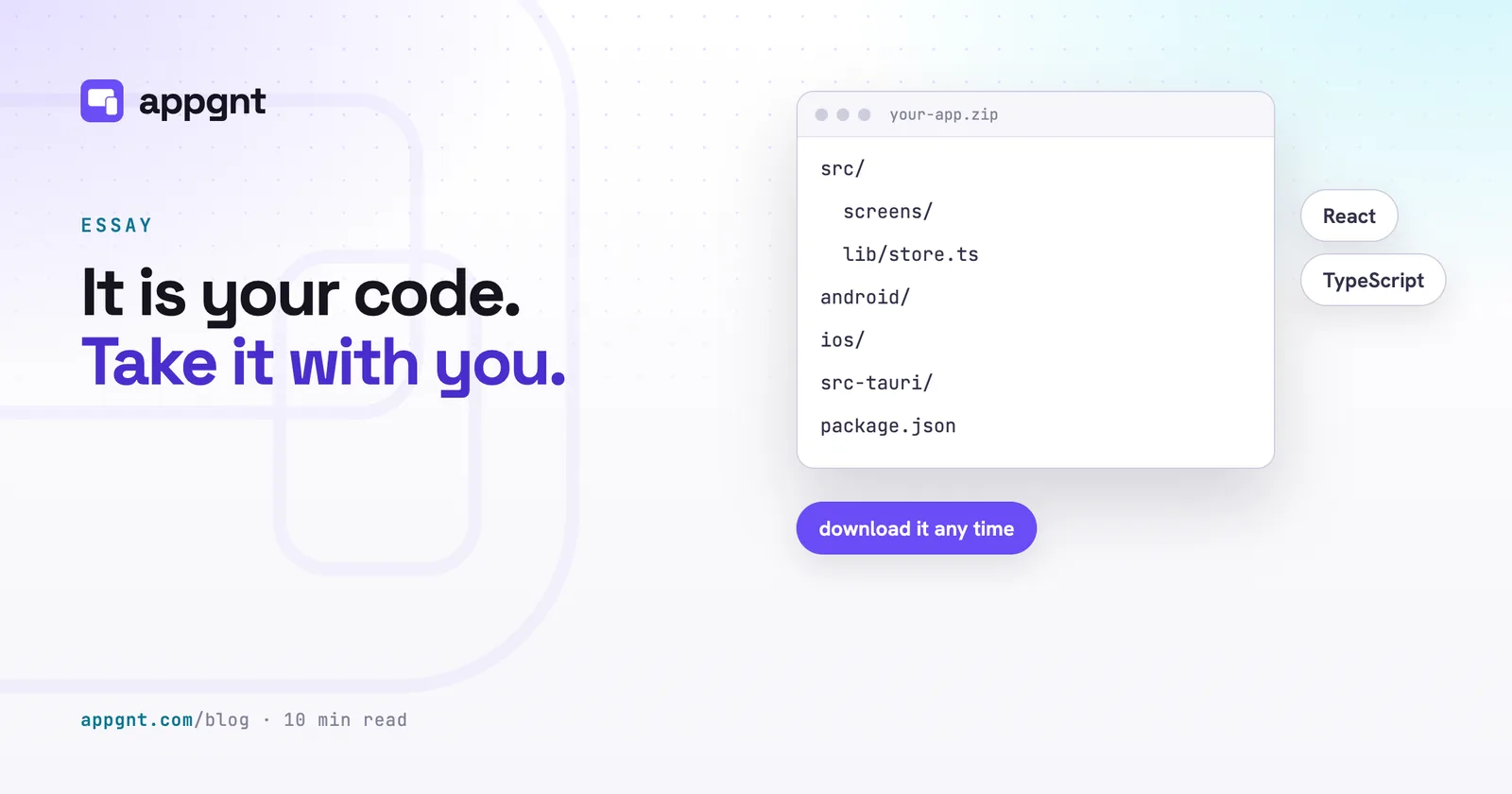
When you describe a tool for your business in the studio, the agent does not assemble proprietary blocks inside a closed database. It generates an ordinary, standard web project. Alongside that web code sit the desktop project and the phone apps, which are a wrapped web app until you ask for native apps, and after that a native Kotlin project for Android and a SwiftUI project for iOS.
For someone who runs a business, this distinction matters. If you hand this project folder to any competent web developer, they will recognise it immediately. They do not need to take a certification, learn an obscure proprietary workflow, or ask us for permission. They can open the folder in their own code editor, install the dependencies, and run it on their own machine.
Many business owners have had a painful experience with proprietary platforms. You spend months configuring internal workflows, training your team, and gathering records. Then the platform changes its pricing, removes an integration, or simply closes down. You ask for an export and receive a spreadsheet of broken records, while the software itself vanishes. That does not happen here. The project is an ordinary software package that belongs to you.
Where to find your files and how to export them
You can inspect every file or download the entire project as a zip archive directly from the Files pane in the studio.
The studio interface puts your conversation with the agent on the left and the project assets on the right. In the Files pane, you can click through every directory. You can inspect the interface components, check how offline storage works, or verify how your calculations are performed.
You can also edit files by hand. If you have a developer on staff who wants to tweak a stylesheet, adjust a calculation, or drop in an internal script, they can type directly into the file editor. When you resume talking to the agent, it reads those manual edits and keeps working from them.
The project holds:
- The web app's source: its screens, components, styles and logic
- The Android and iOS projects, native Kotlin and SwiftUI once you port them
- The desktop project for Windows, macOS and Linux
- The standard configuration and build files that tie them together
Whenever you want an offline copy, click the download button in the Files pane. We do not place the download behind an enterprise tier, and we do not charge an export fee. The code in the studio is the same code that lands on your hard drive.
How our code compares to standard no-code platforms
Most no-code tools keep your app running inside their private system, while appgnt writes standard source code you can lift out.
When a typical visual builder lets you create an application, it usually saves a proprietary visual tree to its own servers. The app only functions while connected to that platform. If they offer an export at all, it is often minified scripts that cannot be modified, or an incomplete bundle that misses critical functionality.
| Feature | Typical no-code builder | An appgnt project |
|---|---|---|
| Underlying technology | Proprietary engine | Ordinary, standard web project |
| File access | None, or paid export | Full Files pane in every project |
| Developer handoff | Requires platform specialist | Any web developer can edit it |
| Phone and desktop apps | Web view wrapper or none | Native Kotlin and SwiftUI phone apps, lightweight desktop apps |
| Offline function | Rare, requires connection | Local device storage by default |
| Platform departure | Total rebuild required | Rehost the existing code anywhere |
Because an appgnt project starts as standard web code, it works offline by default using the browser's own storage on the device. If your crew is filling out safety checklists in a basement with no cellular signal, the app continues to operate. You do not need to negotiate a custom contract just to ensure your staff can work without a continuous internet connection. You can read more about starting with these focused internal tools in our guide on how to describe the app your business needs.
What stays with us if you leave
If you take your project elsewhere, you leave behind the hosted web address, the app page, and our managed backend infrastructure.
We want to be entirely clear about where our services stop and your code begins. If you cancel your work with us and take your zip file, the web application will no longer be served from appgnt.com/a/
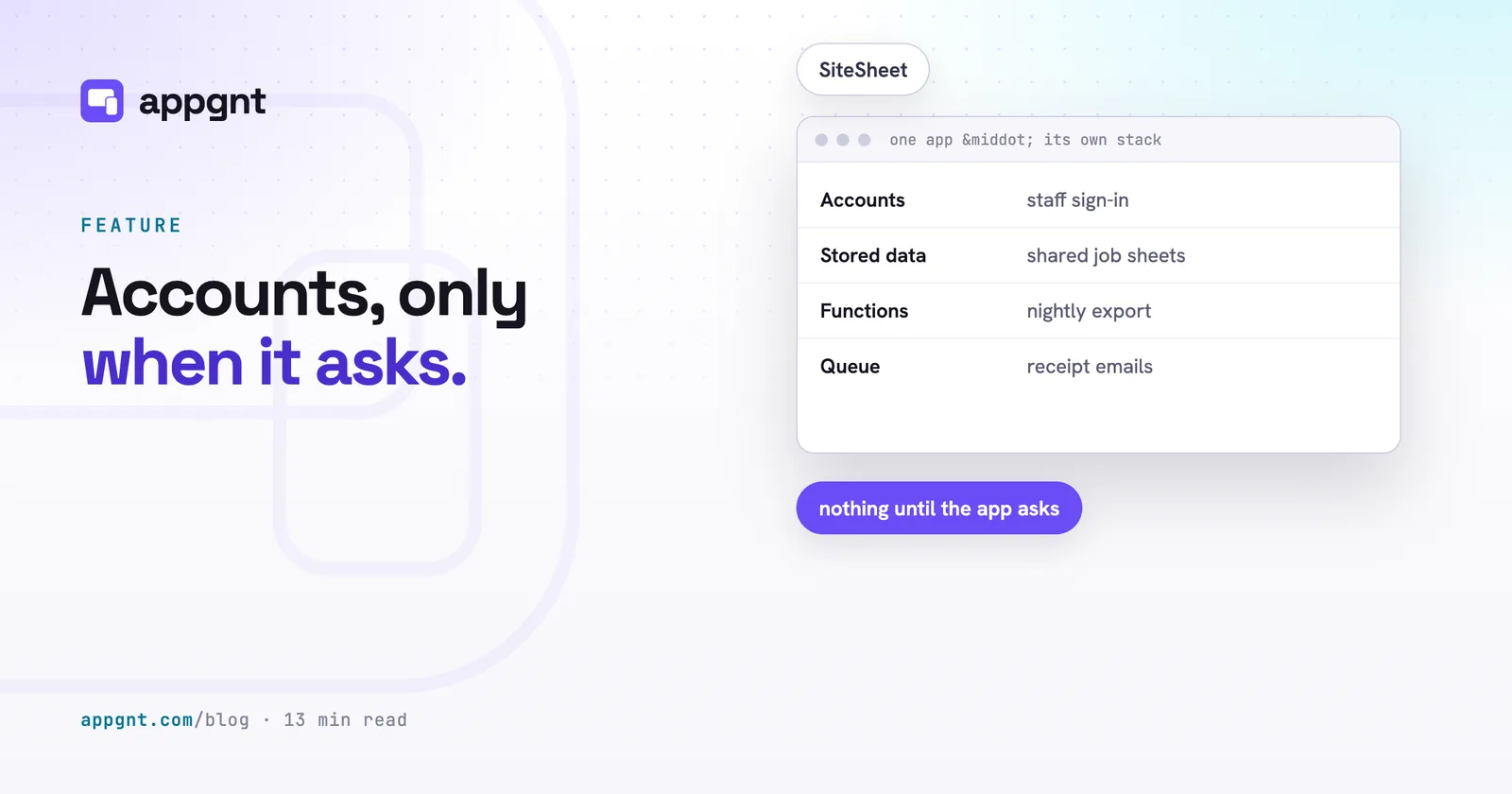
If your application uses our managed cloud backend for team logins and shared records, those services stay on our infrastructure. When an app requires shared storage, the studio sets up accounts, stored data, server functions and queues, isolated for that app and created only when it needs them. You can read the details in our guide on when your app needs accounts and a backend.
Moving away from that backend requires actual work, but there are no artificial barriers in your way:
- Download your source code from the Files pane.
- Host the built web files on any static host, such as Cloudflare Pages, Netlify, or your own web server.
- Export your stored records using our standard HTTP endpoints.
- Point the front-end requests to your own API, database, or serverless functions.
Your developer will need to build alternative endpoints for accounts and data persistence. However, they will not need to rewrite the interface, the forms, the validation rules, or the phone apps (native Kotlin and Swift, or the mobile wrapper configuration). The vast majority of the labour remains intact.
The responsibility that comes with real ownership
Owning real source code gives you permanent control, but it also means someone has to maintain the software if you leave our environment.
This is the genuine trade of software ownership. When you rely on a closed software-as-a-service platform, their engineers manage updates, handle browser deprecations, and resolve security advisories behind the scenes. In return, you pay an ongoing fee and accept their terms indefinitely.
When you take a codebase into your own hands, you take on the duties of an owner. Operating systems update their requirements, browser standards evolve, and dependencies occasionally require security patches. If you host the files on your own servers, someone on your team must keep the hosting account active, track SSL certificates, and rebuild native mobile packages when Apple or Google adjust their submission rules. Understanding these tradeoffs is part of assessing how much does a small business app cost over its full lifecycle.
We built appgnt around open code because a business application should outlive the tool that created it. A software tool you cannot leave is not a asset you own. It is just rent. We prefer to earn your business by making it convenient to stay, not by trapping your operational tools behind a wall.
Frequently asked questions
Can any web developer update the code I download from appgnt?
Yes. The download is an ordinary, standard project that uses common, widely known web tooling. Any web developer can open the folder, understand the project structure, make changes, and compile it without using appgnt.
Do I have to pay an extra fee to export my source code?
No. You can download the complete project zip at any time from the Files pane in the studio interface. We do not restrict file downloads to premium tiers or charge export fees to access your own application files.
Can I edit the project files directly without leaving the studio?
Yes. The Files pane includes an integrated code editor where you or your technical staff can view and modify files. When you write a new prompt to the agent, it inspects your manual changes and incorporates them into subsequent builds.
What happens to my mobile app builds if I stop using appgnt?
Your phone apps stay in your project folder alongside the web code. If you built the native apps, you have the Kotlin project for Android Studio and the SwiftUI project for Xcode; if not, you have the wrapped phone app projects. You can open either set, sign the builds with your own developer keys, and submit updates yourself.
How do I move my app data if I leave your backend?
The data stored in your app backend is accessible via standard HTTP requests. Your team can extract the collections as plain JSON and migrate those records into your own PostgreSQL, MongoDB, or other database.