Why a small business app does not come with a small quote
A small business app is rarely quoted as a small project because software agencies do not bill for the size of your business. They bill for the baseline work required to get any custom piece of software into production safely. Even a straightforward tool, like a site checklist for field staff or a booking form for workshop slots, requires the same moving parts as an enterprise system.
When an agency looks at your brief, their estimate accounts for a chain of separate disciplines:
- Project scoping and requirements gathering to agree on what will be delivered.
- User interface and workflow design for both desktop and handheld screens.
- Separate native codebases for iOS and Android if you need mobile apps.
- A server backend to manage user authentication, databases, and permissions.
- Quality assurance, cross-device testing, and submission to the mobile app stores.
That work requires multiple specialists billing by the day over several weeks or months. Once the app launches, the quote does not end. Every small change you need six months down the line, whether adding a field to a form or updating a status menu, turns into a formal change request with its own scoping, estimate, and hourly fee.
What a freelancer quote actually covers
A freelancer quote covers the time of a single specialist rather than an entire agency team, which lowers overheads but introduces structural compromises. When you hire an independent developer, you pay their day rate across the weeks it takes them to design, build, and configure the project.
Because one person handles the whole job, they usually specialise in one area and compromise on another. A strong web developer might build a capable browser app but struggle with native push notifications, offline local storage, or store submission guidelines. A native mobile specialist might deliver clean phone screens while using an off-the-shelf, expensive cloud database that you are left to manage yourself.
Maintenance is the main hidden cost with the freelance route. Freelancers take on new contracts, change their availability, or move away from client work entirely. When you need a bug fixed or an operating system update breaks your login screen a year later, finding another developer who is willing to read, understand, and patch someone else's bespoke code usually costs as much as building the feature again from scratch.
The true cost of no-code builders
No-code builders trade large upfront development invoices for compounding monthly subscription fees and platform lock-in. You can assemble a functioning prototype in a few days using visual drag-and-drop editors, which feels cheap at the start because you are doing the configuration yourself.
The real expense appears once your business begins relying on the tool daily:
- Per-user or per-seat pricing models mean your monthly bill increases every time you hire an employee or add a contractor to a shift roster.
- Native mobile capabilities are usually second-class, often wrapping web pages in basic shells that run slowly or fail to work when a device has no signal on site.
- Platform limits on database records, file attachments, and API calls push you onto expensive corporate subscription tiers long before your business reaches corporate scale.
- You rarely own what you build, meaning you cannot take the application files and move them to your own server if the provider changes its terms or raises its prices.
A tool you cannot leave is rent. If walking away from the provider means throwing away your workflow and starting from scratch, the subscription is not software development. It is an operational dependency you have to pay indefinitely.
Comparing your app building options
| Route | First working version | Cost shape | Who owns the code | Native apps | Ongoing changes |
|---|---|---|---|---|---|
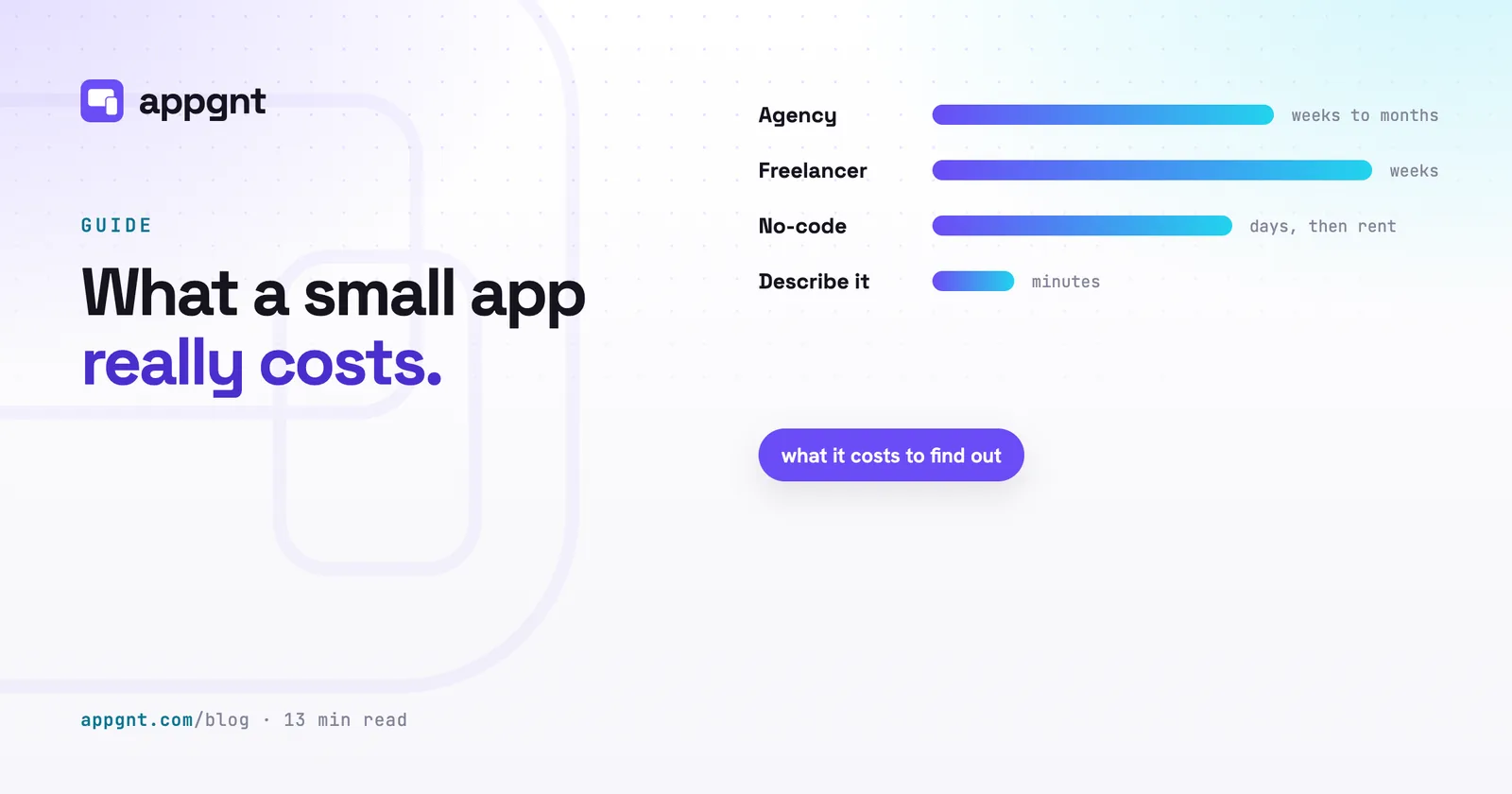
| Agency | Weeks to months | Large upfront project fee plus retainers | Usually client, check contract | Full native or cross-platform | Billed per ticket or change request |
| Freelancer | Weeks | Day rates times weeks worked | Client, once final invoice is paid | Often web-first or single platform | Dependent on developer availability |
| No-code | Days | Ongoing monthly subscription per seat or app | The platform owns the runtime | Limited native and poor offline behaviour | Self-serve in visual builder |
| Studio (appgnt) | Minutes | Price not published yet (invite-only) | You own the standard project source | Browser, mobile, and desktop from one source | Chat to update or edit files directly |
Describing an app to a studio
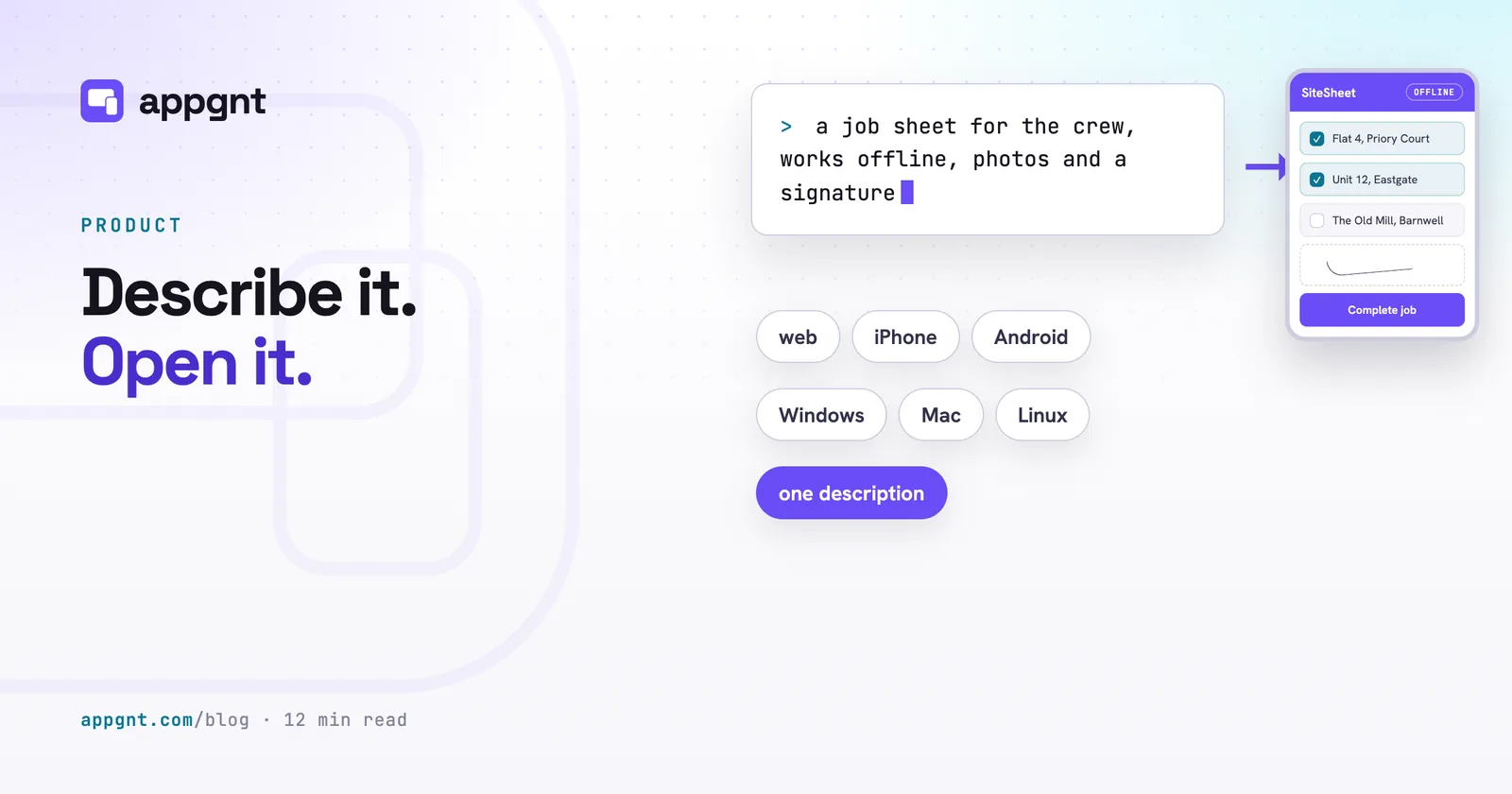
Describing an app to an intelligent studio flips the economics by cutting the time it takes to see working software from months to minutes. Instead of writing a complex specification document and waiting through weeks of wireframing, you describe the app your business needs in plain language.
The appgnt studio is a professional cloud app development workstation: design, development, QA and marketing pipelines work on the same project, and the result is a standard app project. You do not wait for separate mobile teams. The studio produces a web app you can test immediately, desktop builds for Windows, macOS, and Linux, and, when you ask, native phone apps for Android (Kotlin) and iOS (SwiftUI) ported from that same app.
Because the system checks its own work across phone, tablet, and desktop viewports before showing you the result, you can test features right away. If an intake form needs another column, or your delivery notes need to save locally when there is no mobile connection, you ask for the update in plain text. The studio updates the files, runs the builds, and redeploys.
If your app only manages local tasks, like a machine maintenance log or a simple calculator, it keeps its data on the device using browser storage. It does not spin up cloud databases you do not need. When your tool requires user accounts and shared team records, the studio provisions an isolated backend with user authentication and dedicated storage automatically.
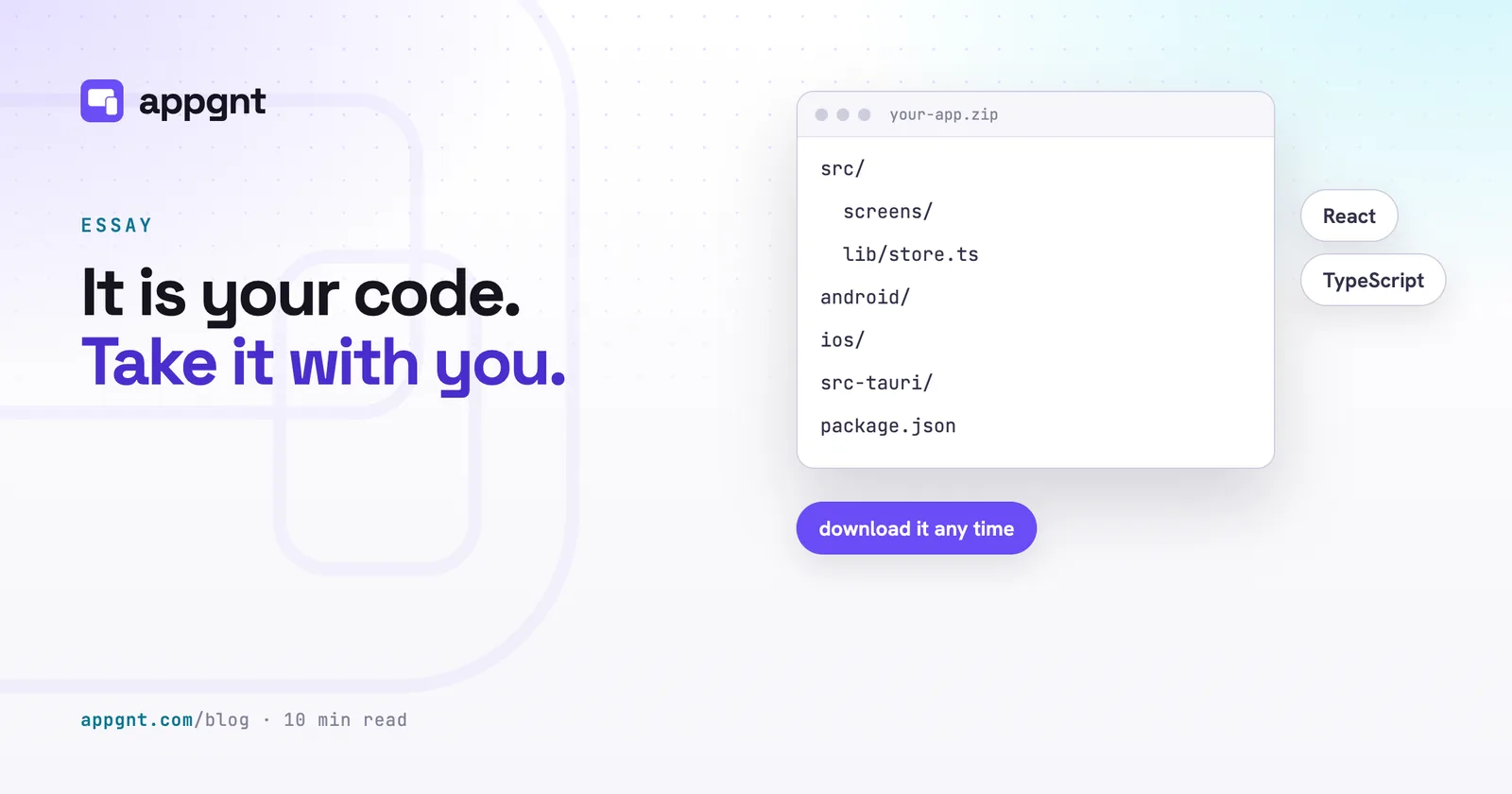
The critical difference is ownership. Because you own the code, the studio provides a clean zip file containing standard source files. You can host the web version with us, or you can take the source to any independent developer who knows standard web code. You are never trapped in a proprietary runtime.
The store and infrastructure fees you pay anyway
Publishing a native app involves unavoidable platform fees that go directly to Apple and Google regardless of who writes the software. Agencies and freelancers pass these costs through to you, and studio platforms do not absorb them.
Every business publishing native apps needs its own accounts:
- The Apple Developer Program costs US$99 per year and requires a legal business entity with a D-U-N-S number to list apps under your company name.
- The Google Play Console registration fee is a one-off payment of US$25.
- Both stores require a live, publicly accessible privacy policy URL before they let you submit an application for review.
- Building native binaries for iOS and macOS legally requires an environment running Apple Xcode on a Mac.
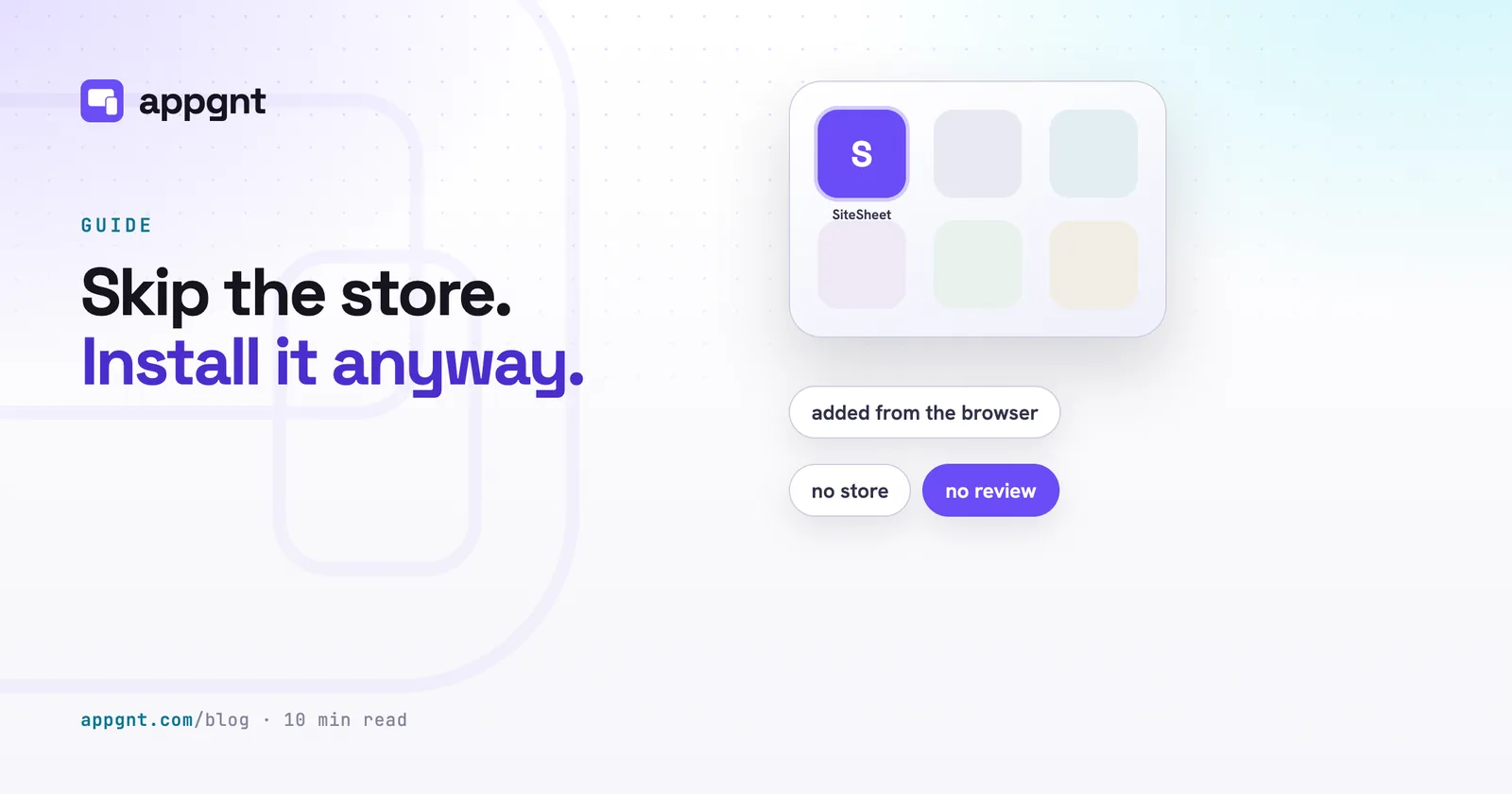
Many internal operations apps do not actually need to be in the app stores. If you are building a tool for your own drivers, warehouse crew, or office staff, you can install from the browser no store needed. Modern web apps can be pinned directly to an Android, iPhone, or Windows home screen as a standalone application, bypassing store review delays, annual account fees, and platform policies entirely.
The cost of finding out if an app is worth having
The most expensive software mistake a small business can make is not overpaying for an agency; it is spending months building something nobody on your team actually wants to use. When testing an idea requires an upfront project budget and a three-month design phase, business owners leave good operational ideas in a drawer to avoid the financial risk.
Finding out whether a stock tracker saves your shift supervisors ten minutes should take an afternoon, not a financial commitment. When the cost to produce a working, testable first version drops close to zero, your approach to business tools changes.
You can build a draft app for a single department, put it in the hands of the people doing the work, and watch how they use it on their phones tomorrow. If the workflow makes their day easier, you refine it and wire up shared accounts. If it turns out a shared spreadsheet was better after all, you discard the draft without having burned through capital or signed a multi-year software lease.
Frequently asked questions
Can I build a business app without paying an agency?
Yes, you can use no-code app builders, hire independent freelancers, or use an app studio like appgnt. No-code platforms charge ongoing subscriptions per user, while studios allow you to describe what you need in plain language and generate real, exportable code in minutes.
How much are the mandatory app store fees?
Apple charges US$99 per year for the Apple Developer Program to distribute iOS apps. Google charges a one-off registration fee of US$25 for the Google Play Console. Both platforms require you to maintain these accounts directly to list native apps under your own business name.
Do internal business apps have to go through the app stores?
No, you do not need to list internal staff apps on the public app stores. You can deploy modern web apps directly to user devices as Progressive Web Apps, which install straight from the browser onto Android, iOS, Windows, or Mac home screens without store approval.
What happens to my app if I want to leave appgnt?
You can download the complete source code as a standard zip file containing the web, phone and desktop sources at any point. Because the app uses standard, open web technologies rather than a closed engine, any web developer can host, modify, and maintain the code independently.