Most business owners assume that getting software onto a smartphone requires submitting an application to Apple and Google. That assumption is expensive. It usually leads to a quote for tens of thousands of pounds, developer enrolment fees, weeks of waiting for human review, and a mandate to own a Mac simply to compile code.
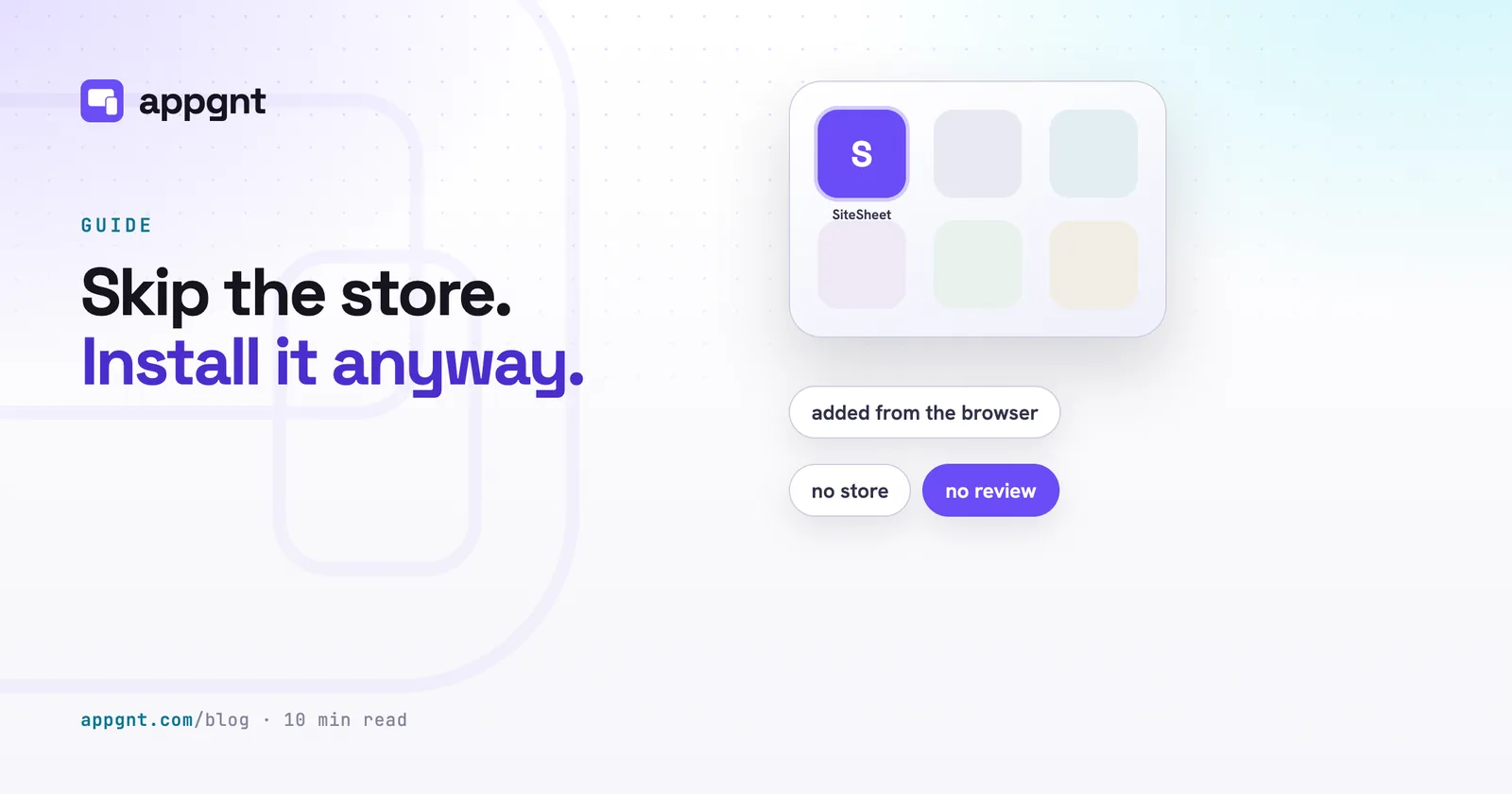
For internal tools, client portals, and site utilities, the app store is often unnecessary. Modern mobile browsers can save any compliant web application directly to a phone or desktop home screen. It gets its own icon, launches full screen without a URL bar, works when the device loses signal, and updates automatically whenever you change the code.
How does installing an app from the browser work?
Installing from the browser relies on progressive web app standards supported by Apple, Google, and Microsoft. When a device visits the address of an app that includes a web manifest and an offline service worker, the browser recognises that the site can run as standalone software.
The installation process differs slightly across devices, but takes only a few seconds:
- On Android phones, Chrome displays a clear install banner at the bottom of the screen, or the user can tap the three-dot menu and select Add to Home screen.
- On iPhones and iPads, Safari requires the user to tap the Share icon (the square with an arrow pointing upward) and scroll down to select Add to Home Screen.
- On desktop computers, Google Chrome and Microsoft Edge place an install icon directly inside the right side of the address bar.
Once tapped, the operating system treats the site like software installed from a store. The browser chrome disappears completely. There are no back buttons, forward buttons, or address bars taking up space on the screen. The app appears alongside native applications in the device app drawer, receives its own launch splash screen, and stays in the task switcher when switching between jobs.
What do you skip by avoiding the app store?
Skipping the traditional app store route eliminates the administrative overhead and technical hurdles that stall business software projects.
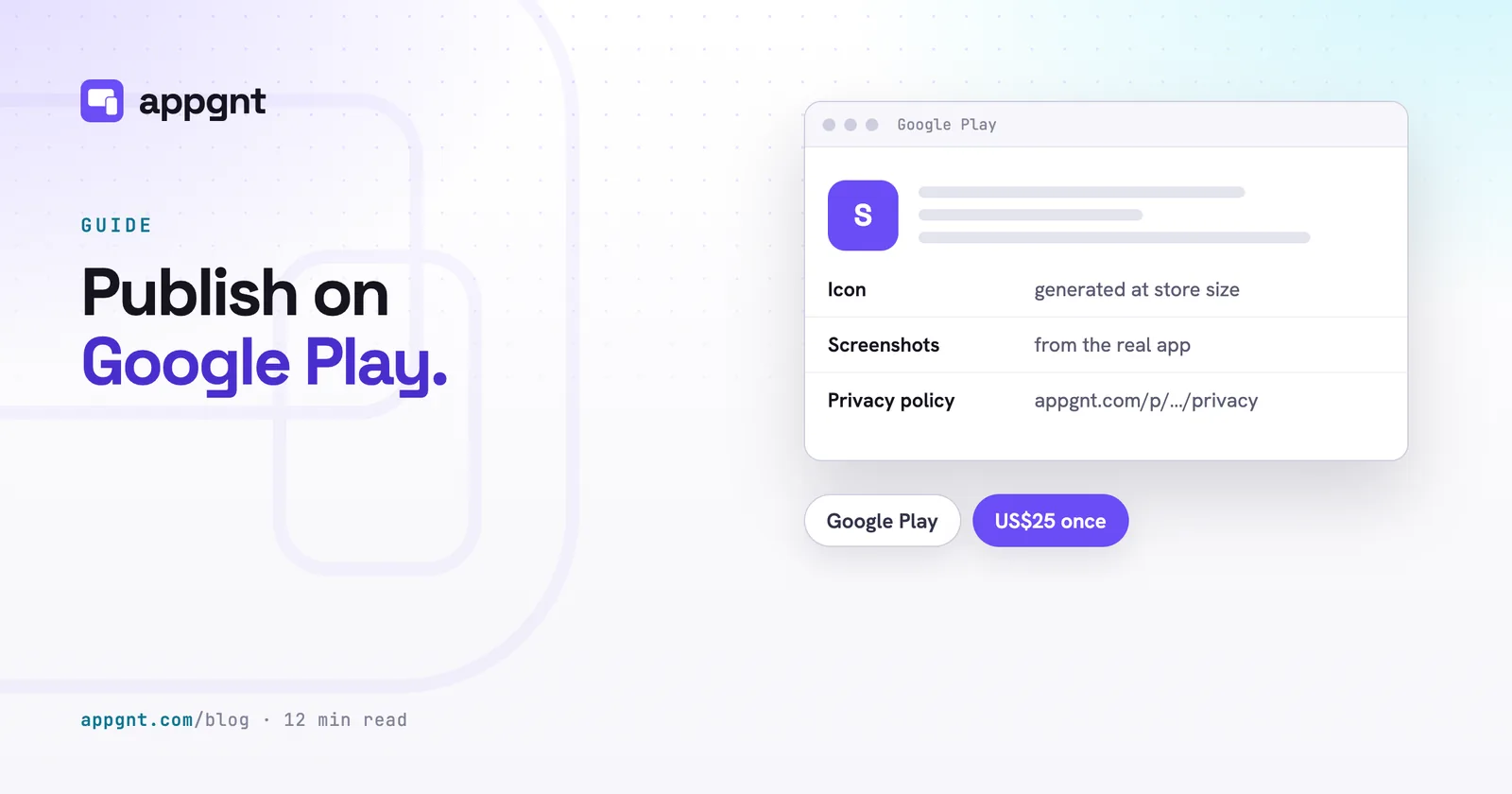
First, you skip the financial and administrative friction. Apple charges an annual fee of 99 US dollars for the Apple Developer Program. Google charges a one-off 25 US dollar registration fee. Both stores require identity verification, organisation numbers, and dedicated developer accounts.
Second, you skip the review queue. Submitting an update to an app store means waiting hours or days for human reviewers to approve your release. Apple regularly rejects internal business tools that lack public account registration, citing guidelines against private or limited-audience apps.
Third, you skip platform-specific build hardware. Compiling an iOS binary package requires a Mac running Xcode. When you deploy directly to the web, you write the software once and publish it to a web address.
What features do you keep, and what are the honest limits?
A browser-installed app is not just a glorified bookmark. It retains deep access to modern device hardware while working cleanly without an internet connection.
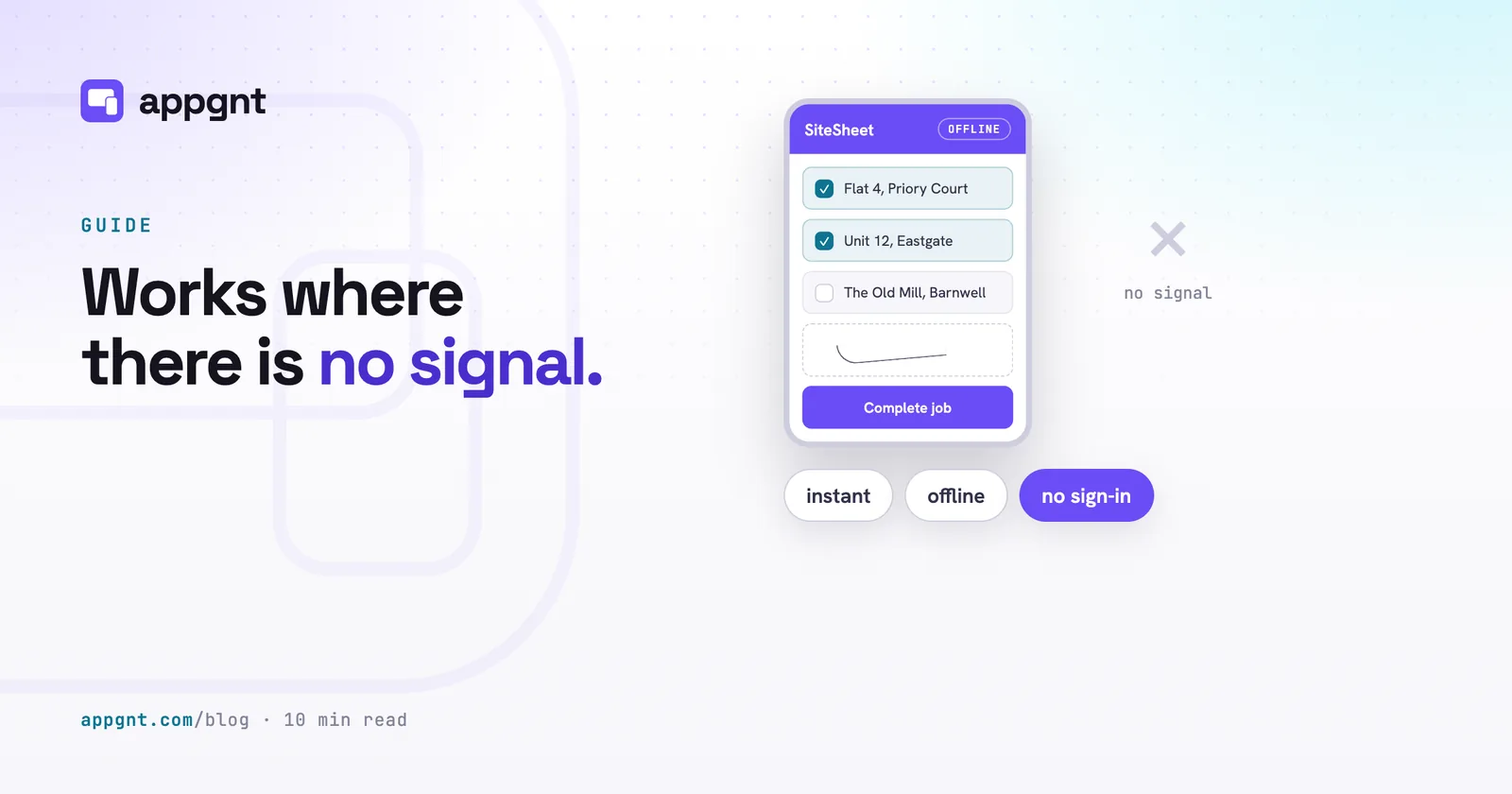
Because the app caches its code locally, it opens instantly and continues working when a team member walks into a basement, an insulated warehouse, or a rural site with zero signal. By storing its records in the browser on the device, you can keep the data on the device so staff can complete audit forms or count stock offline. The application also has full access to the device camera for scanning barcodes, geolocation for recording job sites, the system share sheet, and local file pickers.
There are, however, technical trade-offs you must plan around:
| Feature | Browser-installed app | App store build |
|---|---|---|
| First-time install | Instant via link or QR code | Search, download, and authenticate in store |
| Update delivery | Automatic on next open | User download or background store update |
| Push notifications | Requires complex web push setup | Standard operating system notifications |
| Background tasks | Stops when app is closed | Runs periodic tasks in the background |
| Long-term storage | Subject to browser eviction | Permanent until deleted by user |
| Hardware access | Camera, location, files | Full hardware (Bluetooth, NFC, health sensors) |
The storage rules on iOS require particular attention. If a user does not open an installed web app on an iPhone for several weeks, iOS may purge its local cache and stored records to free up room. For quick checklists and daily logs, this rarely causes trouble. For critical business records, your application should sync its local data to a hosted backend whenever a connection is present.
Timers and scheduled alerts also work differently. In a browser app, audio alerts and timers run reliably only while the screen remains active and the application stays in the foreground. If your workflow demands background location tracking throughout an eight-hour shift, you will eventually need to publish your app to Google Play or the App Store.
Where does a browser-installed app work best?
Browser installation is ideal when you have direct contact with the people using the software and do not need strangers to discover you through store search bars.
- Staff checklists and inspection tools: You can print a QR code on a piece of machinery or an office noticeboard. A technician scans the code with their phone, taps install, and immediately starts inspecting equipment.
- Client portals: If you run a consultancy, an agency, or a trade service, you can text your clients a direct link to their private dashboard. They add it to their home screen without entering a public app directory.
- Kiosk, conference, and event displays: Temporary staff or attendees can load schedules, venue maps, and feedback forms onto personal phones without downloading massive installation files.
- Shift management and rotas: Operations managers can roll out internal scheduling apps across personal devices without asking employees to connect corporate profiles to their personal Apple IDs.
The public app stores still make sense when discovery is part of your marketing funnel. If potential customers search for generic terms like "plumber booking" or expect to find your brand next to household consumer software, a store listing remains valuable. For software that does a specific, operational job inside a business, the web is faster and cheaper.
How to handle the practical rollout
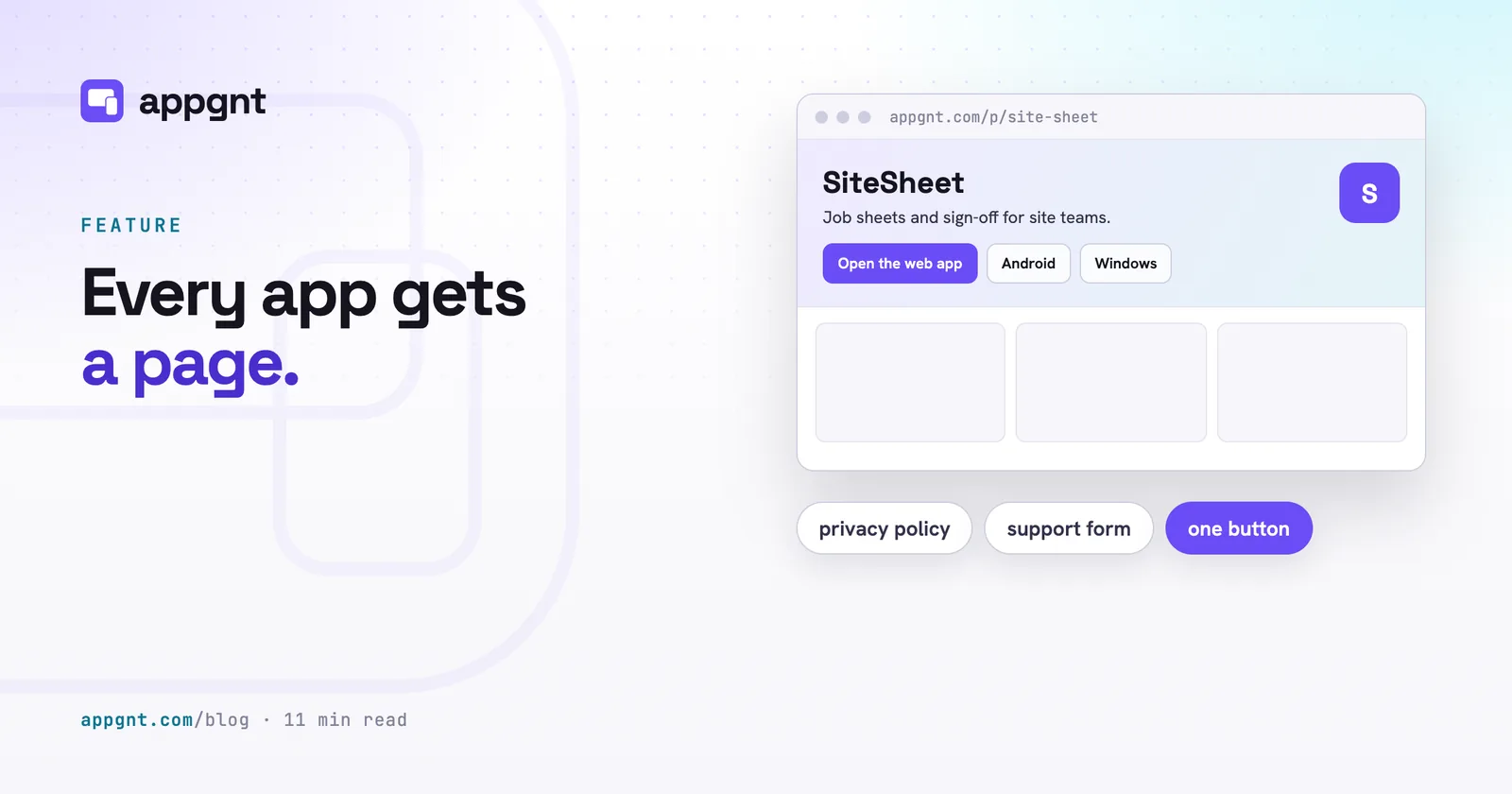
The simplest way to roll out an internal web app is to give your team a single landing point. In appgnt, every app gets a page automatically at appgnt.com/p/your-app-name. That page includes a button to open the web software, along with platform-specific download links if you choose to export native packages later.
To roll out the app to your staff:
- Print a physical QR code linking directly to your application address, or message the URL to your team group chat.
- Provide two clear instructions based on the phone they carry: tap the install pop-up on Android, or tap Share and Add to Home Screen in Safari on iPhone.
- Have staff open the app once while connected to Wi-Fi to prime the offline cache.
When you need to fix a bug or change a checklist field, you do not ask staff to visit a store to update their phone. You simply deploy the new build. The next time an employee opens the application on their home screen, the service worker detects the fresh build and updates the interface immediately.
Frequently asked questions
Can an app installed from the browser work when the phone has no signal?
Yes. When built with a service worker, the application downloads its code and interface assets directly onto the phone during the first visit. As long as the application stores its records locally on the device, staff can launch the app, record data, and review saved information completely offline.
Will an installed web app appear in the iPhone App Library and Android app drawer?
On Android, installed web apps appear inside the standard app drawer alongside every other application. On iOS, they appear on the home screen and inside the App Library, running in their own isolated full-screen window without the Safari navigation interface.
How do updates work if the app is not in an app store?
Updates happen automatically over the web. When you publish a change, the application detects the updated files in the background the next time it opens, downloads the changes, and applies them immediately without requiring manual downloads or store approvals.
Do I need a Mac computer to create an installable web app?
No. Because the application runs on standard web technologies through the browser, it can be built, hosted, and deployed using any computer or cloud studio. You only need a Mac if you decide to bundle the code into a native package specifically for the Apple App Store.