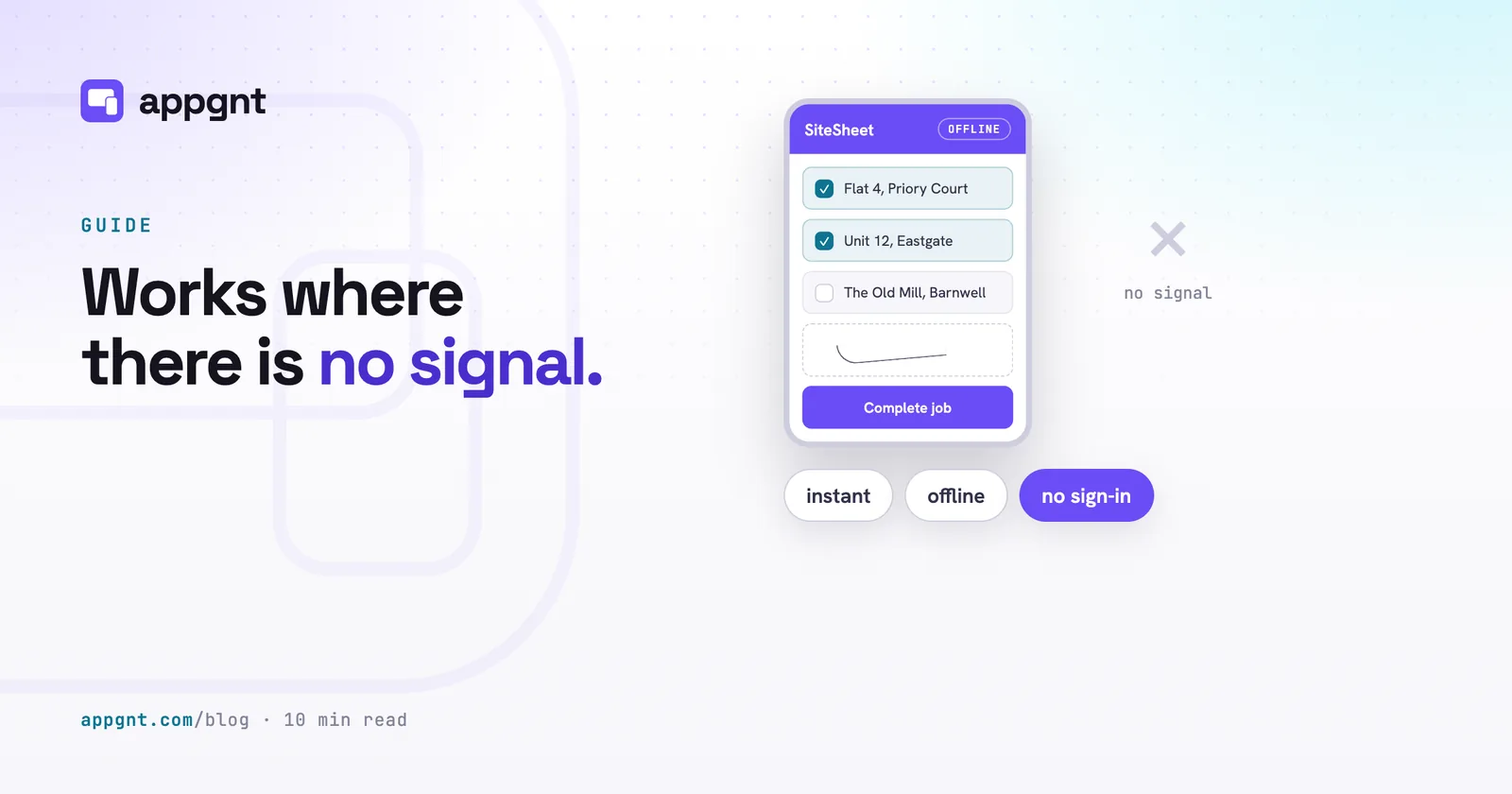
What happens when an app depends on phone signal?
Work stops the moment a worker steps into a basement, a metal-clad distribution warehouse, or a rural build site. If an app needs to contact an external server before it renders a form or saves a row, the screen locks up. Spinners appear, requests time out, and staff end up jotting notes on scraps of cardboard or the back of their hands.
Field work rarely happens next to a reliable cell tower. Vans travel through dead zones, farm buildings act like Faraday cages, and trade events overload the local network. When an app requires an active connection, simple admin tasks become stressful chores. Worse, an unstable connection often swallows half-completed forms without warning, forcing staff to type the same serial numbers and meter readings twice.
Building apps to assume continuous connectivity is a design mistake for operational tools. When you build the tool to run locally, the device handles every interaction itself. The app opens immediately, saves every keystroke straight to local storage, and never asks the user to wait for a remote server to confirm what they just typed.
How local storage works on a mobile phone
A local-first app saves every button tap and form field directly into the browser storage on the phone itself. Modern mobile browsers provide built-in storage for everything from simple settings to structured lists, inventories, and forms. It keeps records directly on the physical flash memory of the device.
Reading and writing to local flash memory takes a fraction of a millisecond. There is no network latency, no SSL handshake, and no risk of a 504 gateway timeout. Because the logic lives on the handset, an operative can log fifty pallet inspections in a windowless cold store without a bar of signal.
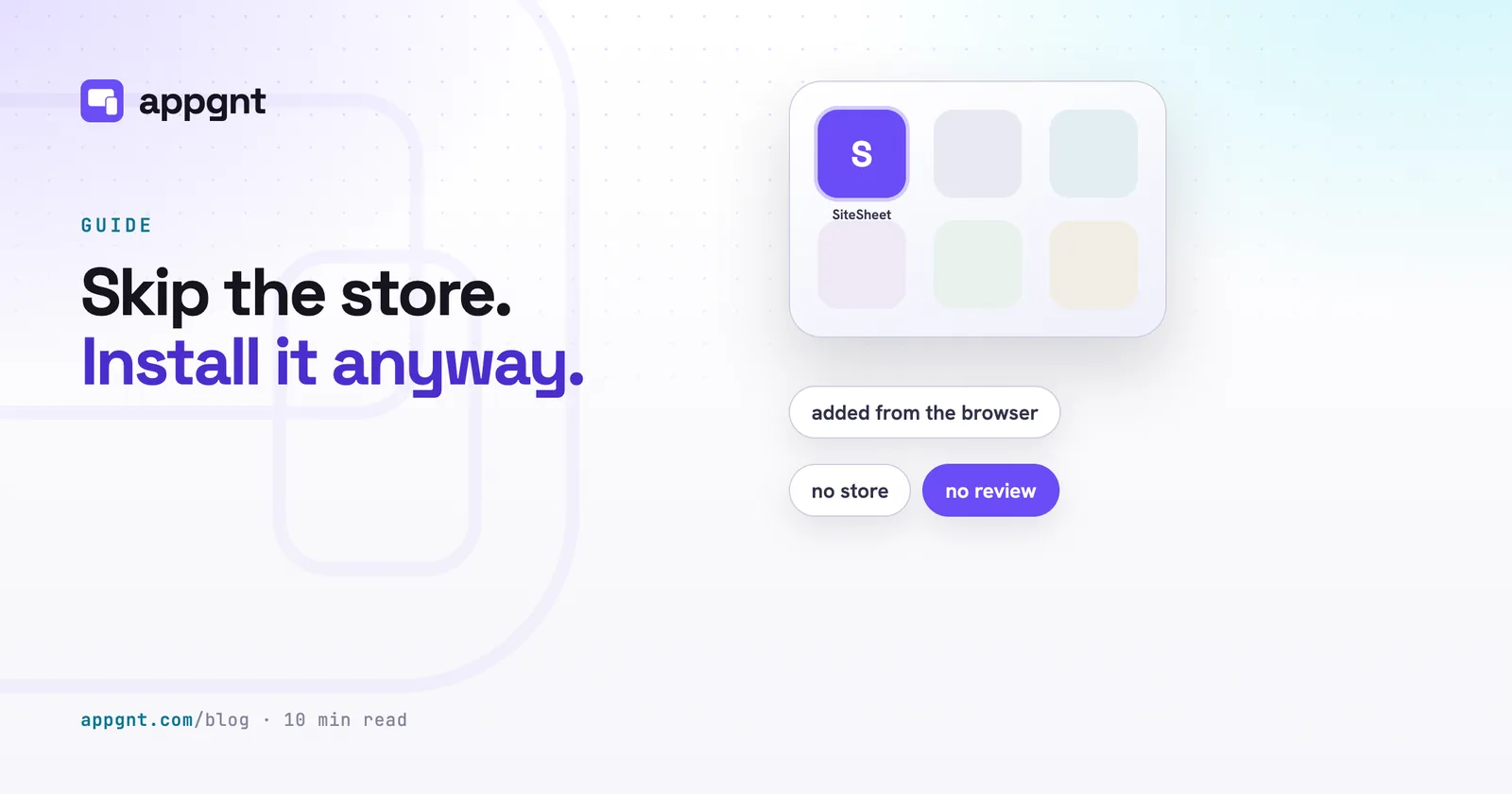
For web apps, this setup works through Progressive Web App technology. A piece of browser code called a service worker caches the HTML, images, and application logic the first time the app loads. When the operative launches the app from their home screen later, the phone loads those cached files locally. You can read more about running web tools natively in our guide to how to install from the browser with no store needed.
The four honest reasons to add a backend
You genuinely need a central server only when the handset cannot complete the task on its own. Most internal tools get weighed down by expensive database subscriptions and user management setups that do nothing to help the person holding the phone.
There are four specific situations where a local setup falls short:
- Two people need the exact same record at the same time. If a dispatcher assigns a job in the office and a driver accepts it in a van thirty miles away, a server has to broker that handoff.
- Staff must collaborate on shared pools of information. If three pickers update the same stock levels across an aisle, they cannot rely on three isolated phones.
- The app relies on a third-party secret. If your app calculates a price using an external paid API, shipping that secret API key inside the app code lets anyone extract it. The secret must sit on a server.
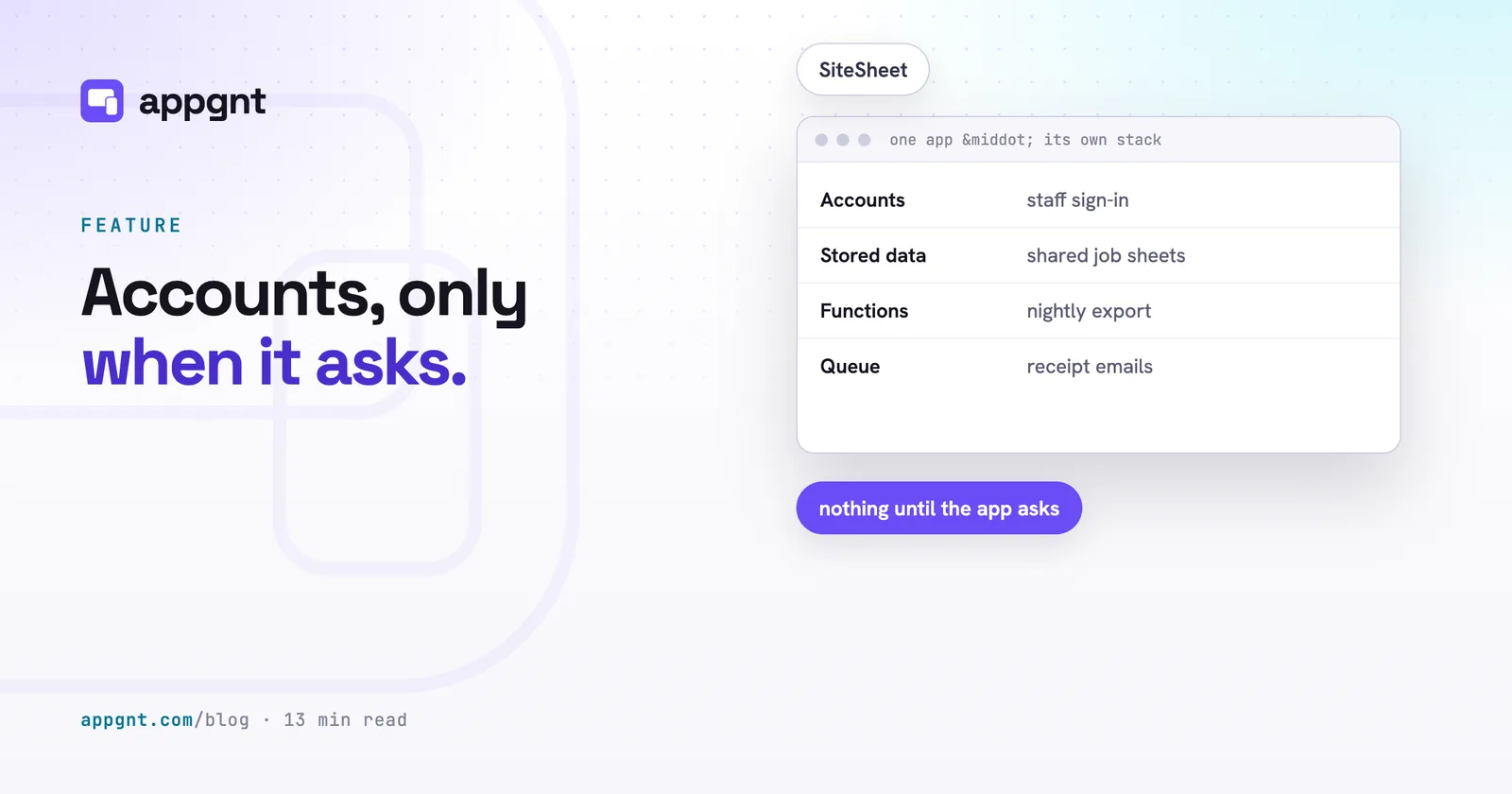
- Tasks must run while the app is closed. A phone in someone's pocket will not wake up at midnight to run a calculation, clean up stale files, or fire off a reminder email to a customer.
If your requirements do not include those four items, you do not need a backend. A safety inspection log, a personal daily mileage tracker, or an installation snagging checklist can live entirely on the phone. When you do run into these limits, our guide on when your app needs accounts and a backend explains how to scale up cleanly without overpaying.
Local storage compared to cloud databases
Choosing between on-device storage and a hosted database changes how your team works, what you pay each month, and how failures affect the business.
| Consideration | Local on-device storage | Hosted cloud backend |
|---|---|---|
| Speed | Instantaneous reads and writes | Depends on latency and network quality |
| Offline behaviour | Full functionality with zero bars of signal | Freezes or throws errors without careful caching |
| Infrastructure cost | Free, runs on the phone hardware | Monthly hosting, bandwidth, and database fees |
| Setup overhead | None, no user accounts required | Requires authentication, permissions, and tables |
| Cross-device visibility | Data stays on the phone that recorded it | Central office sees live records immediately |
| Hardware loss | Unexported data is lost if the phone breaks | Data is safe in the cloud if the phone breaks |
The real trade-offs of keeping data local
The biggest drawback of keeping data on the phone is that dropping the handset down a lift shaft destroys any unsaved work. If an app does not send its records to a remote server, the physical hardware is the single point of failure.
Local tools also mean you sacrifice the live manager view. If five technicians complete five boiler services across the city, the operations manager cannot pull up a single dashboard to see what finished at 2:00 PM. Each record lives in isolation on each technician's phone until someone deliberately exports it.
You can handle most hardware risks with a simple file export button. Adding an option to export the week's records as a CSV or JSON file lets workers send their logs via email, upload them to a shared drive, or share them over WhatsApp whenever they find a Wi-Fi connection. It solves the backup problem without forcing you to maintain a database.
How to start before you build complex sync
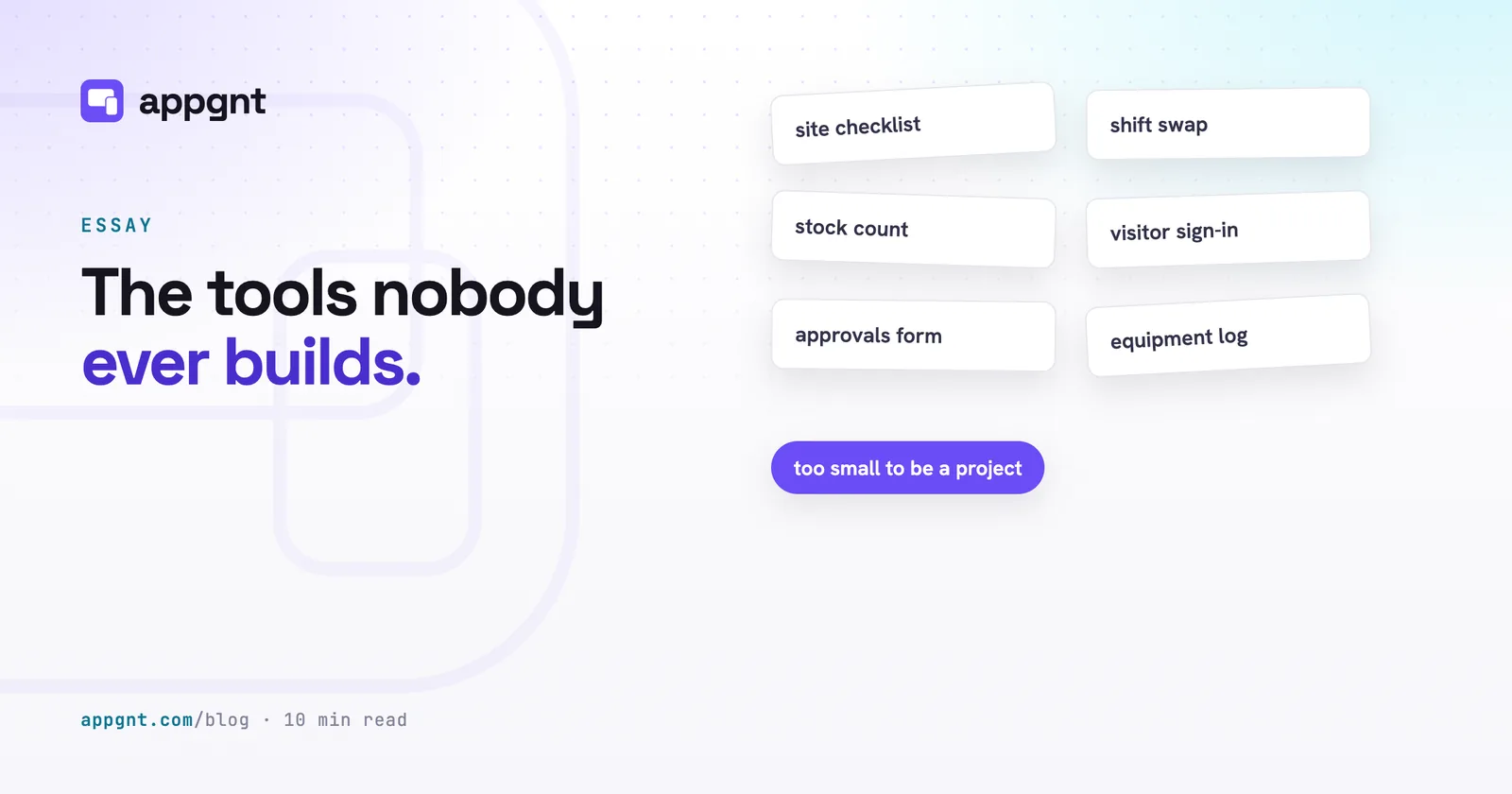
Build the local version first and see if staff actually use it before wiring up user accounts and database tables. Many internal software projects fail because they spend months setting up authentication, permission tiers, and database migrations before testing whether the app solves the underlying operational problem. We cover this tendency in our look at the internal tools nobody builds.
When you build an app with appgnt, the studio puts data on the device by default. Checklists, trackers, and stock counting forms work right away, load instantly, and demand no sign-in screens from your staff. If the workflow later proves that multiple operatives need to share records or view a central report, the app can request its own backend resources automatically. Starting small keeps your software fast, cheap, and usable in places where the cloud cannot reach.
Frequently asked questions
Can a web app really work on a phone without an internet connection?
Yes, web apps built as Progressive Web Apps store their code directly on the phone using a service worker. The phone loads the interface and logic from internal memory, so the app opens and functions normally even in flight mode.
What happens to local app data if a phone is lost or broken?
Any records stored solely on the device are permanently lost if the hardware is destroyed or wiped. To avoid losing work, local apps should include an export button that lets staff share a backup file by email or cloud drive at the end of each shift.
Is data stored locally on a handset secure?
Data stored in a phone browser is isolated so other websites and standard apps cannot read it. However, anyone who can unlock the physical phone can open the app and view the data, so you should ensure staff devices use strong passcodes or biometric locks.
When does a business app genuinely require a central database?
An app needs a database when multiple people must read and edit the same records, when the office needs a live dashboard of field activity, or when you need automated jobs like nightly emails while the app is closed. If each employee only needs their own log or checklist, a local setup is faster and cheaper.