Every business has a drawer full of software it never built.
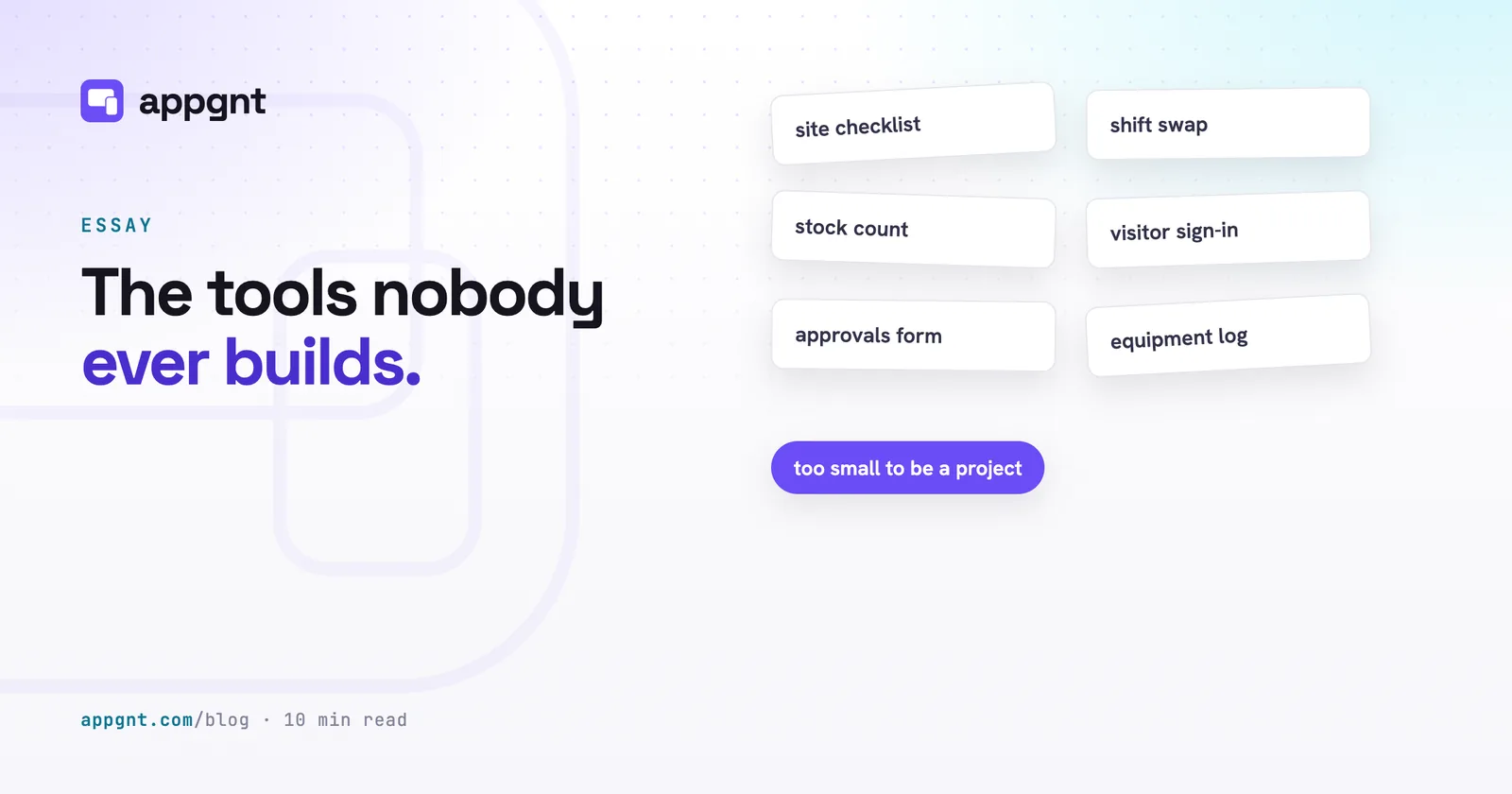
It is the site safety checklist the crew prints on paper every Monday. It is the visitor sign-in sheet on the front desk clipboard. It is the shift-swap request that gets lost in a 40-person WhatsApp group, the equipment checkout log with three missing columns, or the purchase approval form that exists only as an Excel sheet on a shared drive that nobody can edit at the same time.
These are not trivial tasks. They represent the actual day-to-day operations of the company. Yet they stay stuck in spreadsheets, chat channels and ring binders.
They stay there because the problem was never the tool itself. The problem was the minimum size of a software project.
Why do simple internal tools stay in spreadsheets?
The barrier to building a simple internal tool is the cost floor of software development.
When you ask an agency or an internal engineering team for a simple checklist app, they do not price a checklist. They price a project. That means requirements meetings, user stories, architectural decisions, authentication systems, cloud infrastructure, test pipelines and maintenance retainers. A tool that should take an afternoon to specify ends up with a five-figure quote and a three-month timeline.
Faced with that number, any sensible manager makes the right commercial call: they open Google Sheets.
The other common trap is the enterprise promise: "We will handle that when we roll out the new ERP next year." Next year arrives, the implementation is eight months late, the consultant fees have doubled, and the warehouse team is still writing stock counts on the back of delivery notes.
Nobody wants to own an entire codebase or manage server infrastructure just so three supervisors can log equipment checks.
What changes when a description is enough to build an app?
When you can turn a plain description into a working app, the cost floor disappears.
Instead of scoping an initiative, you write a short paragraph explaining the job: the fields the team needs to fill in, the steps they follow, and where the summary goes. The studio builds a real, working app from that description in minutes.
Because the app is a progressive web app, there is no need to create developer accounts, pay store fees or wait days for review. You send a link to the crew. They open it in their mobile browser, tap "Add to Home Screen", and the tool is running on their phones that afternoon.
If you have never written a formal brief before, reading our guide on how to brief an app will help you keep the description focused on the operational problem.
| Typical custom build | App built from a description |
|---|---|
| Requires scoping meetings, wireframes and weeks of development | Built from a plain paragraph within a few minutes |
| Needs App Store approvals and MDM deployment to staff devices | Installs directly from the browser via an ordinary web link |
| Demands ongoing server maintenance and security patching | Runs directly on staff hardware by default |
| Prohibitive cost floor forces teams back to shared spreadsheets | Low investment makes single-purpose utilities practical |
Why should you keep data on the device?
Most internal tools work best when they do not talk to a central database at all.
A site audit, a stock take, a vehicle inspection sheet or a daily timesheet is usually used by one person at a time on their own device. When you build the tool to save its data straight into local browser storage, three things happen:
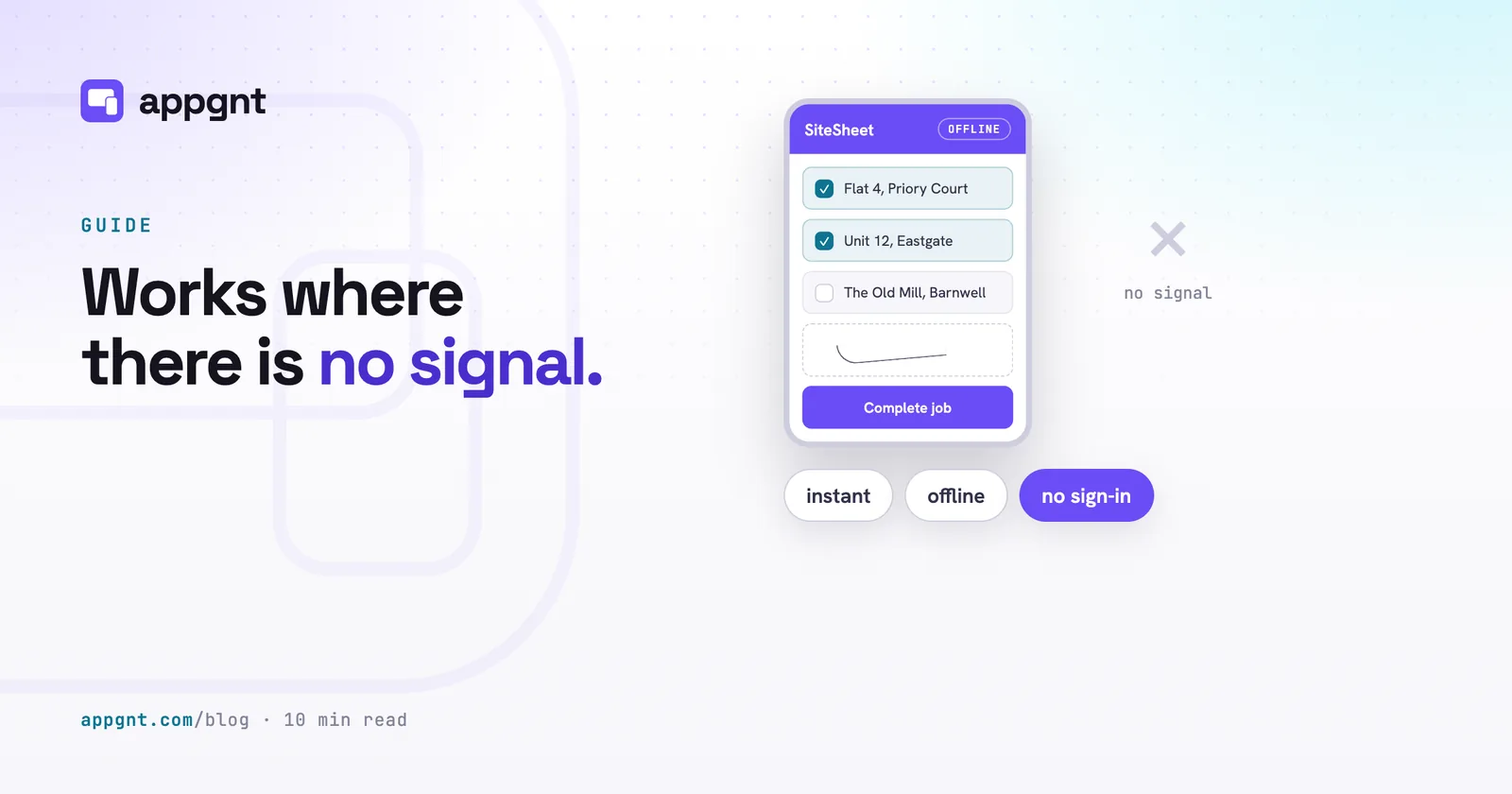
- The app works anywhere. A supervisor in a basement plant room or a driver in a rural depot has no mobile signal, but the app opens instantly and saves every entry without error screens.
- You do not need user accounts. Staff do not have to remember another password, and administrators do not have to manage permission tiers for a tool they use once a week.
- The build has zero operational overhead. There is no database to back up, no hosting bill to monitor, and no personal data sitting on an external cloud server.
We go into more detail on this design choice in our article on why you should keep the data on the device.
Only tools that coordinate work between multiple people require more plumbing. A shift rota that everyone views, a shared job queue or an approvals inbox needs a central home. When that happens, you connect a backend to handle accounts and cloud storage. If you are unsure which category your tool falls into, review our breakdown of when your app needs accounts and a backend.
Why build ten small apps instead of one big system?
Single-purpose tools are faster to use and much easier to maintain than all-in-one software suites.
Large software suites fail because they try to satisfy every department with a single compromise. The interface gets cluttered with navigation menus, mandatory fields that nobody understands, and buttons that only the finance director uses. Field staff quickly abandon the tool because completing a two-minute task takes ten clicks across three screens.
Ten tiny apps beat one sprawling internal portal:
- One app for logging site visitors at reception.
- One app for the weekly van maintenance check.
- One app for submitting expense receipts on the road.
- One app for calculating job quotes from a fixed rate card.
Each app opens straight to the task. Staff tap the icon on their phone, complete the three fields in front of them, tap submit, and put the phone back in their pocket. If the van check changes next month because the fleet adds two electric vans, you update that single tool in two minutes without touching the visitor sign-in or the expense form.
What is the catch with building tools this quickly?
The tool is only as good as your operational clarity.
A platform cannot invent your company's processes for you. If you do not know who signs off an overtime request, what information is required on a vehicle check, or what happens when an item fails inspection, the software cannot resolve the confusion. You still have to sit down and clearly name the steps.
Your first version will also be slightly wrong. You will send the checklist to the site supervisor, and they will tell you that the tyre pressure check needs to allow half-bar increments, or that the hazard dropdown is missing an option for overhead cables.
The difference is that being wrong no longer costs thousands of pounds or weeks of change-order debates. You open the studio, tell it what the supervisor said, and the revised version is back on their phone before they leave for their next job.
Frequently asked questions
How do staff install internal tools without using the App Store or Google Play?
The apps are built as Progressive Web Apps, which run directly in any modern mobile browser. You send staff a secure web link, they open it, and they tap the option to install it or add it to their home screen. The app icon sits on their phone just like any regular native application, without having to go through store reviews or public listings.
Can an internal tool work when staff have no internet connection on site?
Yes. Because these tools store data directly on the device using browser-based storage, they open immediately and save entries offline. A field worker can fill out inspection forms, checklist data or equipment logs in a basement, a warehouse or a remote field with zero mobile reception, and the information remains safely saved on their device.
What happens if our operational process changes after the tool is deployed?
You update the app by explaining the necessary change in plain language inside the studio chat. The platform makes the code adjustments and rebuilds the web app in minutes. The next time your staff open the tool on their phones, the new version loads automatically without requiring manual updates.
How do I know if an internal tool needs user logins and a cloud database?
A tool only needs accounts and a backend if information has to pass between different people, such as an approvals queue, a shared team schedule or a company-wide inventory tracker. If the tool is used by a single person to record information for themselves or generate an export, keeping the data entirely on their local device is simpler, faster and more reliable.