Why most good app ideas never get built
Most apps that should exist never do because the minimum price of finding out has always been too high. The small ideas stay written on scraps of paper or buried in chat threads because nobody was going to spend three weeks coding a bespoke checklist. The large ideas stay trapped in your head because building them meant hiring an agency, waiting nine months, and paying an invoice with far too many zeros on the end.
Both outcomes come from the exact same problem. When it costs thousands of pounds and months of effort just to see if a workflow makes sense, you only build things that have a guaranteed financial return. You scrap the small conveniences, and you hesitate on the big risks.
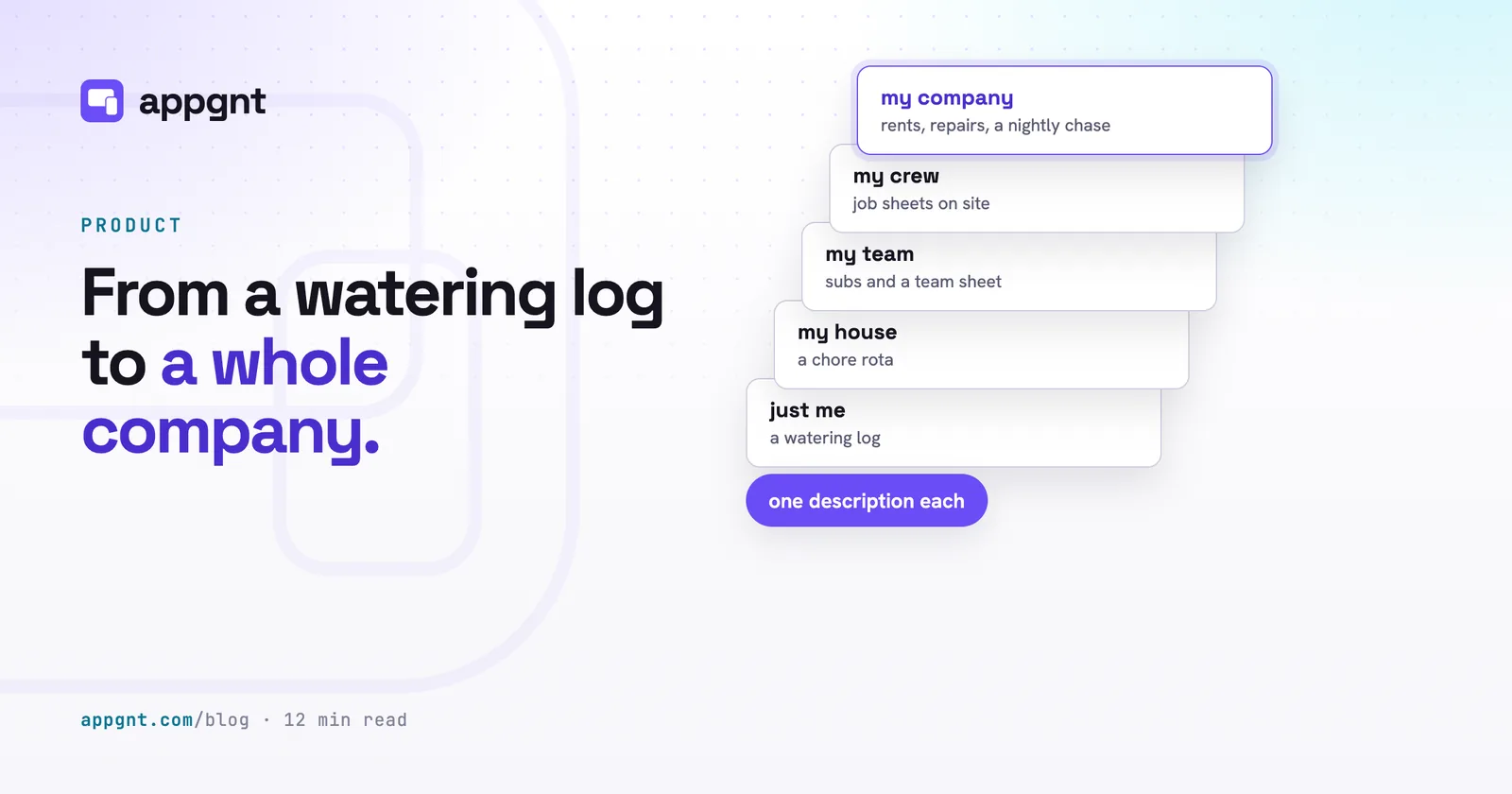
When you bring the build time down to an evening, the economics flip. You can afford to spend an hour making a utility for yourself that only three other people will ever care about. At the same time, you can finally build a working prototype of that commercial platform you have been thinking about for five years. The studio builds real applications for both ends of that spectrum, using the same engine and the same code standards.
Small things nobody would ever build for you
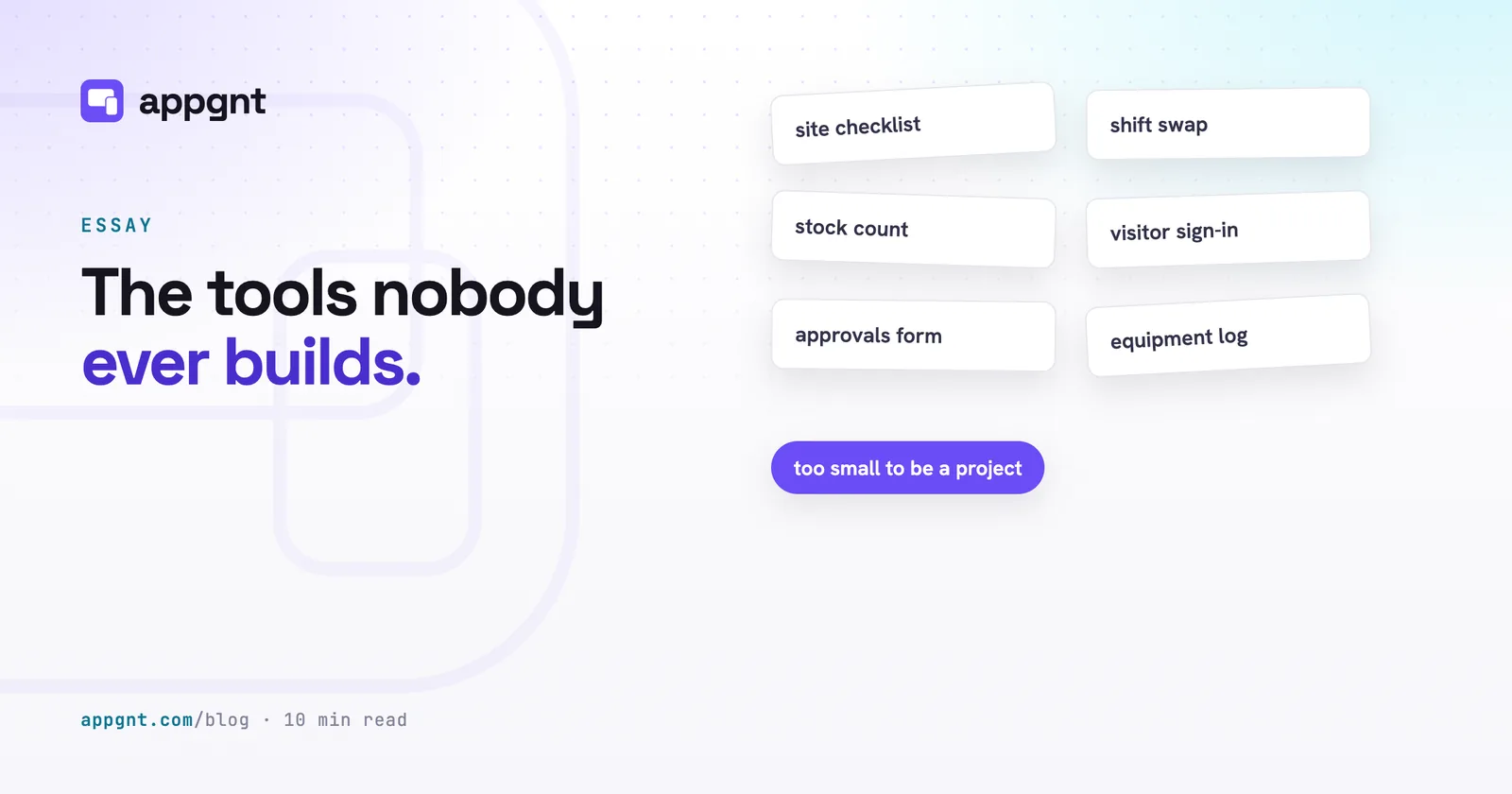
You can build hyper-specific utilities that solve an annoyance for one person. Commercial software companies ignore these problems because the market for them is tiny. If only four hundred people in the world care about tracking the moisture levels of specific indoor bonsai trees, no venture-backed startup is ever going to write that software.
You can build that exact tool in minutes. Examples include:
- A watering log for your houseplants that remembers the last feeding date and flags when winter watering schedules change.
- A tally counter for a niche craft, like tracking row repeats and tension changes across different knitting needles.
- A personal log for an unusual hobby, like recording sightings of vintage railway wagons or scoring board games with strange homebrew rules.
- A simple daily habit tracker that does not badger you with notifications, try to charge a monthly subscription, or sell your data.
These tools do not need logins, cloud databases, or remote servers. The studio builds them to store their data locally on your device using the browser's own storage. Because the data lives on your phone or laptop, the tool opens instantly and works completely offline.
Everyday tools for households and clubs
You can build shared coordination tools for the groups you deal with every week. Most community groups, amateur sports teams, and families currently organise themselves using messy group chats, lost email threads, or unwieldy spreadsheets on a phone screen.
A single-purpose app handles these interactions much better because it presents only the information people need right now. Common builds in this category include:
- A five-a-side football team sheet that tracks who is playing on Wednesday and records who has paid their subs.
- A household chore rota that rotates tasks fairly between flatmates each Sunday without arguments.
- A village hall booking diary that lets local societies see open slots and request an evening hire.
- A choir attendance register that lets section leaders mark who attended rehearsal and flag who needs sheet music.
When an app needs to share information between several people, the studio generates a hosted backend. It sets up secure storage and user accounts so everyone sees the same live data. If you are planning a shared tool like this, reading how to brief an app will help you outline the roles and screens clearly before you start.
Dull operational tools for working crews
Operational workplace tools are half the reason appgnt exists, and you can build them to match your exact working methods. Most small and medium businesses run their daily operations on physical paper, PDFs, or generic software that does not quite fit what the team does on site.
Building custom internal tools used to be a luxury reserved for large enterprises with dedicated technical teams. With the studio, you can produce tailored tools for your staff in a single afternoon:
- A field crew job sheet that collects site photos, notes materials used, and captures the client signature on a phone screen before sending.
- A vehicle safety check that drivers complete on their phones to log tyre tread, fluid levels, and body damage before a van leaves the depot.
- A warehouse stock count that functions cleanly in low-signal basements and syncs the counts back when the device reconnects to Wi-Fi.
- A trade shift swap board where hospitality staff can post shifts they cannot work and managers can approve swaps with one tap.
These are not toy prototypes. They are production tools that save hours of chasing paperwork. To understand why so many companies rely on these utilities, see our guide on internal tools nobody builds.
Taking a swing at an ambitious system
You can build complex, multi-sided systems that would normally require a full product team to get off the ground. An ambitious idea is not a fundamentally different kind of software. It is simply a collection of smaller workflows, user permissions, and database collections tied together logically.
Consider a complete property management platform for an independent letting agency. Building this requires several pieces working in harmony:
- A property and tenancy register holding lease dates, deposit details, and agreed monthly rental figures.
- A tenant portal where residents log in to view their tenancy agreement, check rent payment history, and report maintenance issues with attached photos.
- A staff dashboard where property managers triage repairs, assign jobs to approved contractors, and track maintenance invoices.
- An automated nightly background job that checks payment records and flags overdue accounts for review.
The studio provisions the infrastructure required for an idea like this automatically. It sets up accounts just for this app so staff and tenants log in through secure screens and see completely different interfaces. It creates stored data collections for properties, issues, and payments, backed by strict rules that isolate tenant records. When your concept reaches this scale, our breakdown on when your app needs accounts and a backend explains how the studio organises data and authentication behind the scenes.
How the four types of apps compare
Every project uses the same core technology stack, but the requirements determine how data is stored and who has access.
| Project kind | Typical users | Data storage | Primary platform |
|---|---|---|---|
| Personal tracker | Just you | Local device storage | Phone home screen |
| Household or club | Small groups | Shared cloud database | Mobile web or phone |
| Field operations | Work crews | Cloud database with offline cache | Rugged phone or tablet |
| Ambitious platform | Customers and staff | Cloud database with role permissions | Desktop web and mobile |
What every successful build has in common
Successful apps start with one job defined clearly rather than a sprawling list of vague ambitions. The software that succeeds on the first try is the software where you can state the goal in one plain sentence.
When you start a build in the studio, the studio builds a working project in a few minutes. Every change is tested at phone, tablet and desktop sizes before you see it, to verify that the buttons work, the layout sits correctly, and no code errors occur. Errors and broken layouts are fixed first.
That first version is a working draft. You then refine it through normal conversation. You tell the studio to adjust a field, move an action button, add a date filter, or make the text larger for drivers using phones in bright sunlight. Getting an app right is always a dialogue.
Where the honest limits are
The studio excels at focused applications, but software has boundaries that plain language cannot magically erase. An app designed to do three things exceptionally well will build quickly and run smoothly. An app briefed as a system to run your entire company across finance, human resources, logistics, and sales will stumble under its own weight.
Device features like cameras, GPS location, push notifications, and local file storage are wired automatically with fallbacks for standard web browsers. However, there are projects where you still need traditional software engineers:
- Highly specialised native code, such as custom Bluetooth drivers for proprietary medical hardware.
- Massive legacy software integrations that require reverse-engineering undocumented internal databases.
- Safety-critical systems where software errors pose direct physical or regulatory risks.
For everything else, the app runs in the browser, installs on Windows, macOS, and Linux, and, when you ask, becomes native Android and iOS apps written in Kotlin and Swift from that same app. You own the files, and you can download the complete project zip at any point to continue development yourself.
What happens when the cost of trying drops
When the cost of trying an idea drops to an evening of your time, your approach to software changes completely. You stop maintaining fragile spreadsheets for your sports club just because real software seemed out of reach. You stop tolerating paper log sheets in your business because off-the-shelf software charged fifty pounds per user per month.
Most importantly, you stop leaving your best ideas sitting in a notebook. You can build the strange personal hobby tracker on a Tuesday, use it on Wednesday, and decide on Thursday whether you want to keep it. And when you are ready to take a genuine swing at that larger platform you have been planning for years, you can sit down and watch the first working screen come together before you go to bed.
Frequently asked questions
Can an app built with appgnt work without an internet connection?
Yes. Apps designed for personal use store their data directly on your device, meaning they work fully offline by default. For shared business tools like warehouse stock counts, the app caches entries locally and synchronises them with the cloud database once a connection returns.
Do my team members need to download the app from an app store?
No. Every app builds as an installable Progressive Web App that users can open immediately in any browser and add directly to their home screen or desktop without using an app store. If you do want native store distribution, the studio can port your app to native Android and iOS apps, building the Android APK and AAB, Windows installers, and Xcode projects for iOS and macOS.
Can different users see different screens and permissions in the same app?
Yes. When your app requires user accounts, the studio provisions dedicated authentication that separates roles like staff, administrators, and clients. The app then serves different interfaces and enforces database read and write rules based on who logs in.
What happens to my app code if I want to move away from appgnt?
You own the complete source code of your application at all times. You can open the Files pane in the studio and download the entire project as a standard zip file, which any web developer can run, host and maintain independently.
Can I run my finished application on my own custom web domain?
Yes. While every app receives a live web address immediately on appgnt.com, you can map your own domain or subdomain to the application directly through the Publish pane. The platform provisions an SSL certificate automatically and serves your app from your chosen address.