Why an app needs a public front door
Your app needs a public address the moment you want another human being to try it. Sending someone a raw hosting link or a bare installation file works for a developer, but it creates confusion for an employee or a client.
Staff need to know what the tool is, where to tap, and how to get it onto their phones. If you submit the app to Google or Apple, the store review teams demand a public marketing address and a working privacy policy URL before they let you submit your listing.
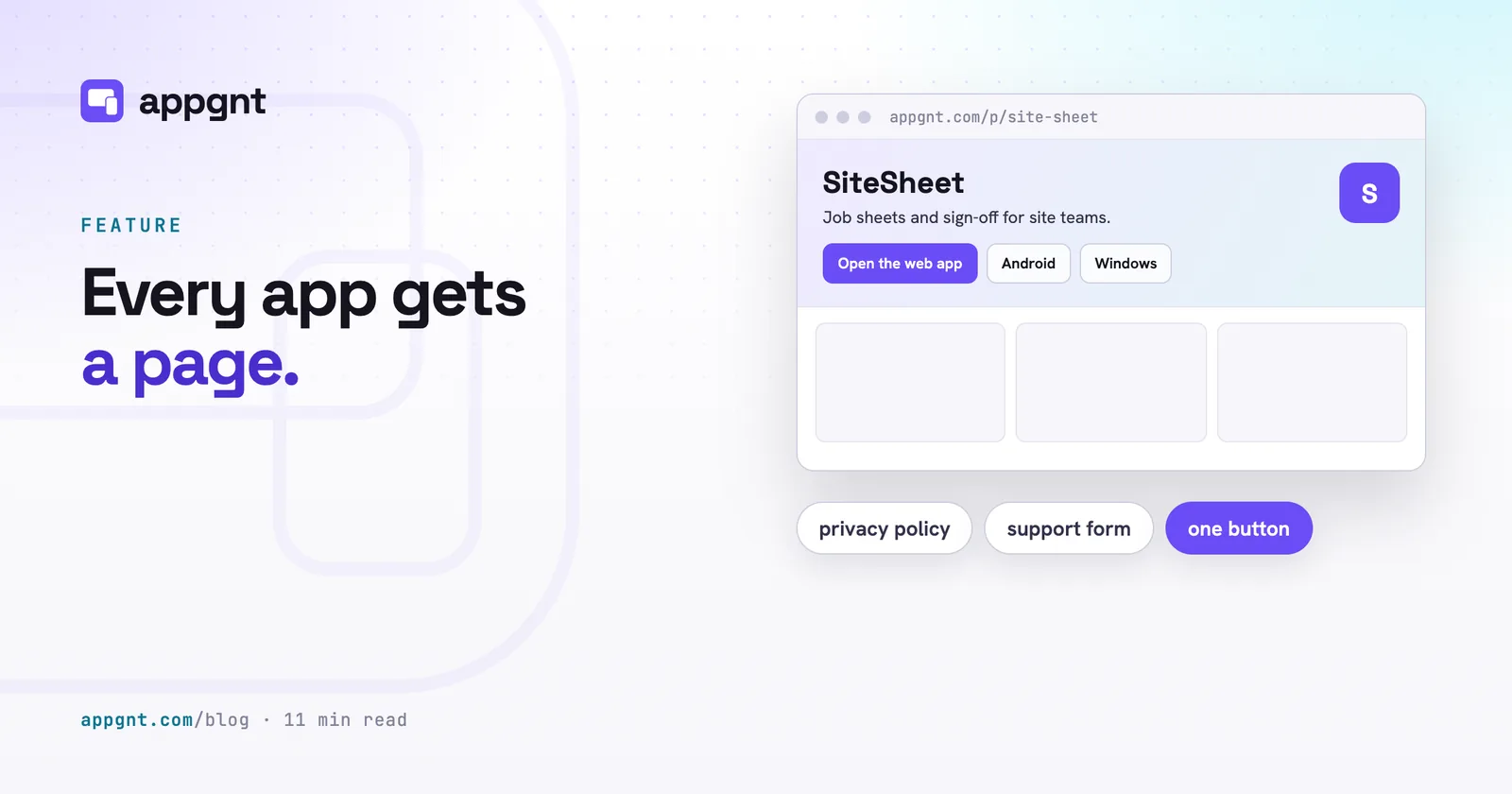
In the studio, you do not need to build a second website just to launch your first app. When you describe the app your business needs, the platform builds the software and sets up a dedicated home for it at appgnt.com/p/<slug>. This page acts as your launchpad. It provides an installation point, a direct web launcher, download mirrors, official store links, legal notices, and an inbox where users can ask for help.
What appears on your app page
The app page puts the most important action right at the top so visitors can start using the software immediately. A primary button labelled Open the web app loads the live build in any standard browser on mobile or desktop.
Below the main action, the page displays a gallery of genuine interface screenshots, a short summary of how the tool works, and a breakdown of core features. If you have exported native desktop or mobile builds, the page automatically presents direct download buttons alongside links to the public app stores.
| Distribution route | What the visitor sees on the page | What happens when they click |
|---|---|---|
| Web app | Open the web app button | Launches the application instantly in their browser |
| Android export | Direct APK download button | Downloads the signed Android package directly |
| Windows export | Windows installer download button | Downloads the desktop setup file (.exe) |
| Linux export | AppImage and .deb buttons | Downloads native Linux packages |
| App stores | Official store badges | Redirects to Google Play or the Apple App Store |
The bottom of the page includes credits, an honest AI disclosure noting how the application was generated, a link to the generated privacy policy, and an embedded support form.
How the Marketing kit gathers your assets
The Marketing kit generates all your store assets and page copy automatically without changing a single line of your application code. You trigger it from the Publish pane in the studio, where it runs as an independent background process.
To collect screenshots, the studio opens your live deployed web app and captures the interface at the precise dimensions required by modern app stores. It grabs phone layouts at 1080x1920 pixels, tablet layouts at 2064x2752 pixels, and desktop views. The tool never pastes your interface onto a generic stock photograph or fakes an operating system shell. What visitors see on your page and store listings is the exact software your users will run.
The kit also inspects your application palette and icon to compose store artwork, including the wide 1024x500 feature graphic required by Google. It reads the source code to understand what the app does, then drafts store descriptions matched to strict platform rules:
- App names capped at 30 characters for both Apple and Google
- A concise summary under 80 characters for Google Play
- A full marketing description under 4,000 characters
- A targeted keywords field under 100 characters for the iOS App Store
- A plain text README file showing you which file uploads to which field in each console
How the generated privacy policy works
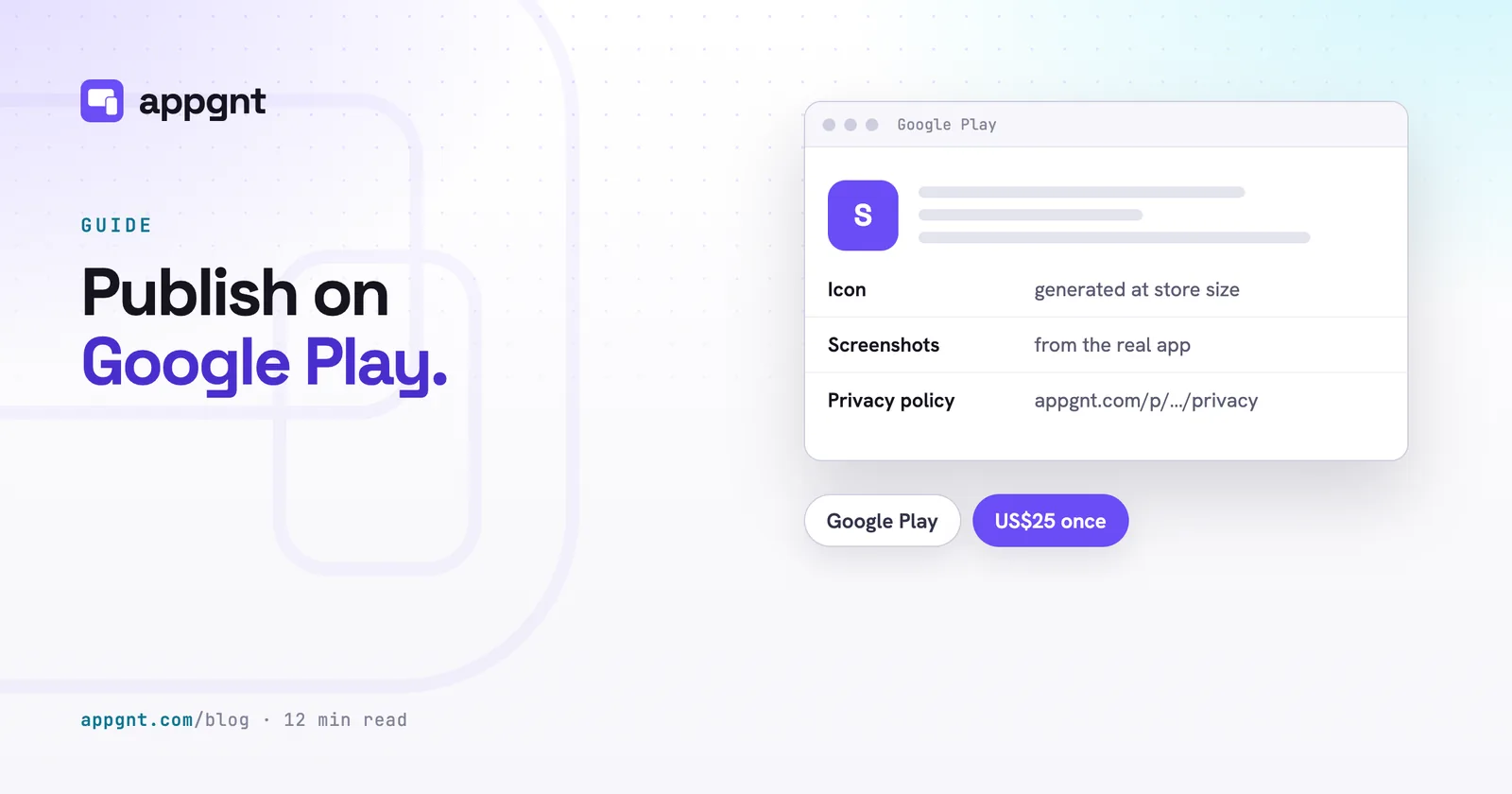
Every published page automatically creates an accompanying privacy policy at appgnt.com/p/<slug>/privacy. This URL satisfies the mandatory privacy field when you publish your app to Google Play or submit to Apple.
Most small business utilities do not need complex legal contracts because they do not track users. The platform policy states the plain truth about how the system operates. It explains that data stays on the local device by default, that the content delivery network uses no tracking cookies or analytics scripts, and that downloaded files are delivered directly without behavioural profiling.
If your app uses a hosted backend or calls external services, the generator reads your configuration and adds specific disclosures. It notes which collections exist, whether user accounts are active, and which third party services receive requests. You get an accurate, readable document that reflects your actual architecture instead of a cut and paste legal template.
Distributing downloads without the app stores
You do not need to wait for store approvals to put your software into the hands of your team. The web version functions as an installable progressive web app, meaning anyone can install from the browser with no store needed.
When you run platform exports in the Publish pane, the resulting files copy over to your public page permanently. These download links never expire. If you build an Android APK or a Windows installer for internal staff, you can direct your workers to your app page URL. They tap the appropriate download button, receive the file directly from our secure storage, and install it on their hardware.
If you later decide to go through official store reviews, you can paste your public Google Play and Apple App Store links into the studio. The page will immediately display official store badges, giving users the choice between direct installation and platform app stores.
Built-in customer support that protects your privacy
The app page includes a support form so users can report bugs or ask questions without you exposing your personal email address. Customer enquiries are routed through our relay system to the email address tied to your studio account.
The system protects both sides of the conversation:
- Visitors enter their question and an email address where they can receive a response.
- The platform delivers the message to your inbox with a protected return address.
- Your personal email remains hidden until you choose to reply to the customer.
- Automated bots are blocked using hidden honeypot fields and strict daily submission limits.
This setup prevents your inbox from being scraped by spammers while ensuring legitimate business enquiries, customer bug reports, and store review feedback reach you immediately.
Publishing, renaming and link sharing
Sharing your app link on messaging platforms looks clean and professional from day one. The system automatically provisions Open Graph metadata and card artwork derived from your live interface. When you paste your page address into iMessage, WhatsApp, Slack or LinkedIn, the platform renders a rich preview card showing your app icon, official title, and primary tagline.
You control the visibility of the page with a single toggle in the studio Publish pane. Clicking unpublish takes the page down immediately, returning a clean notice to anyone who visits the address.
If you decide to rename your application later in development, you can change the slug without breaking old installations. The platform retains records of your earlier addresses and forwards traffic to the updated URL, ensuring existing bookmarks and team documentation continue to function.
Frequently asked questions
What is the web address of my app page?
Your page is published at appgnt.com/p/<slug>, where the slug is the unique URL identifier chosen for your application. You can view or change this address inside the Publish pane in the studio.
Can I put my own privacy policy on the page?
The page automatically creates a privacy policy at appgnt.com/p/<slug>/privacy based on how the platform handles data and which backend features your code uses. This page fulfills the mandatory privacy link required by Google Play and the Apple App Store.
Do download links on the app page ever expire?
No, the download links generated from finished platform exports do not expire. When an export finishes in the studio, the installer files copy permanently to your page hosting so staff and clients can download them at any time.
How does the support form forward messages to me?
When a visitor submits a question through the support form, the platform sends an email to the address associated with your studio account. Your email address remains hidden from the sender until you choose to write back.