Where does an app live by default?
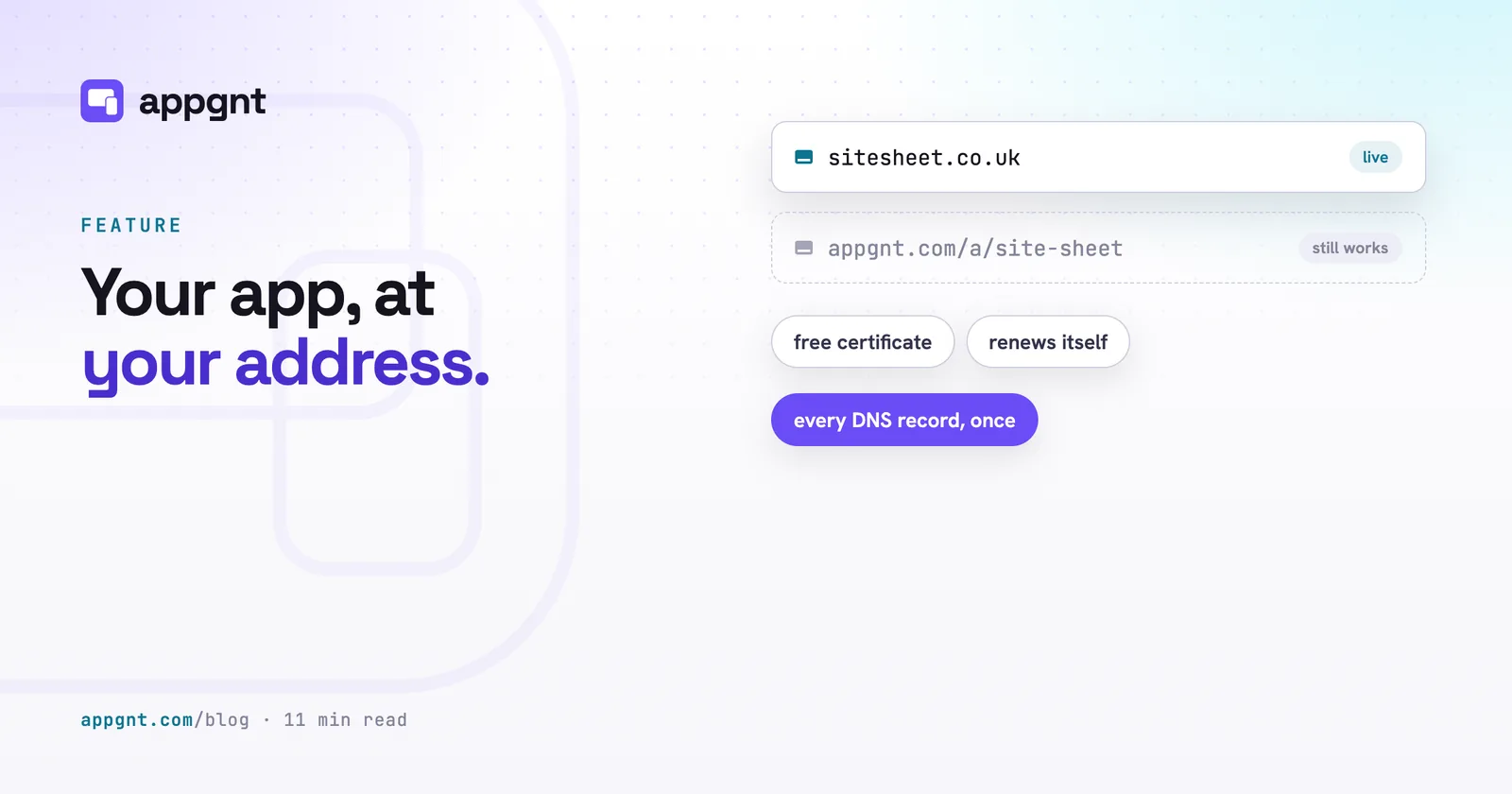
Every app built in appgnt gets an address at appgnt.com/a/
Both addresses serve the exact same build from the same servers. If you prompt the studio to change a form, fix a calculation, or adjust a colour scheme, both addresses update at the same time. The original link never goes away.
This setup makes early rollout simple. You can test early builds on the default link with a small group of trusted staff without altering company DNS records. When you are happy with how the app performs on shift, you add your own web address. If you ever make a mistake editing DNS records months later, the original address remains running in the background.
Why put an internal or customer app on your own domain?
A web address under your company brand establishes immediate trust with the people using it. Staff are rightly cautious about clicking unfamiliar links sent across email or WhatsApp that ask them to sign in, upload job photos, or submit inventory numbers. An address like app.yourcompany.com reassures your team that the software is genuine and sanctioned by the business.
Customers expect the same consistency. If a client receives a link to book a consultation, track a delivery, or review an invoice, an address matching your main website signals that you take security seriously. A link hosted on a platform they have never heard of looks amateur, and some corporate network filters block it entirely.
There is also the matter of long-term control. When you build with appgnt, you own the code as an ordinary, standard project. If you ever choose to export your source and host the project on your own infrastructure, your address goes with you. The home screen shortcuts your crew installed and the links bookmarked by your customers continue working without interruption, because you own the domain name.
Subdomain or bare domain: which one should you use?
A subdomain such as app.yourcompany.com is almost always the best option because it works reliably with every DNS host on the market. Subdomains rely on standard CNAME records. A CNAME simply tells the internet that traffic for app.yourcompany.com should be handled by our edge servers. It takes two minutes to set up, requires zero technical workarounds, and never interferes with your office email or your main marketing site.
A bare domain (sometimes called an apex domain or root domain, like yourcompany.com without any prefix) is technically more awkward. Under the original internet standards established decades ago, you cannot place a CNAME record on a root domain without breaking MX records used for business email. Modern cloud infrastructure relies on dynamic hostnames, so pointing a bare domain at an app requires special record types called ALIAS or ANAME records.
| Address type | Example | DNS record used | Provider support |
|---|---|---|---|
| Subdomain | app.yourcompany.com | Standard CNAME | Works with all DNS providers |
| Bare domain | yourcompany.com | ALIAS or ANAME | Supported by modern DNS hosts only |
Providers such as Cloudflare, DNSimple, and Namecheap support apex aliasing without issue. Traditional or budget domain registrars frequently do not. The studio detects this distinction automatically. If you type a bare domain into the Publish pane and your DNS provider lacks apex support, the studio explains the limitation and recommends a subdomain instead.
If you do connect a bare domain, appgnt configures both the bare name and the www version. The studio automatically redirects the www address to the root domain. This ensures search engines index a single canonical address and visitors never get stranded on a blank page if they type www out of habit.
How does setting up a domain work?
Configuration takes place in the Publish pane inside the studio and requires only a single visit to your domain registrar. You enter your chosen host name and click save. Instead of giving you one record now and making you wait an hour before giving you the rest, the studio displays every DNS record you need simultaneously.
You receive two types of records: the routing record that directs visitors to our application servers, and the verification records needed to issue an SSL certificate. You copy these values, open your registrar console, paste them into your DNS zone file, and save the changes. You do not need to log back into your registrar later to complete a second step.
Once you save the records, the studio polls your domain in the background. The certificate authority verifies ownership and issues the certificate, which typically takes two to five minutes. Edge routing propagates shortly after. Most custom domains are fully operational between five and fifteen minutes after the DNS records are saved.
Who pays for the SSL certificate and handles renewals?
The SSL certificate is provided at no charge and renews itself automatically every year. You do not need to buy an annual certificate from a third party, upload private keys, or set calendar reminders to prevent your site from expiring.
Manual certificate maintenance causes needless downtime for small businesses. If an administrator forgets to update a certificate before a holiday weekend, staff arrive on shift to alarming browser warnings stating that the connection is insecure. Because our certificates validate automatically through the DNS records you added during initial setup, the encryption stays active without your involvement.
What happens to the app page and privacy policy?
When you point a domain at an app, every app gets a page and an automatically generated privacy policy that carry over to your new address. If your app is set up on app.yourcompany.com, your landing page is available there, and your policy lives at app.yourcompany.com/privacy.
That privacy policy URL is mandatory if you intend to distribute your software through Google Play or Apple. Both store review teams reject submissions that lack a valid, working privacy link. Having that policy live on your own branded domain makes your application look like an established business product during the review process, rather than a hobby build.
If you choose to bypass the app stores, your software operates as an installable Progressive Web App directly from your domain. Users can install from the browser with no store needed, pinning the tool to an iPhone, Android, or desktop screen. When staff launch the shortcut from their home screen, it opens cleanly in its own window under your company address.
What are the limits of custom domains in appgnt?
The architecture follows a strict rule: one domain per app, and one app per domain. You cannot attach three separate web addresses to a single app to white-label it for different clients, and you cannot map multiple appgnt projects to different subpaths of the same domain.
You also need administrative permissions for your domain's DNS manager. If your company domain is controlled by an IT contractor who takes days to reply, you will need their assistance to paste the records into your zone file.
If you want to move your app to a different address later, you must disconnect the existing domain in the Publish pane before adding the new one. Disconnecting an address releases the routing instantly, freeing the name so you can reuse it elsewhere or point it to a different project.
Frequently asked questions
Can I use a subdomain like app.mybusiness.com for my app?
Yes. A subdomain is the most reliable option because it uses standard CNAME records supported by every DNS provider. It will not interfere with your main company website or your workplace email accounts.
What happens to the original app address after I attach my domain?
The default address at appgnt.com/a/<slug>/ stays active and continues to work. It serves the exact same version of your application and updates alongside your custom domain whenever you make changes in the studio.
Do I need to buy an SSL certificate for my custom domain?
No. The studio provisions a free SSL certificate as soon as you add the verification records to your DNS. The certificate renews itself automatically each year without any manual work.
Can I point my bare root domain directly to the app?
Yes, provided your DNS provider supports ALIAS or ANAME records at the zone apex. If your registrar does not support root aliasing, the studio will warn you and recommend using a standard subdomain instead.
What happens to my custom domain if I export my source code and leave appgnt?
You retain complete ownership of your domain name because it is registered with your own provider. If you decide to host your project on your own servers later, you simply update your DNS records to point to your new host.