A gallery of screenshots is a claim, but an app you can open on your own phone is evidence. When we looked at the examples on our front page, we had four personal apps: a hydration tracker, a pet photo feed, an alarm clock, and a task ranker. They were good apps that worked well, but having only personal trackers created a false impression. Someone running a field maintenance crew could easily glance at that row and decide appgnt was not intended for real operational work.
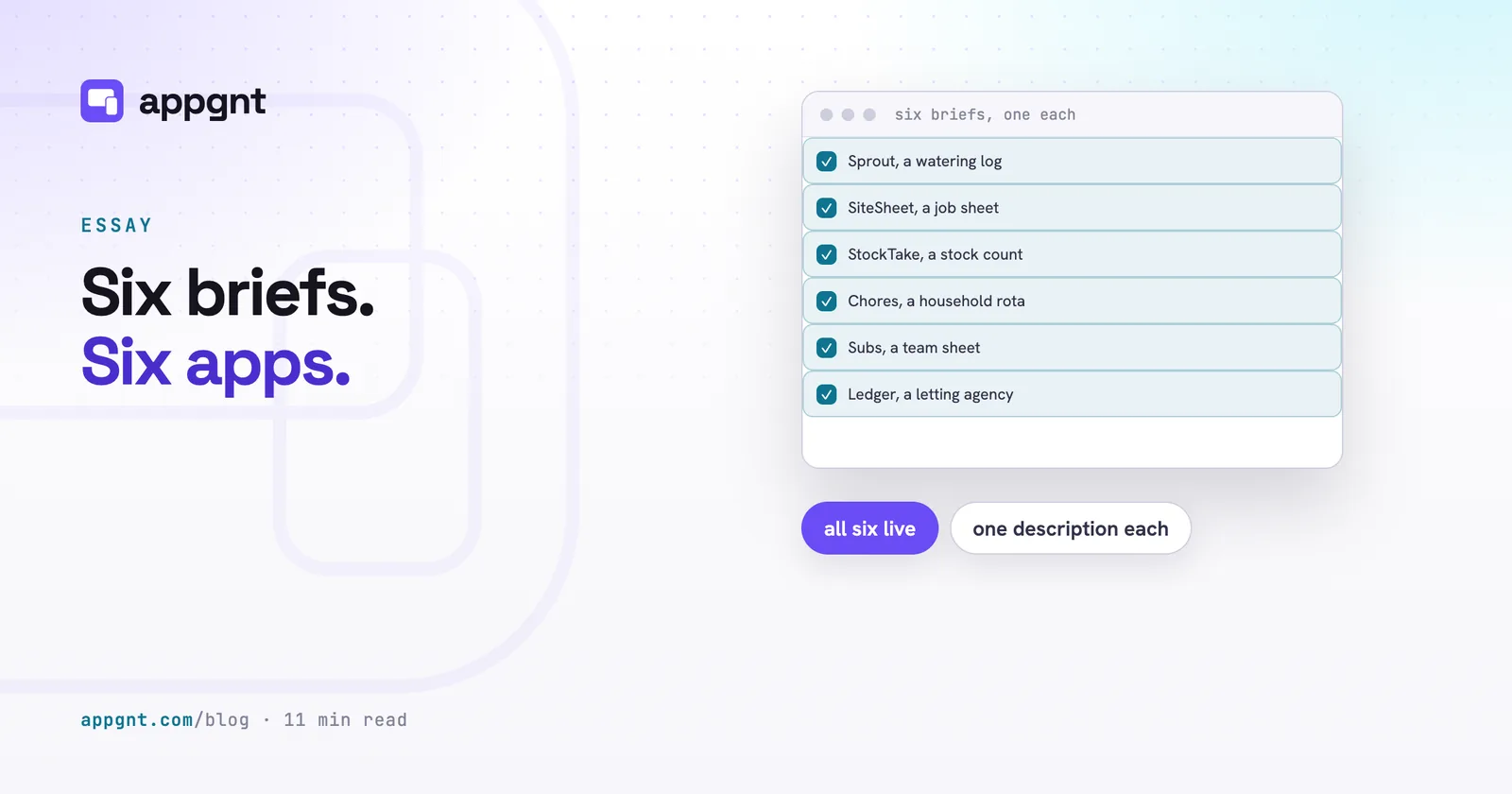
The issue was never the small apps themselves. A small tool that solves an irritating daily friction is entirely worth having. The problem was the balance across the collection. To show what the studio actually builds, we added six new apps that deliberately step through different tiers of complexity.
The ladder of six apps
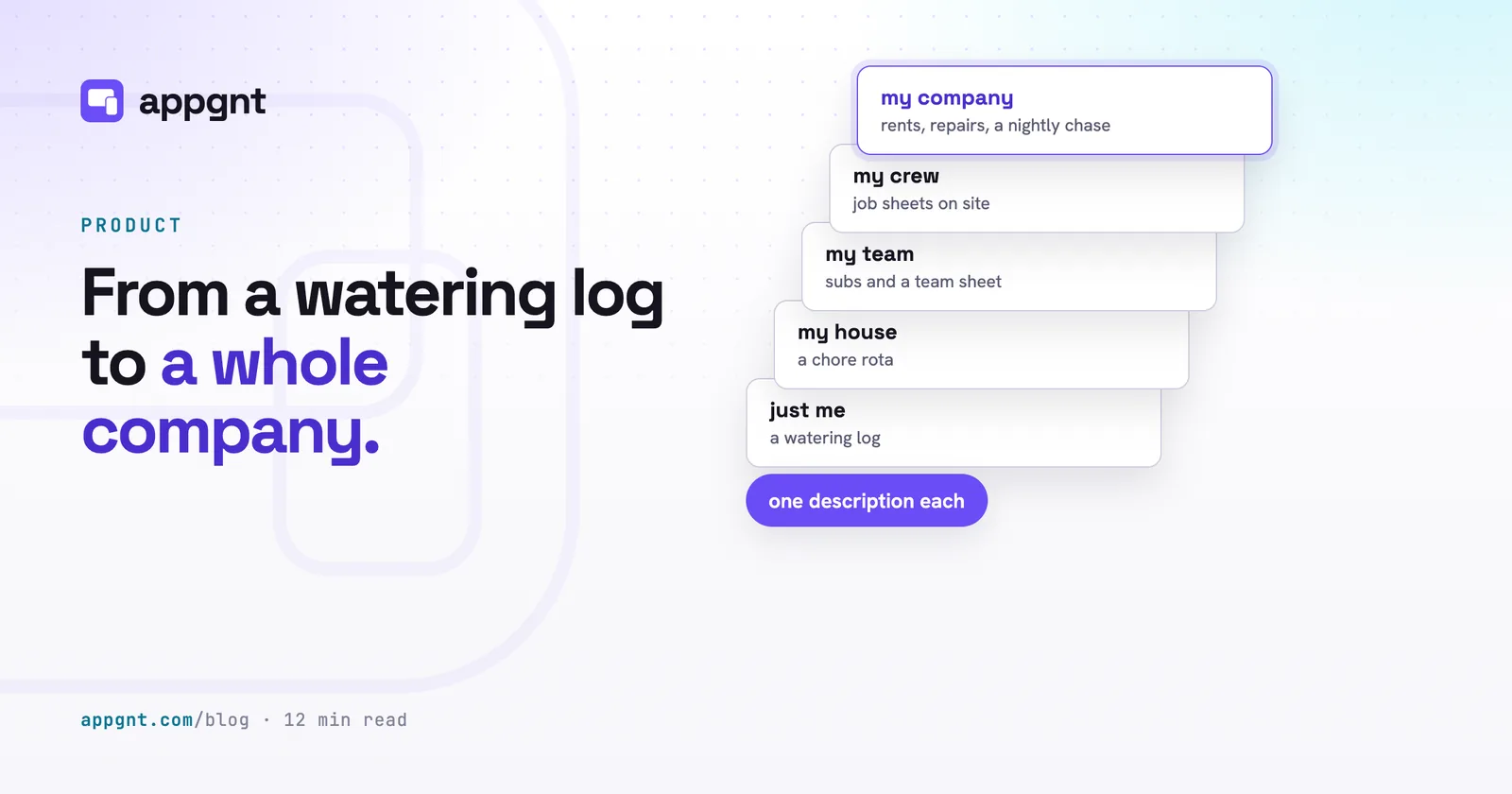
We chose six apps that move from one person to an entire business operation. The sequence is the demonstration. Each step adds another layer of responsibility, yet every one of them started as a plain description in the studio.
The six examples cover this ladder:
- One person: a houseplant watering log that tracks care routines on a single phone.
- A household: a chore rota that coordinates tasks between flatmates or family members.
- A club: a five-a-side football team sheet that tracks who is playing, subs, and match fees.
- A crew: a field job sheet that records notes, site photos, and customer sign-off signatures.
- A warehouse: a stock count tool designed for walking cold storage aisles with no reception.
- A letting agency: a multi-role property system managing tenancies, rent, tenant repairs, and automated nightly arrears notices.
If you are planning your own project, looking at what kind of apps can you build helps you see where your idea fits on this scale. The same engine handles every rung on that ladder.
When an app needs accounts and when it should stay local
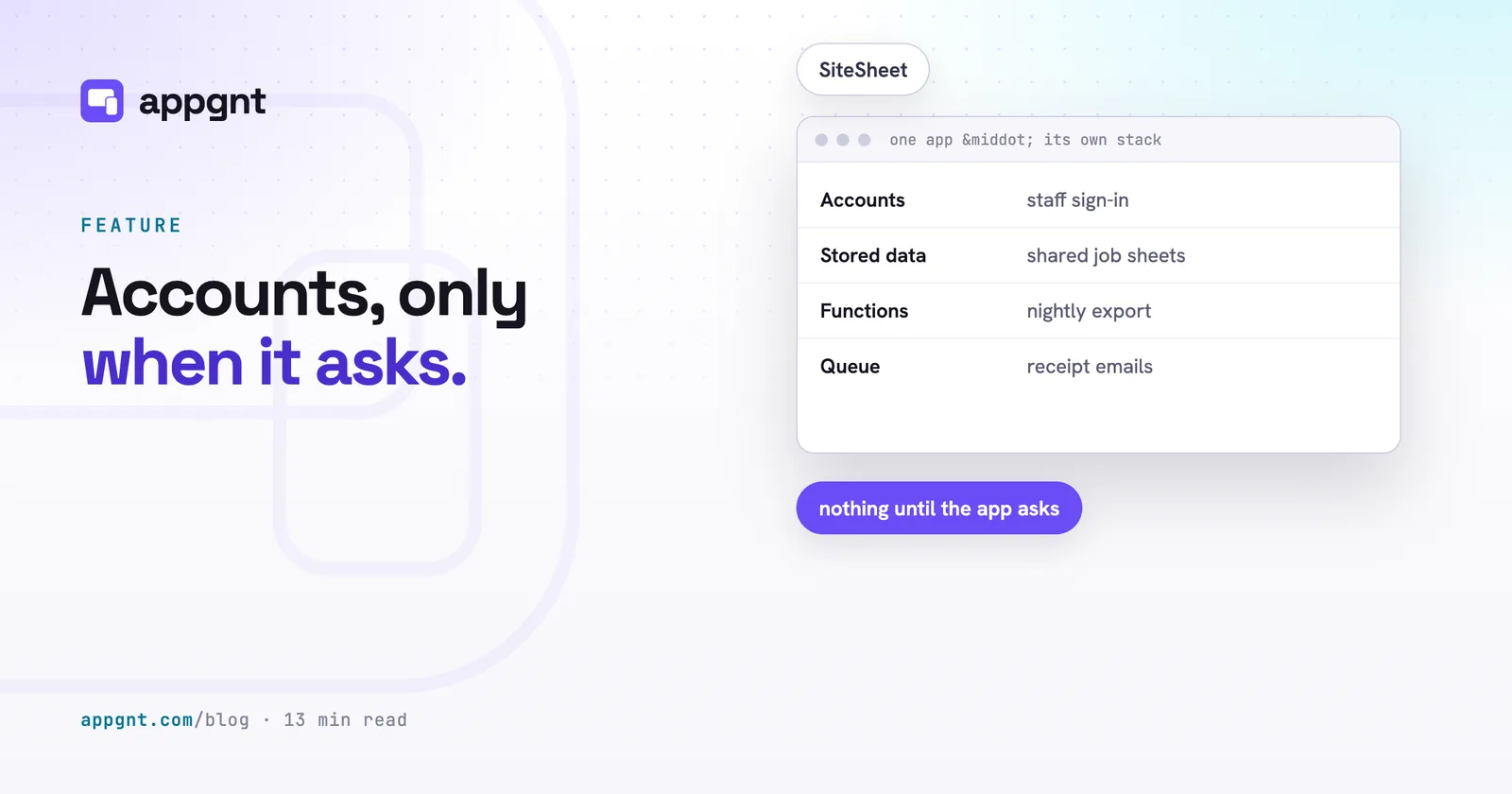
The single choice that shapes your build most is whether the app requires user logins and a hosted backend. Three of our six apps store everything directly on the handset, and three use a backend. Storing data locally is not a compromise. It makes the app open instantly, works without a network connection, and avoids unnecessary sign-in screens.
You can read more about how we keep the data on the device for single-user workflows. The houseplant log only needs local storage. The plant owner holds the phone, walks around the flat, and logs water or feed. Nobody else needs access to that data. The warehouse stock count is similar. One person walks an aisle counting boxes. If the phone loses signal behind steel racking, the app cannot stall while waiting on a remote server. It stores the counts locally and exports the result at the end of the shift.
The chore rota sits on the other side of that line. It requires shared data because four people in one flat need to look at the same board. The whole purpose of a shared rota is settling the question of whose turn it is to empty the bins. If each phone kept its own private tally, the tool would fail at its core task. When you run into that requirement, you can learn when your app needs accounts and a backend to plan your setup.
| App | Scope | Backend accounts needed | Why |
|---|---|---|---|
| Houseplant log | One person | No | Single handset, fast local entries, no sharing |
| Chore rota | Household | Yes | Multiple flatmates must view the same live task board |
| Five-a-side sheet | Sports club | Yes | Team members must update availability and payments together |
| Trade job sheet | Working crew | No | Kept on the engineer handset; exported as completed records |
| Stock count | Warehouse | No | Offline reliability in metal aisles without network dropouts |
| Letting agency | Business | Yes | Separate permissions for tenants, managers, and scheduled scripts |
What went into each brief
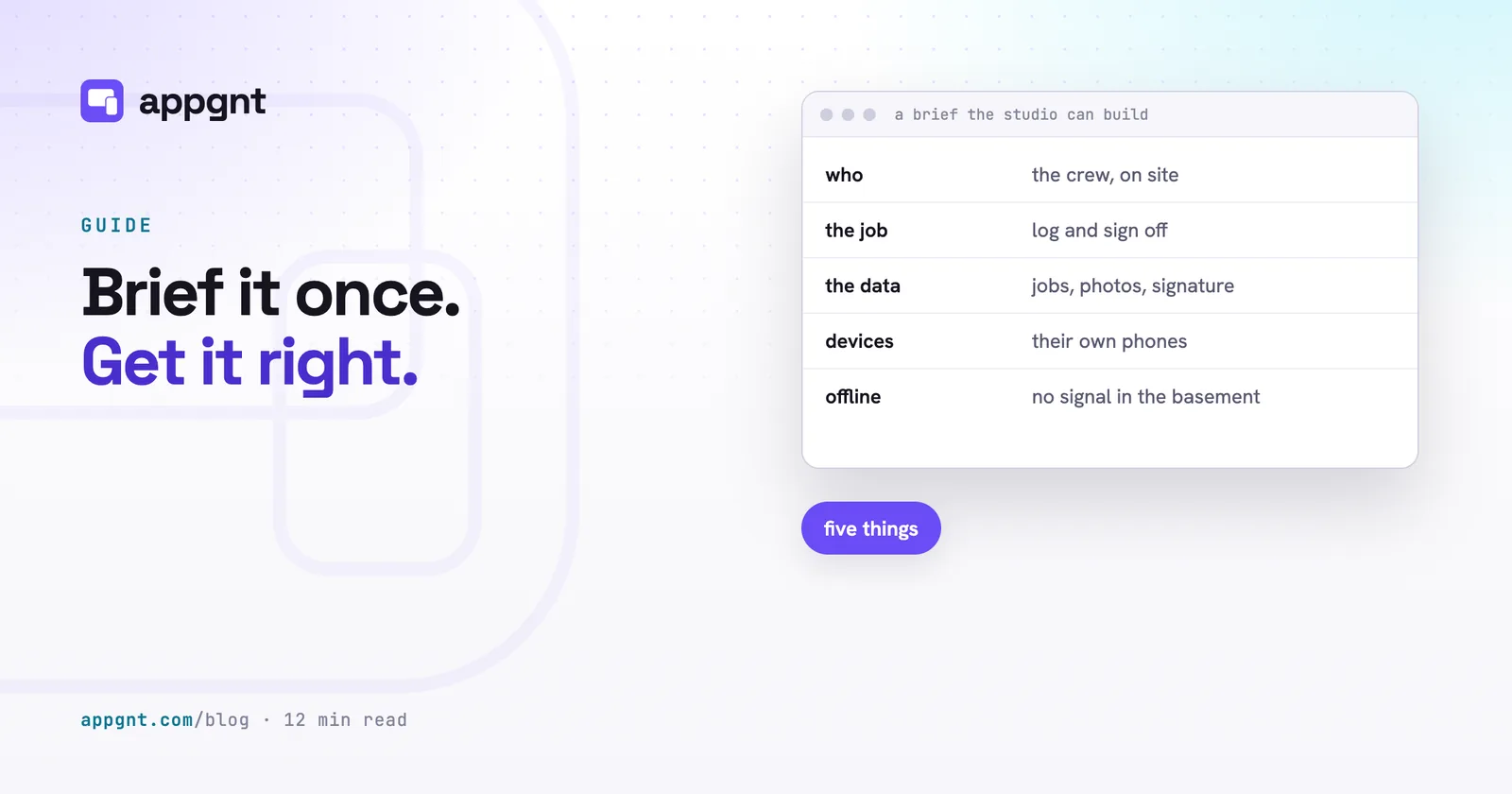
Writing a brief does not mean learning technical vocabulary. It means describing real-world conditions clearly so the studio knows what constraints matter. We used the same six elements in each prompt:
- Who holds the device and where they are standing.
- The single primary job the app must complete.
- The exact nouns the user thinks in, not generic database terms.
- The target screens and hardware capabilities needed.
- What the software should do when network connectivity drops.
- The strict rules for what must never happen to the records.
For the houseplant log, the nouns were simple: a plant name, the room it lives in, a photograph, a watering interval, an optional feeding interval, and an action history so an accidental tap on "done" can be undone. We left out soil chemistry, humidity percentages, and pot measurements because they get in the way of a daily habit.
For the five-a-side football organiser, the brief stayed equally grounded. It tracked player names, whether each person was in or out, match fee payments, and who needed a lift to the pitch. We deliberately omitted league tables, player positions, and tactical diagrams. A good brief solves the immediate operational headache rather than piling on decorative features. If you are preparing your first draft, our guide on how to brief an app walks through this structure in detail.
The phrase that did the most work
The instruction that prevented the most problems across all six builds was the line specifying what must never happen. Most people describe what they want to see on the screen, but they forget to explain what the app should forbid. Without negative rules, software often defaults to behaviors that cause data loss or confusion in real life.
Two examples from our briefs show how much heavy lifting this single sentence accomplishes:
First, on the field job sheet, the brief stated: "Nobody can edit a job after it has been signed by the client." In response, the studio built an immutable record. Once a signature is captured on the canvas, all form fields switch to a read-only state. The record cannot be quietly altered on the van ride back to the office.
Second, on the warehouse stock count, the brief stated: "A counted line is never overwritten by reloading the master product list." That produced an import routine that cross-checks incoming barcode lists against existing counts. If a line has an active tally, the software preserves the local count and prints a clear message showing how many existing records were protected. A worker refreshing their catalog mid-shift will never erase three hours of manual counts in the racking.
Handling multi-role tools and background automation
At the top of the ladder sits the letting agency app. It coordinates multiple groups of people with distinct needs, alongside tasks that run without human intervention.
Tenants sign in to review their lease dates, check payment histories, and submit repair requests with photos. Letting agents sign in to manage properties, inspect work orders, and review rent accounts across the portfolio. Crucially, the system includes a nightly scheduled script that scans overdue invoices and flags late rent without anyone opening a browser.
Building a multi-role tool like this does not require a different platform. It simply requires a slightly longer conversation. The letting agency app took three chat turns rather than one. The first message created the core property and lease structure. The second added tenant issue submissions. The third turn wired up the nightly arrears check.
Keep your initial message focused on the primary job. Once you have a working base on the screen, treat it as a draft you can speak to directly. Telling the studio what to adjust in plain language is the whole workflow.
When choosing what to build first, pick an operational tool that solves a clear, bounded problem. An interactive app your team can open, test, and tap through will always be worth more than a static picture.
Frequently asked questions
How much technical detail do I need to include in an app brief?
You do not need technical terms, database schemas, or code snippets. Focus on plain descriptions of who holds the phone, the physical environment they work in, the specific nouns they use, and what must happen to the information. Stating what the app must prevent is just as valuable as describing what it displays.
Can an app build start without user logins and add accounts later?
Yes. Starting with local storage allows you to test the core interface, input forms, and data flow on a single screen without configuring sign-in steps. If you later decide multiple people must view or edit the same records, you can instruct the studio to add user accounts and a cloud backend in a follow-up message.
Why should a warehouse or stock tool avoid cloud storage?
Physical stock counts frequently take place in basements, steel racking aisles, or rural facilities where cellular and Wi-Fi connections drop out. Keeping the data local guarantees the app will not freeze, lag, or lose entered counts when reception disappears. The completed counts can be exported cleanly once the worker returns to a reliable network.
What makes a field job sheet different from a regular digital form?
A field job sheet must handle harsh real-world conditions like intermittent mobile signals, camera input for site photos, and touch signatures. It also requires firm data protection rules, such as locking down the entire record so prices, times, and notes cannot be edited once a client has signed off on site.