Where your app lives first
Your app begins its life as a web application in a standard, ordinary project. Every single instruction you send in the studio chat updates this web codebase first.
After each prompt, the studio builds the code and tests the change at phone, tablet and desktop sizes before you see it. It confirms that the page renders, no requests fail, and no hidden errors fire in the background. Errors and broken layouts are fixed first. The studio then publishes the build to a live web address at appgnt.com/a/<slug>/.
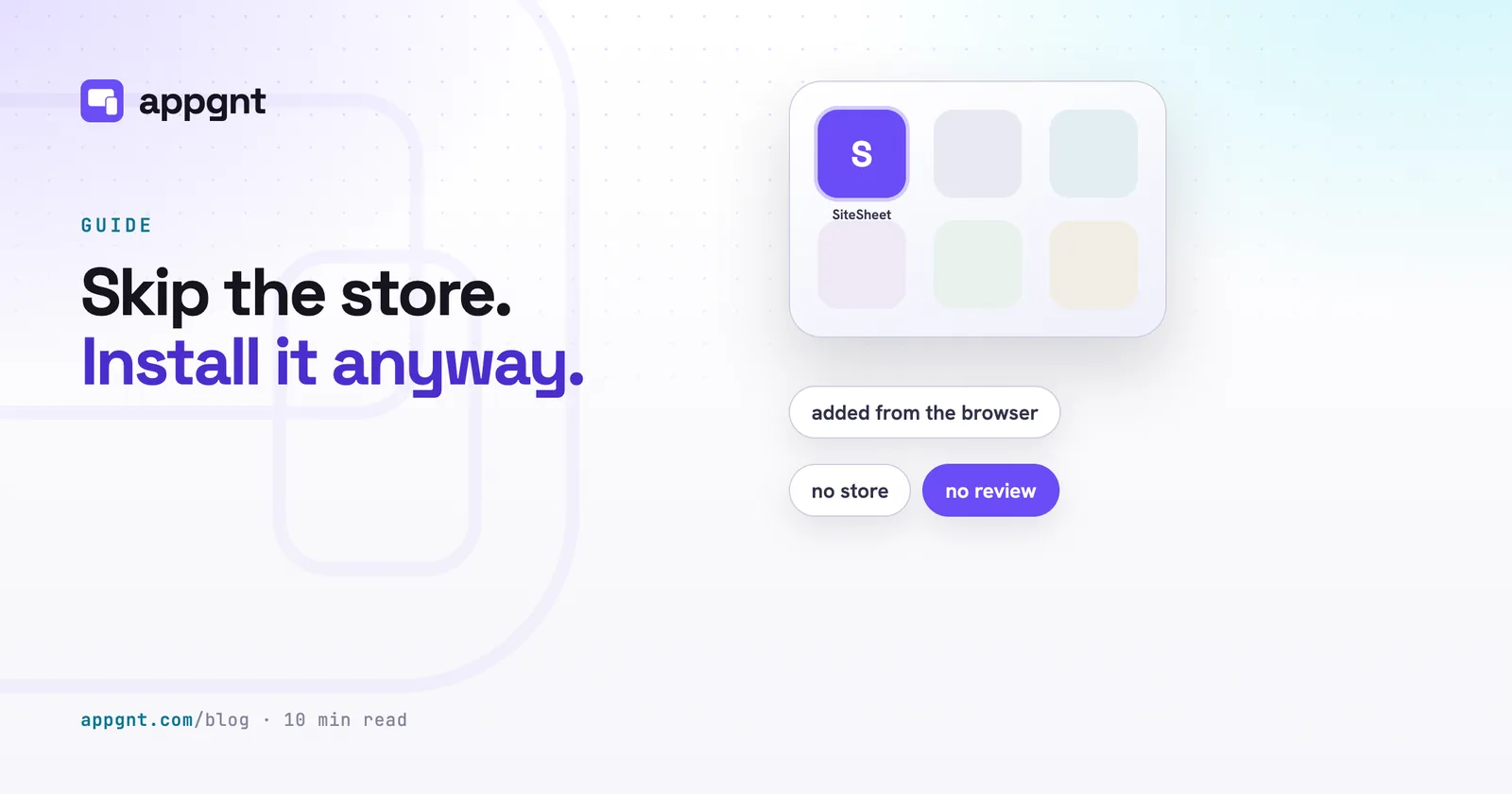
Because it includes a web app manifest and a service worker, this build is immediately installable. You can open it in Safari on an iPhone or Chrome on an Android handset and tap Add to Home Screen. For a household chore rota, a five-a-side team sheet, or a quick field log for a job crew, you can stop right there. You can learn more about how this works in our guide on how to install from the browser with no store needed.
How phone apps turn native
Your app becomes a pair of native mobile apps only when you ask for them. Clicking Build native phone apps in the studio, asking the chat agent, or triggering the command through our MCP server starts the porting process.
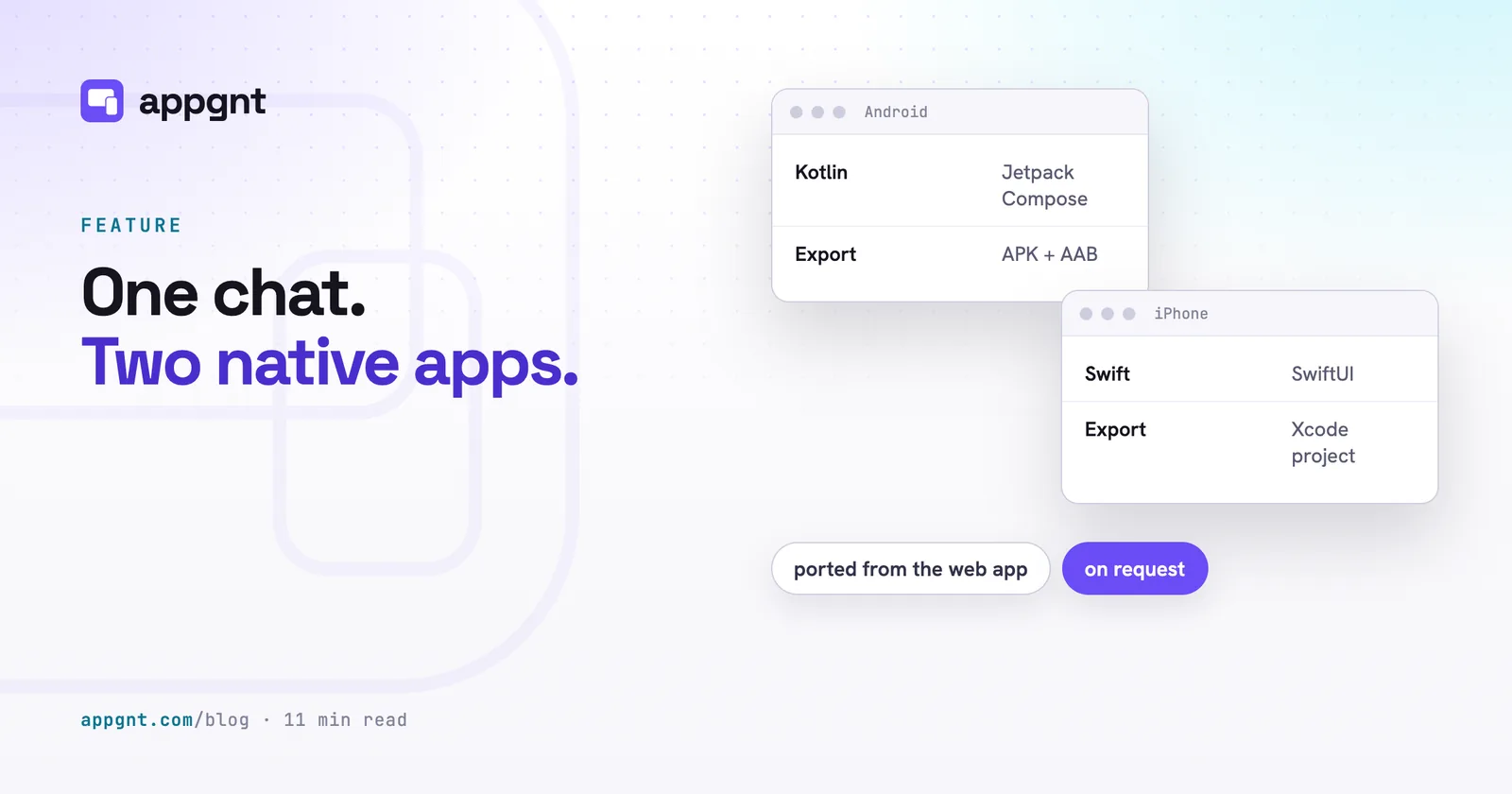
The agent reads your working web application and translates its structure into two brand new codebases. For Android, it writes native Kotlin code using the Jetpack Compose toolkit and Material 3 design rules. For iOS, it writes native Swift using Apple's SwiftUI framework. It ports your screens, your colour scheme, your layout hierarchy, your local storage keys, and your device hardware permissions.
This translation happens on demand rather than after every individual chat message. That distinction matters for speed. You can spend an entire evening refining forms, tables, and buttons on the web app without waiting for mobile compilers. Once the web app works the way you want, you tap the button to port the changes over. When you make further tweaks to the web app later on, future ports only translate the parts that changed.
If you have not clicked the button to generate native code, your phone exports do not disappear. Instead, the studio packages your web application inside a phone app wrapper. The wrapper works well for internal tools, but it is not native code. For an in-depth breakdown of how the translated code works, see our guide on native phone apps with Kotlin and SwiftUI.
What native changes for the person holding the phone
Native code gives the user interface the exact physics, touch responses, and standard controls of the underlying operating system. An Android user gets Material switches and bottom sheets. An iPhone user gets native iOS navigation stacks and familiar wheel pickers.
Performance also improves. While modern mobile browsers are quick, a native interface renders directly through the platform's graphics pipeline without a browser engine sitting in the middle. Lists with hundreds of inventory items, shift logs, or pitch bookings scroll smoothly without stutter.
The other major difference is store approval. Apple has strict rules about web packaging. Under Guideline 4.2 of the App Review Guidelines, Apple routinely rejects apps that are merely repackaged websites with minimal native functionality. A dedicated SwiftUI application avoids this trap because it uses the platform's native interface layer from top to bottom.
Device features also run through native channels. In the web build, the app uses standard browser APIs to request your location or fire a notification. In the native builds, the application speaks directly to Android and iOS system APIs for the camera, file system, notification tray, and share sheets.
What stays the same across every device
Going native does not alter the fundamental job your application does, nor does it split your data into separate silos. The application logic, your user records, and your database schema remain uniform.
If your app uses the hosted backend, every platform connects to the identical infrastructure. Your user accounts and your records live in a backend isolated for your app alone. The native Kotlin and SwiftUI applications communicate with this backend using a small, lightweight client that makes plain HTTPS calls to the appgnt API. A warehouse worker updating stock levels on an Android phone updates the exact same record that a manager sees on an office PC running the desktop app.
If your app stores information locally on the device (like a private habit tracker, a personal diary, or a simple tally counter) it stays local everywhere. The web version writes to browser storage, while the mobile versions write to native device storage.
How the files get exported and compiled
Exporting an app happens in our cloud build farm, though the technical requirements differ by platform.
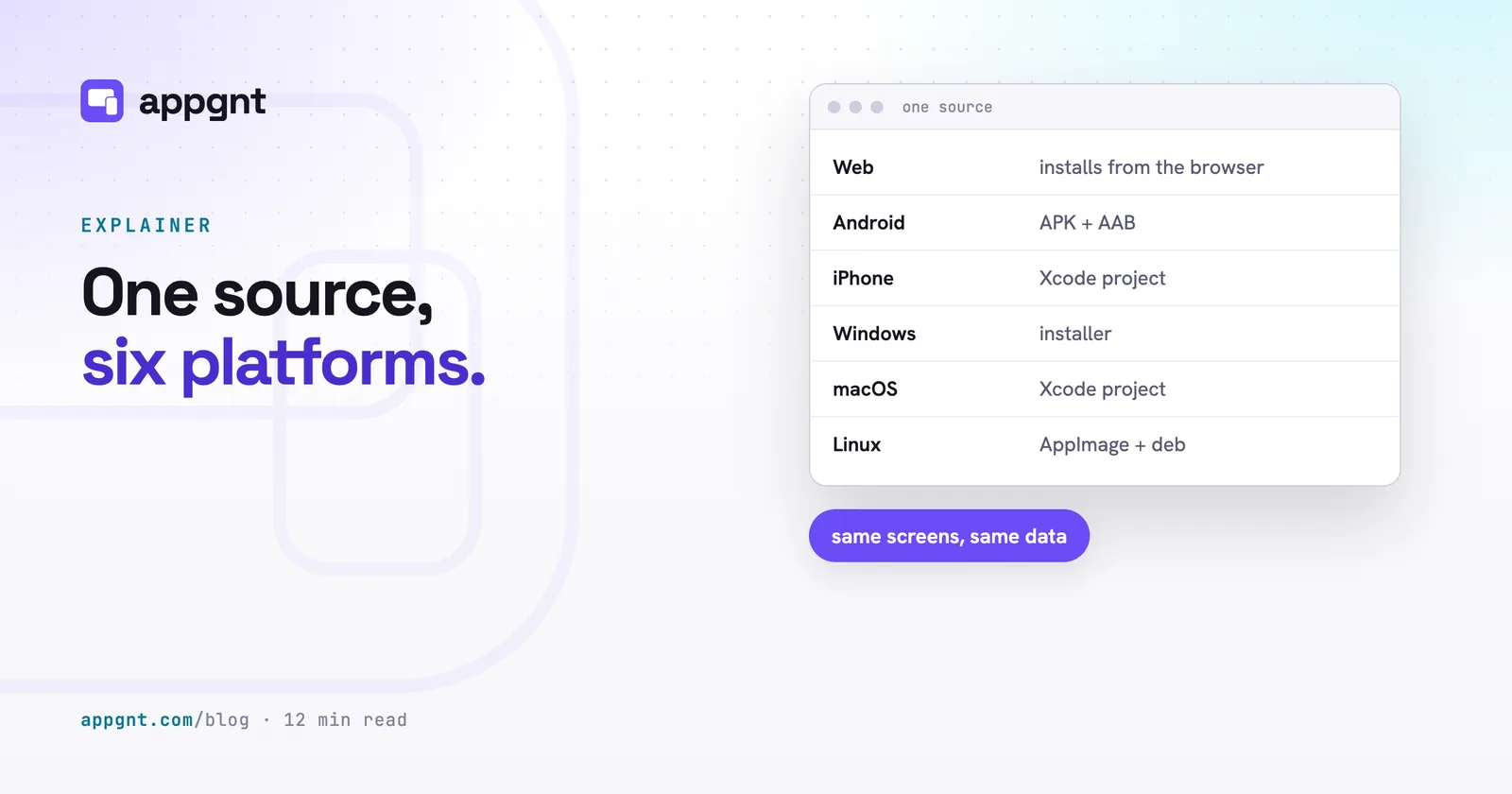
| Platform | What you receive | Where it builds | What you need to run it |
|---|---|---|---|
| Web | Hosted URL and Progressive Web App | appgnt cloud | Any modern web browser |
| Android | Debug APK, signed release APK, and Play Store AAB | appgnt cloud | An Android phone, or a Google Play account to publish |
| iPhone & iPad | SwiftUI Xcode project with build instructions | Your Mac | A Mac running Xcode |
| Windows | Standalone setup installer (.exe) | appgnt cloud | Windows 10 or newer |
| Linux | AppImage and Debian package (.deb) | appgnt cloud | Any modern Linux distribution |
| macOS | Desktop project with build instructions | Your Mac | A Mac |
Android apps compile completely in the cloud. The studio compiles it in a dedicated build to produce a debug APK for testing, a signed release APK for direct distribution, and an Android App Bundle ready for upload. We generate and securely store a unique signing key for your app so updates match. If a native Kotlin build hits an unexpected compilation bug, the studio automatically falls back to the wrapped build so you still walk away with an installable file. You can read the full submission steps in our guide on how to publish your app to Google Play.
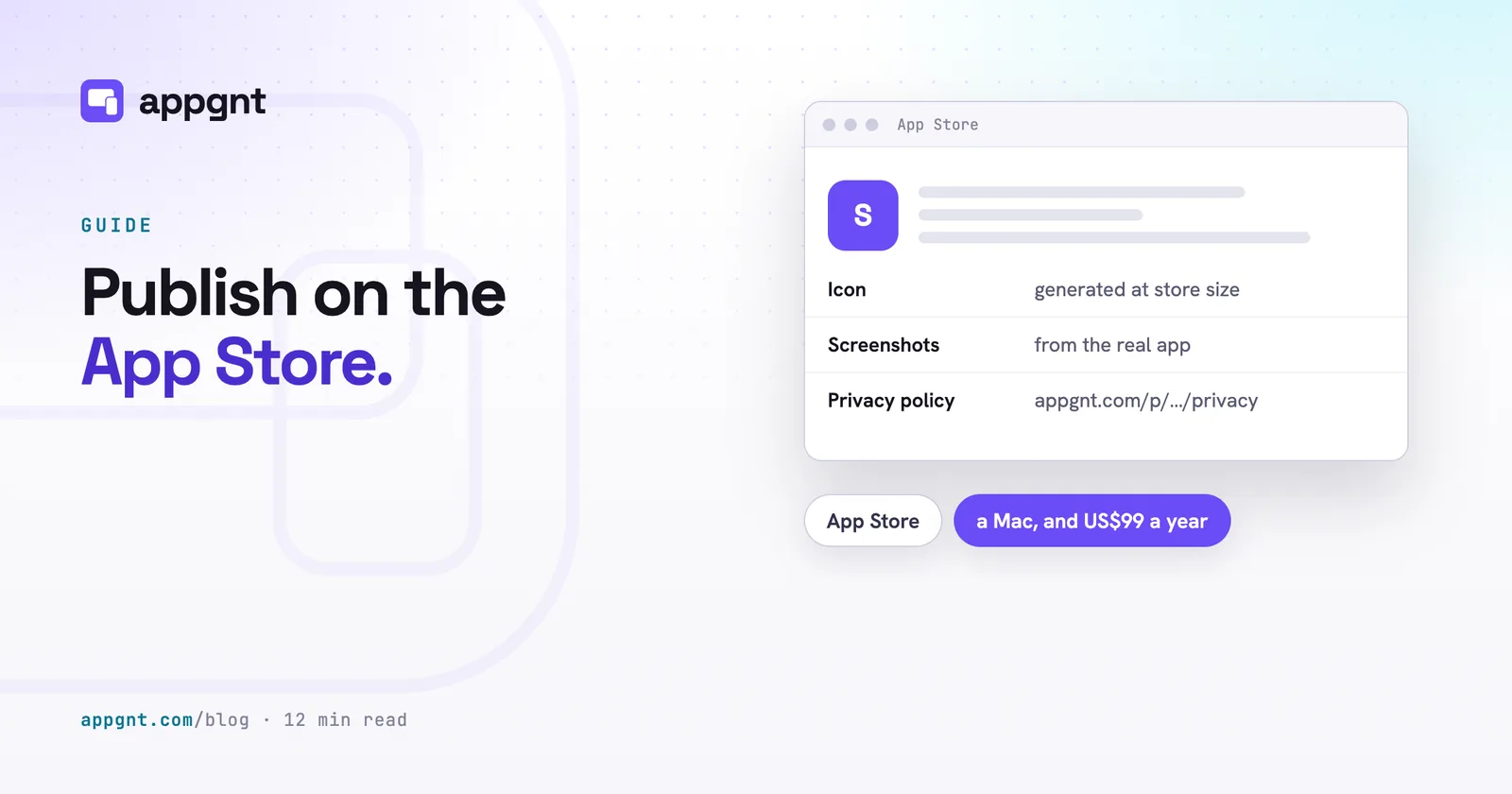
Apple software requires an Apple computer to build. Because our cloud servers do not run macOS, the studio provides your iOS app as a clean zip file containing the complete Xcode project and a setup guide. You open this project in Xcode on a Mac, connect your developer account, and submit it. The agent writes this Swift code structurally without running an internal compiler. If Xcode throws a syntax error or a missing import when you first hit build, you can paste that terminal error straight into the studio chat. The agent will read the error and correct the Swift file, and you export a fresh project zip. Our walkthrough on how to publish your app to the App Store covers the rest of the review process.
Desktop versions for Windows, macOS, and Linux do not bundle a heavy browser with your app. Instead, each one is a tiny native program that displays your app using the web engine already built into the operating system. We cross-compile the Windows installer and Linux packages on our servers. The macOS desktop app comes as a source bundle ready to build on your Mac.
The honest limits you should know up front
We prefer to be explicit about what the platform cannot do.
First, the studio agent cannot run or take screenshots of your native mobile apps during conversation turns. Every preview screenshot and automatic test during your chat sessions runs against the web app. The Kotlin and Swift codebases are verified through structural parsing, not an active emulator.
Second, maintaining native apps requires an extra click. When you ask the agent to add a column to your rota or change a button colour, that edit immediately appears on your web app. It does not automatically jump into the Kotlin and Swift code until you tap Build native phone apps again.
Third, hardware and store accounts remain your responsibility. If your app requires push notifications, you must register your own accounts with Apple and Google Firebase so the keys belong to you. Background processing has platform limits as well. While a native mobile app can schedule system alarms, exact alarms on modern Android versions require the user to grant an explicit toggle in their device settings, and web browser tabs will pause execution when closed or hidden.
Finally, you are never locked in. You can download the complete source code at any stage. You receive the standard web project, the desktop projects, the Android Kotlin project, and the iOS SwiftUI project. Any software developer can open those folders in Android Studio, Xcode, or Visual Studio Code and keep working.
Frequently asked questions
Do I have to pay for two separate mobile builds?
No. A single appgnt project covers the web build, the native Android app, the native iPhone app, and all three desktop platforms. You describe your idea once, and the studio generates the native codebases on demand from that same project.
Will Apple accept my app if it was created through appgnt?
Yes, provided your app offers real utility and follows Apple's standard review policies. Because appgnt writes genuine SwiftUI code rather than packaging a website in a generic web wrapper, the thin-wrapper objection under Guideline 4.2 does not apply to your iPhone build.
Can people use my software without downloading it from an app store?
Yes. Every app publishes immediately as an installable progressive web app at its own web address. Anyone on a phone, tablet, or desktop computer can open your link, use the application instantly in their browser, and save it directly to their home screen without visiting Google Play or the App Store.
Can I edit the code myself after downloading it?
Yes. You can download a complete zip archive of your project at any time. The archive contains an ordinary, standard web project, standard Kotlin files for Android Studio, a standard SwiftUI project for Xcode, and the desktop projects. Any developer can open and edit these files using standard tools.